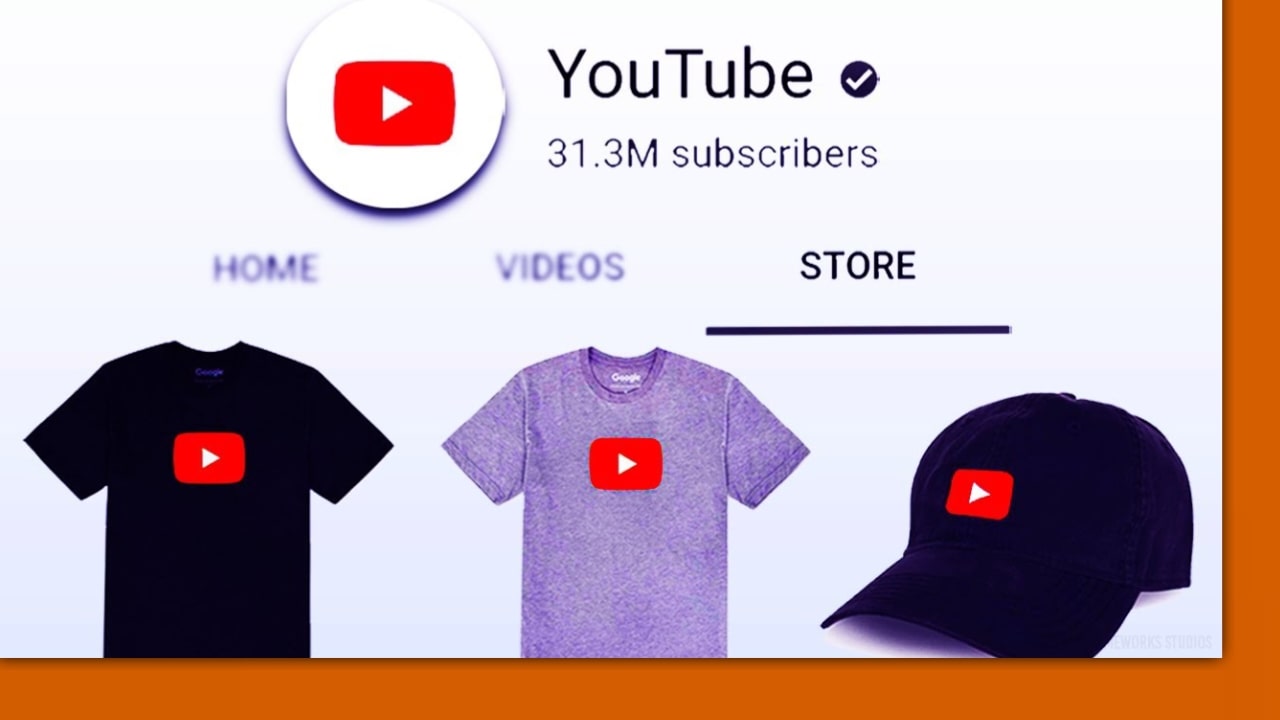
YouTube has officially launched its Shopping affiliate program in India, enabling creators to tag products from Flipkart and Myntra in their videos, Shorts, and Livestreams. Eligible creators in the YouTube Partner Program with over 10,000 subscribers can now earn revenue through competitive commission rates by tagging products directly via YouTube Studio.
As part of its strategic expansion into the Indian market, YouTube has announced plans to integrate Flipkart and Myntra into the Indian marketplace. This integration allows creators to crowd-sell products for major brands directly within their content. Previously, YouTube limited creators from India to promote their own online shops only through merchandise videos or content linking. This fresh offering is within the scope of the much-awaited YouTube Shopping affiliate program which has recently been rolled out to eligible users in the country.
To participate, creators typically need to be active members of the YouTube Partner Program and meet specific eligibility criteria, such as having a minimum of 10,000 subscribers. By joining, creators gain access to new revenue streams driven by varying commission rates offered by the retail partners.
The supporting video interface and its description pages inform viewers about the tagged items, often indicated by a shopping bag icon or product overlay. A click on the product will redirect viewers to the product list on Flipkart, Myntra, and other platforms to enable them to make an instant order.
Also Read: Are Smart phone Cameras as good as a DSLR?
The concept of this feature is to allow the user to engage with the product easily across all content formats, including long-form videos, Shorts, and Livestreams. For instance, when a creator speaks about a specific product, that product can be hyperlinked directly using the tagging tools in YouTube Studio. For any inquiries about costs and the product’s availability, users are not required to exit YouTube immediately to find details. If you wish to purchase it, you just need to click a button instead of manually searching the internet.