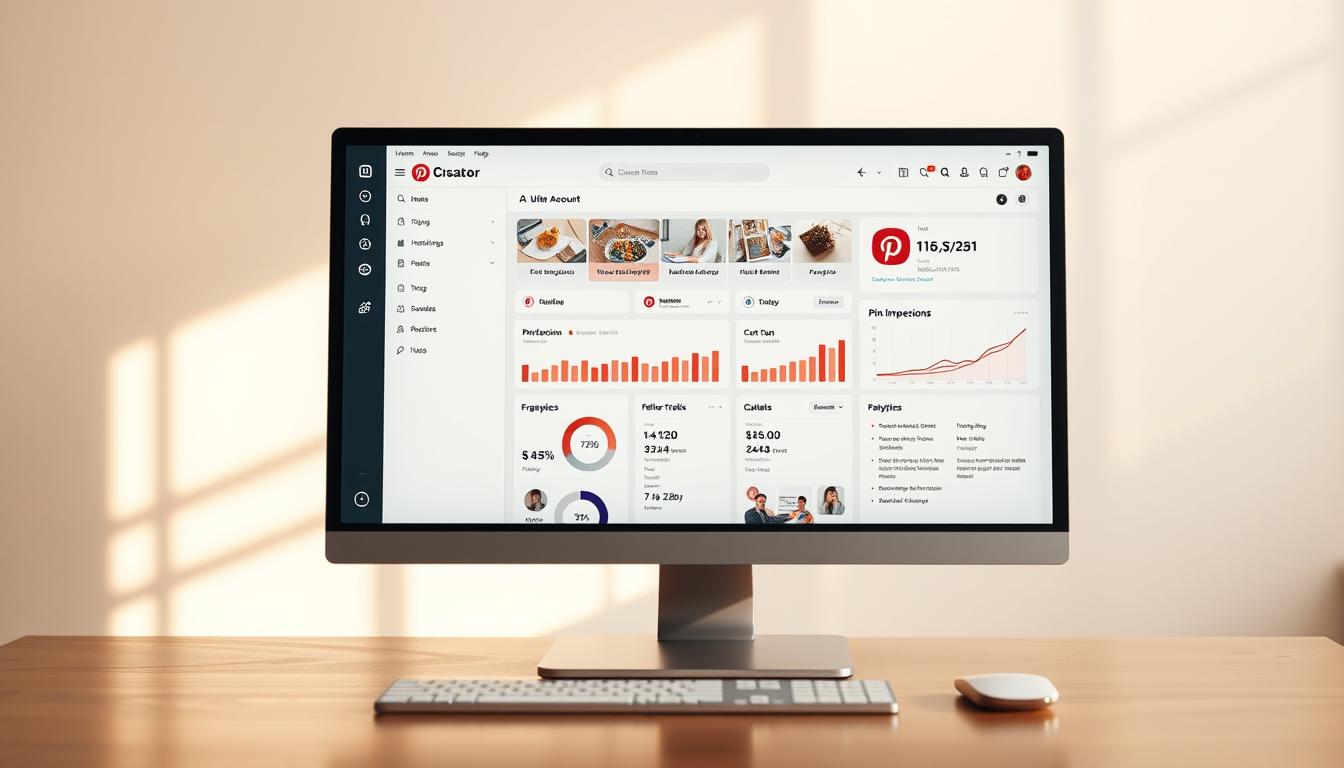
Switching to a Pinterest Business Account is the first step for creators to unlock professional tools like Pinterest Analytics, the Creator Hub, and Rich Pins. This account type enables advanced content formats like Video Pins and monetization features such as Shoppable Pins and affiliate links, while helping you leverage Pinterest Trends to maximize reach.
Did you know that over 433 million people use Pinterest every month to discover and save ideas?
This presents a vast opportunity for content creators to increase their online presence. By switching to a Pinterest Business Account, you can significantly boost your reach and drive more traffic to your content. As Pinterest continues to evolve its platform to better support creators, making the switch has become more beneficial than ever.
With a Business Account, you’ll gain access to special tools, analytics, and monetization opportunities that can take your online presence to the next level. Whether you’re a seasoned creator or just starting out, understanding the benefits of a Business Account is crucial for maximizing your impact on this unique social media platform.
Key Takeaways
- Discover the benefits of switching to a Pinterest Business Account for enhanced reach and traffic.
- Learn about the exclusive tools like the Creator Hub and analytics available to creators.
- Understand how Pinterest’s evolution supports content creators.
- Find out why now is the perfect time to make the switch.
- Get insights into the unique features of Pinterest as a platform.
What is a Pinterest Business Account?
If you’re using Pinterest for content creation, understanding the benefits of a Pinterest Business Account is crucial. As Pinterest continues to evolve, the platform is placing more emphasis on creators, providing them with specialized tools and features via the Creator Hub to enhance their content and engagement.
Evolution of Pinterest for Content Creators
Pinterest used to focus primarily on the “pinner,” ensuring they had a great experience on the platform. However, in recent years, the term “Creator” has become more prevalent, signaling a shift in how Pinterest supports content creators. Phrases like “Pinterest Creator Program,” “creator platform,” and “creator monetization” are now at the forefront, alongside the push for dynamic formats like Video Pins.
Key Differences Between Regular and Business Accounts
So, what sets a Pinterest Business account apart from a regular account? Here are some key differences:
- Specialized Tools and Features: Business accounts have access to tools designed specifically for content creators, including the Creator Hub.
- Rich Pins: Enable Rich Pins to automatically sync metadata from your website to your Pins, improving click-through rates.
- Enhanced Analytics: Understand your audience better with detailed Pinterest Analytics available exclusively to Business accounts.
- Priority Access to New Features: Be among the first to try out new features and tools, giving you a competitive edge.
- Monetization Opportunities: Unlock potential partnerships and access to funding, opportunities not available to standard account holders.
By switching to a Pinterest Business Account, you position yourself differently in the Pinterest ecosystem, potentially increasing your content’s visibility and engagement.
Benefits of Switching to a Pinterest Business Account
The Pinterest Business Account is designed to help you grow your audience and increase your online visibility. By switching, you’ll gain access to a range of tools and features that can enhance your Pinterest experience.
Enhanced Reach and Visibility
As a Pinterest Creator with a Business account, you’ll have the opportunity to increase your reach. With features like Idea Pins and Video Pins, you can create engaging content that resonates with your audience and expands your online presence.
Access to Pinterest Analytics
With a Pinterest Business Account, you’ll gain access to valuable Pinterest Analytics and audience insights. These tools will help you understand your audience better, track your performance, and make data-driven decisions to optimize your content strategy.
Monetization Opportunities
Pinterest offers various monetization opportunities for creators. You can leverage brand partnerships, affiliate links, and Shoppable Pins to earn income directly through the platform. The Pinterest Creator Fund also provides eligible creators with support to help them create and monetize better content.
How to Switch to a Pinterest Business Account

Switching to a Pinterest Business account is a simple yet effective way to boost your online presence. As a content creator, you’ll have access to more features and insights that can help you grow your brand.
Step-by-Step Account Conversion Process
Converting your existing Pinterest account to a Business account is straightforward. First, ensure you’re logged into your Pinterest account, then navigate to your profile settings. Look for the “Account Management” or “Convert to Business” section and follow the prompts. You’ll need to provide some additional information about your content and expertise.
The conversion process typically involves verifying your account information and selecting categories that best represent your content.
Setting Up Your Creator Profile
Once you’ve switched, it’s time to optimize your profile. Your profile is a crucial element in attracting and engaging with your audience. Here are some key elements to focus on:
- Learn how to optimize your Pinterest Business profile to attract more followers and establish your brand identity.
- Discover the key elements of a compelling bio that communicates your niche.
- Understand how to select the right profile categories to help Pinterest connect you with your target audience.
- Find out how to create and organize showcase boards that highlight your best content.
- See how to leverage your profile to build a cohesive brand presence.
Mastering Idea Pins and Video Pins

Pinterest’s Idea Pins and Video Pins offer a dynamic way to engage with your audience. These formats allow you to share stories and tutorials, making it easier to connect with your followers.
What Are Idea Pins?
Idea Pins are multi-page video or image content. They can include up to 20 frames, interactive elements like product tags, voiceovers, and music. Video Pins are also essential for capturing attention in the feed.
Creating Compelling Content
To create compelling Idea Pins, focus on producing high-quality, engaging content. Use voiceovers, transitions, and interactive elements to make your Pins stand out. Experiment with different formats, such as tutorials, behind-the-scenes content, or product showcases.
Best Practices for Success
To maximize your success, post consistently and use Pinterest Trends to identify high-traffic keywords and seasonal themes. Analyze your performance to refine your content strategy and optimize for both discovery and browse.
Understanding the Pinterest Creator Code
To maintain a positive and inspiring environment on Pinterest, the platform has established the Creator Code. This code is a set of guidelines that creators must agree to before posting Idea Pins.
Guidelines and Requirements
The Creator Code includes several key guidelines that creators must follow. These include being authentic, respecting others, and being safe and kind. By agreeing to the Creator Code, creators commit to maintaining a positive and respectful atmosphere.
How to Maintain Compliance
To ensure compliance with the Creator Code, creators should regularly review their content and interactions. This includes properly crediting sources and collaborators, avoiding sensitive or harmful content, and using Pinterest’s reporting tools to flag violating content.
Monetization Options for Pinterest Creators
As a Pinterest Creator, you’re likely eager to explore ways to monetize your presence. With a growing audience and engaging content, you have a solid foundation to turn your passion into a profitable venture.
Pinterest Creator Fund Overview
The Pinterest Creator Fund is a program designed to support creators in producing high-quality content. By participating in this fund, you can receive financial support to help grow your presence.
Creator Rewards Program
Although the Creator Rewards Program has ended, it previously offered creators the opportunity to monetize their content by creating original Idea Pins. Understanding the principles behind this program can help you adapt to future opportunities.
Alternative Monetization Strategies
You can diversify your income streams by leveraging affiliate links, sponsored content, and Shoppable Pins to sell products. Building brand partnerships and using Pinterest’s shopping features can also generate revenue.
Building Your Community as a Pinterest Creator

As a Pinterest Creator, building a strong community is crucial for your success on the platform. Your community is the backbone of your content’s reach and engagement.
Engaging With Your Audience
Engaging with your audience is vital. Respond to comments on your pins, ask questions, and encourage discussions. By doing so, you’ll create a sense of belonging among your followers. You can also use Idea Pins to engage your audience with interactive content.
Joining the Pinterest Business Community
The Pinterest Business Community (PBC) is an official forum for business account holders. By joining the PBC, you’ll gain access to valuable resources, including product support and Creator Hubs.
Measuring Success as a Pinterest Creator
Measuring success involves more than just tracking views; it’s about analyzing your performance to inform your strategy.
Key Metrics to Track
To measure your success, focus on key metrics such as impressions, clicks, and engagement rates. Impressions indicate how many times your pins have been viewed, while clicks show how many users have visited your website.
Using Analytics to Refine Your Strategy
Use Pinterest Analytics to refine your content strategy. Analyze your top-performing pins to identify patterns and trends. Adjust your content topics, formats, and scheduling based on audience insights and Pinterest Trends.
Conclusion: Is Becoming a Pinterest Creator Right for You?
If you’re looking to diversify your content creation efforts, switching to a Pinterest Business account is worth exploring. As you consider this move, weigh the pros and cons to determine if it aligns with your content goals and business strategy.
Consider the time investment required to create quality Pinterest content, particularly Idea Pins and Video Pins, which demand more production effort. Understand the potential returns on your investment, from increased website traffic to monetization opportunities through the Creator Fund and affiliate links.
To make an informed decision, reflect on whether your content niche and style are well-suited to Pinterest’s audience. By considering these factors, you can determine if becoming a Pinterest Creator is right for you.
FAQ
What are the benefits of having a Pinterest Business profile?
As a Pinterest Creator with a Business profile, you can enjoy enhanced reach and visibility, access to Pinterest Analytics, the Creator Hub, and various monetization opportunities like Shoppable Pins.
How do I switch to a Pinterest Business profile?
To switch, follow the step-by-step account conversion process in your account settings, and then set up your profile to start creating content and engaging with your audience.
What are Idea Pins, and how can I use them effectively?
Idea Pins and Video Pins are dynamic content formats on Pinterest. To use them effectively, focus on creating compelling, high-quality content, and follow best practices like using Pinterest Trends for topic selection.
How can I monetize my Pinterest presence?
You can monetize your Pinterest presence through the Pinterest Creator Fund, as well as by using affiliate links and Shoppable Pins to drive sales.
What are the key metrics to track as a Pinterest Creator?
As a Pinterest Creator, track key metrics such as engagement, reach, and audience insights via Pinterest Analytics to refine your content strategy.
How can I maintain compliance with the Pinterest Creator Code?
To maintain compliance, follow the guidelines and requirements outlined by Pinterest, and stay up-to-date with the platform’s policies.