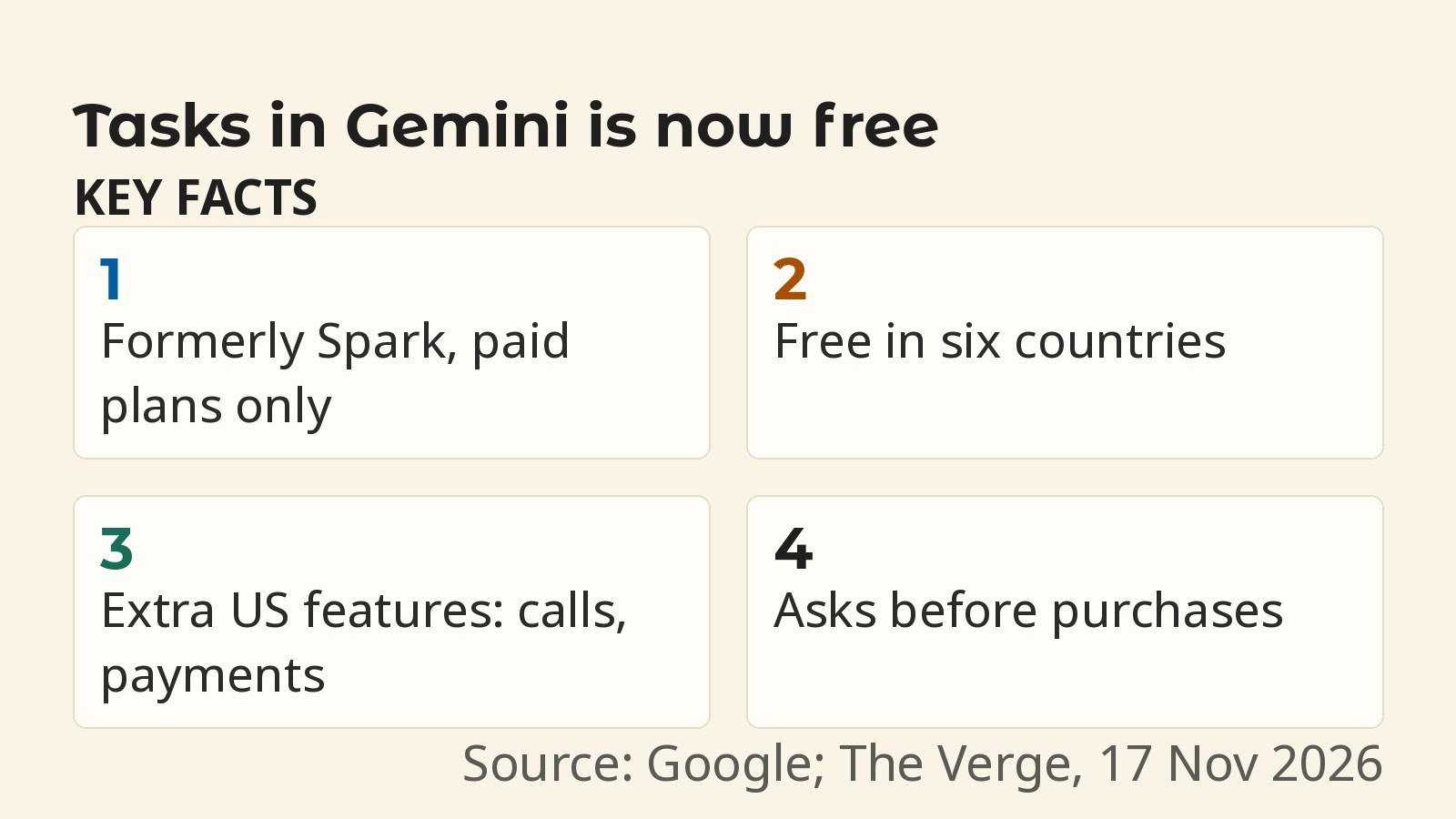
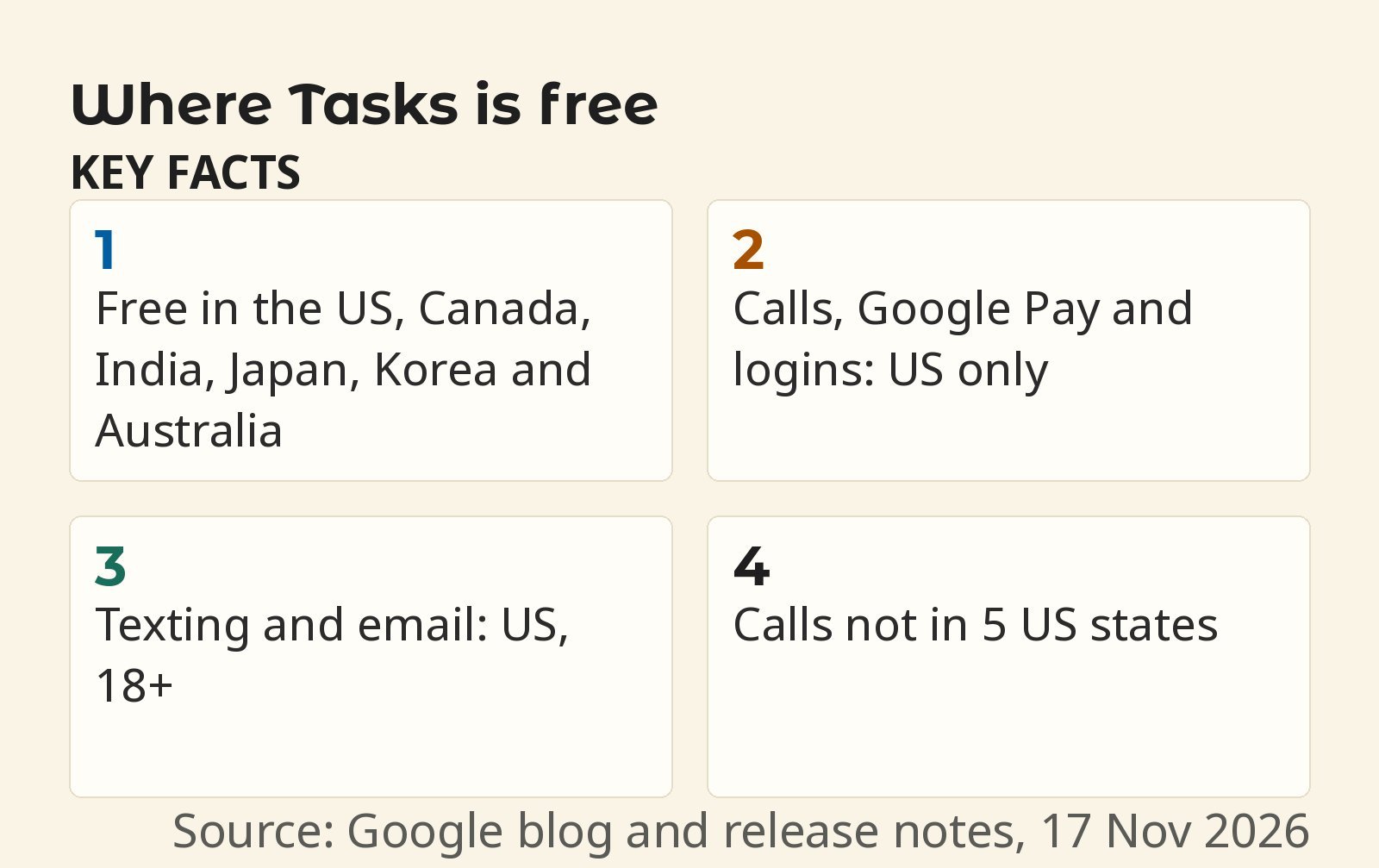
Quick answer: Tasks in Gemini, the agent Google used to call Spark, is now free in the US, Canada, India, Japan, Korea and Australia. You start one by switching the Gemini home screen from Chat to Task. Phone calls, Google Pay checkout, texting and email hand-offs are US-only for now.
Google announced the change in a blog post and its Gemini release notes on 17 November 2026. This explainer also uses Google’s Tasks help page and same-day reports from 9to5Google and The Verge. We have not used Tasks ourselves.
What Tasks in Gemini does
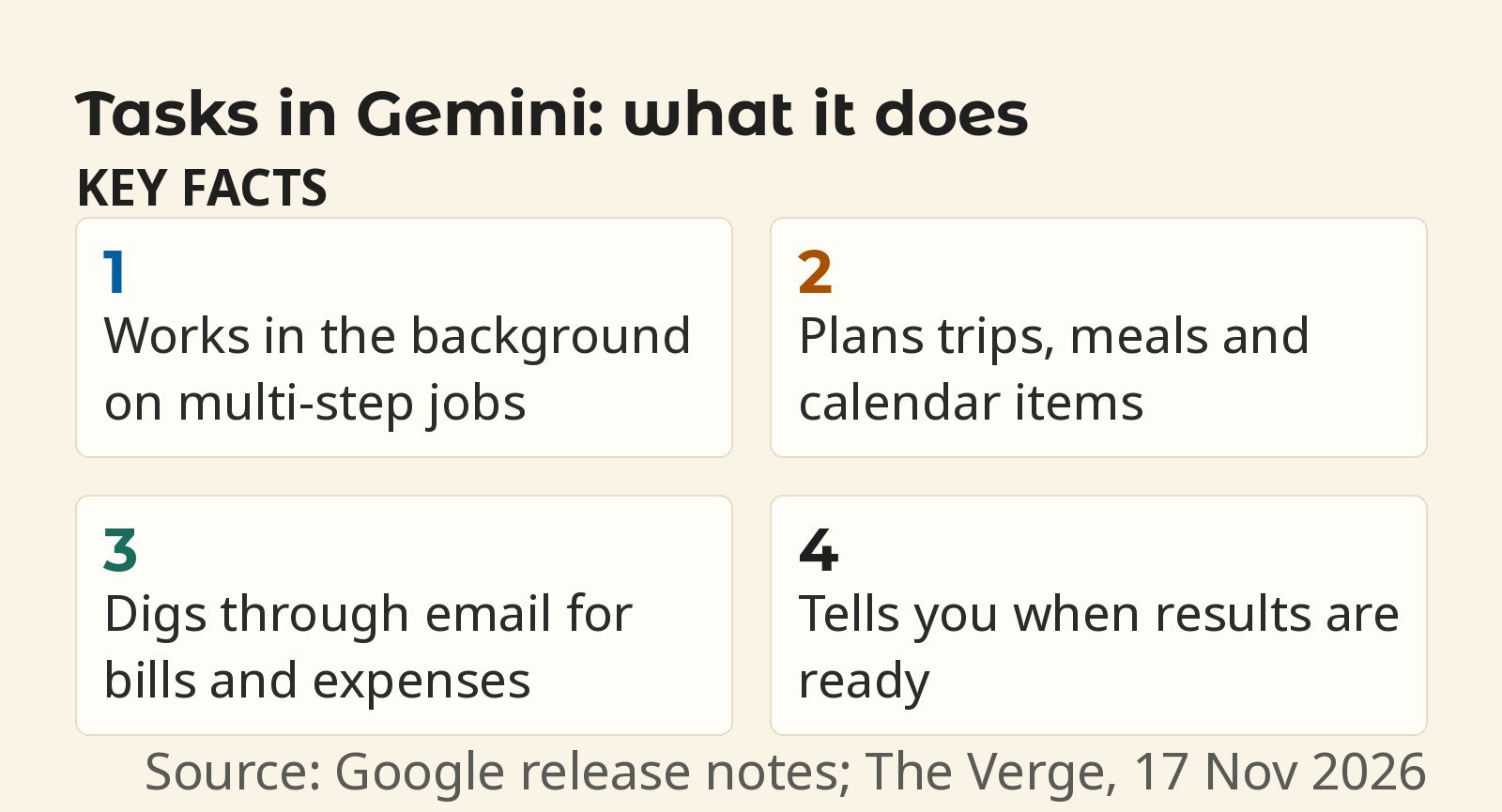
A normal Gemini chat answers a question. A task works in the background on a job with several steps, then notifies you when the results are ready. Google’s examples include a daily briefing from your email and calendar, a trip itinerary and repeated research.
The Verge lists meal plans, calendar management and searching your emails for recurring expenses you might not need. Google says Gemini now connects with more than 60 popular apps.
The feature is not new, but the price is. Google first launched it as Spark in May for paying AI Pro and Ultra subscribers, according to The Verge.
Where it is free, and what stays US-only
Google says the free rollout reaches “hundreds of millions of people” in six countries, running on its new Gemini 4 Hydrogen model. 9to5Google lists the same six: the US, Japan, Korea, Canada, Australia and India.
Google’s Tasks help page adds the limits. You must be 18 or over, sign in with a personal Google Account and have Gemini History turned on. Outside the six free countries, Tasks needs a Google AI Pro or Ultra subscription, and it is not available in the European Economic Area, Nigeria, Switzerland or the UK.
Several advanced features start in the US only:
- Phone calls: Gemini can call businesses to check stock or prices. Google says calling is not yet available in Indiana, Louisiana, Minnesota, Montana and Nebraska.
- Google Pay checkout: Gemini can watch for a price drop and stage a purchase within a limit you set. It is for US users aged 18 or over with personal Google accounts.
- Password Manager sign-ins: Gemini can log in to sites that support Google Password Manager, The Verge reports.
- Texting and email: you can forward emails to gemini@google.com or text Gemini from Google Messages or iMessage. Texting needs a verified US number with an eligible carrier.
How to start a task
Google, 9to5Google and The Verge all describe the same switch. 9to5Google says it sits above the prompt box on mobile and below it on the web.
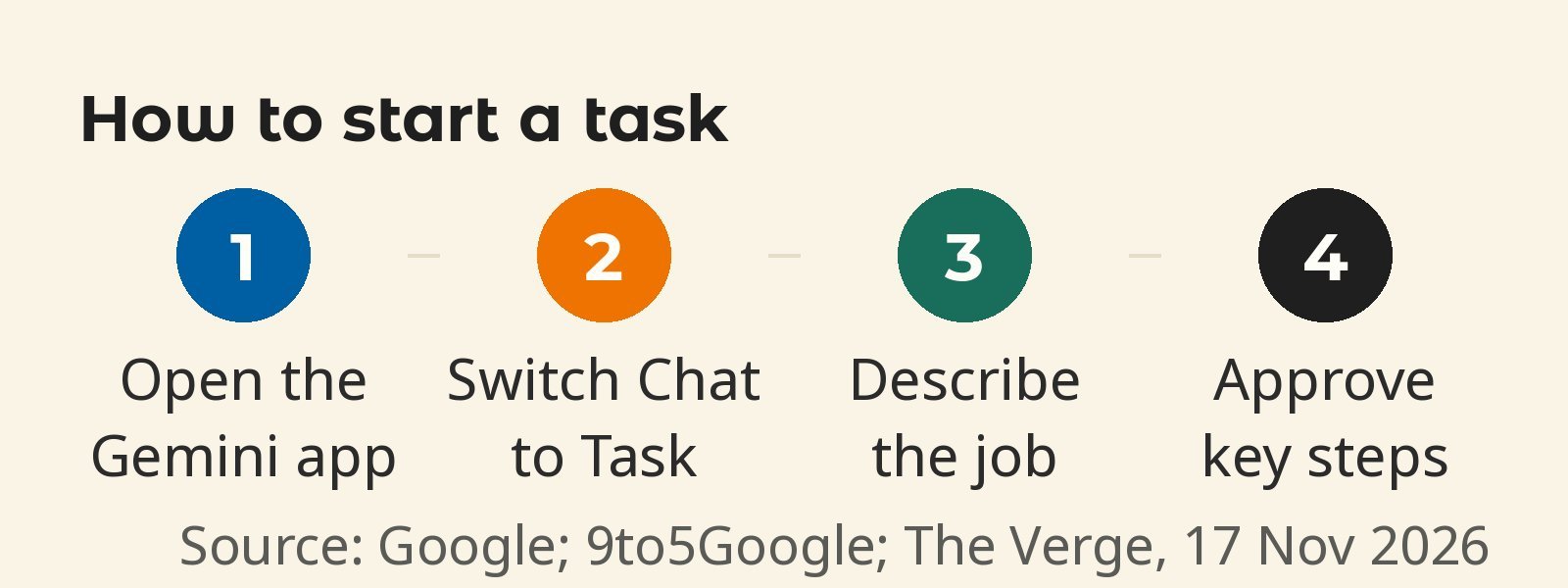
- Open the Gemini app or gemini.google.com.
- Switch the toggle from Chat to Task. The Verge calls the option “Tasks”.
- Describe what you need done, including any price limit for a purchase.
- Answer Gemini’s follow-up questions and approve key steps when it asks.
For texting, Google’s release notes say you opt in once at gemini.google.com/channels and verify your phone number.
What Google says keeps it in check
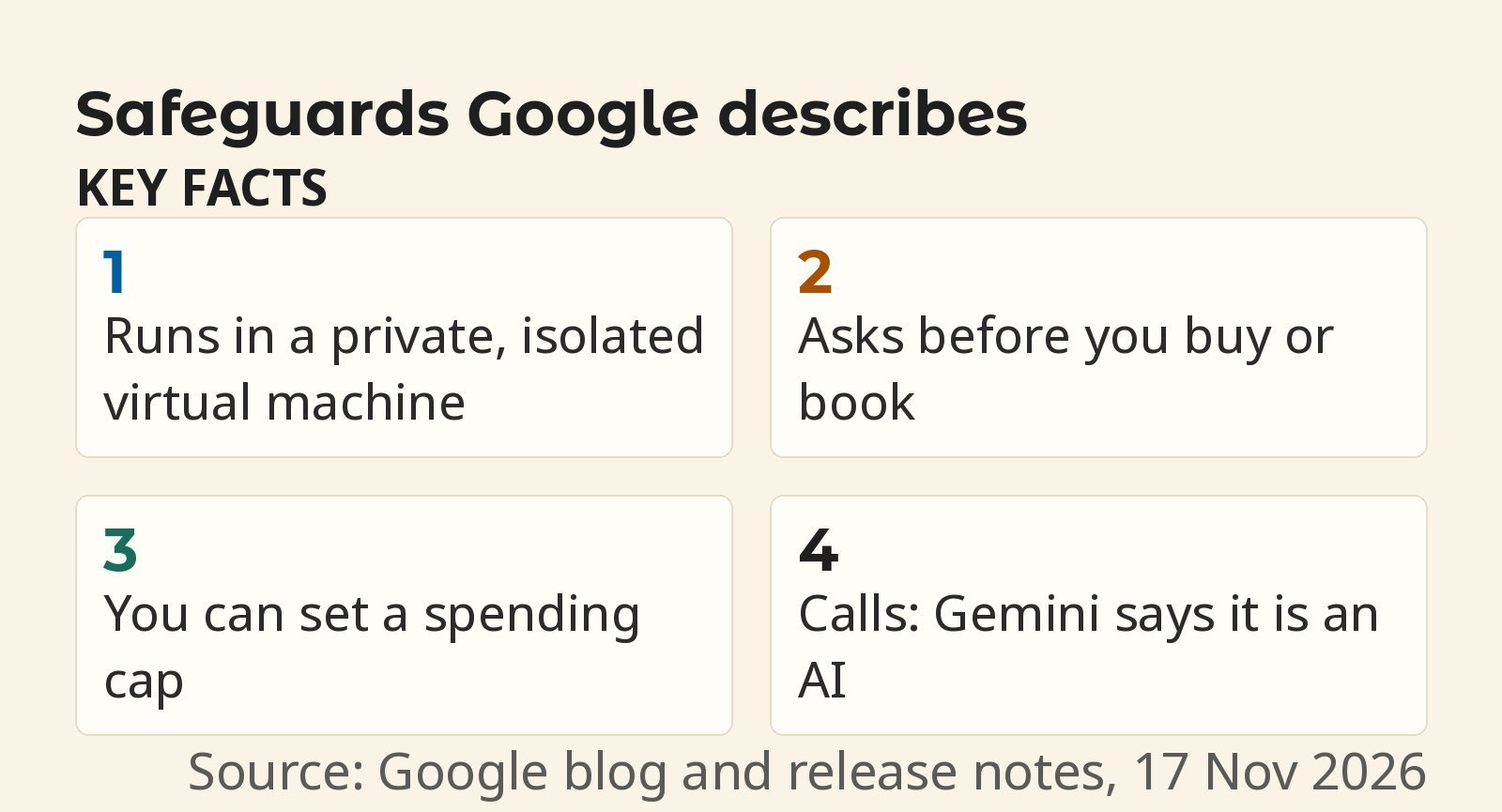
Each task runs in a “hardware-isolated virtual machine” dedicated to your account, Google says. It adds prompt-injection filters and Google Safe Browsing to limit which links Gemini opens.
- Purchases: nothing is bought without your explicit approval. You can set a hard spending cap, and card details stay hidden from the merchant.
- Calls: you approve the call plan first. Gemini says it is an AI, will not share payment details on the phone, and businesses can opt out.
- Routine steps: you can mark trusted actions “Always allow” so Gemini stops asking.
- Your data: you can change task settings, disconnect apps or delete chat history at any time.
Google also admits tasks can fail. On some sites, Gemini gets most of the way and hands the screen back for you to click the final button.
Our advice: set a spending cap before any shopping task, and avoid “Always allow” for anything that spends money. Connect only the apps a task needs, then disconnect them when you are done.
How it compares
The Verge places Tasks alongside other new agents such as OpenAI’s Dots and Meta’s Muse. Google’s pitch is that your email, calendar, passwords and cards already sit with Google, so you do not have to hand them to another company.
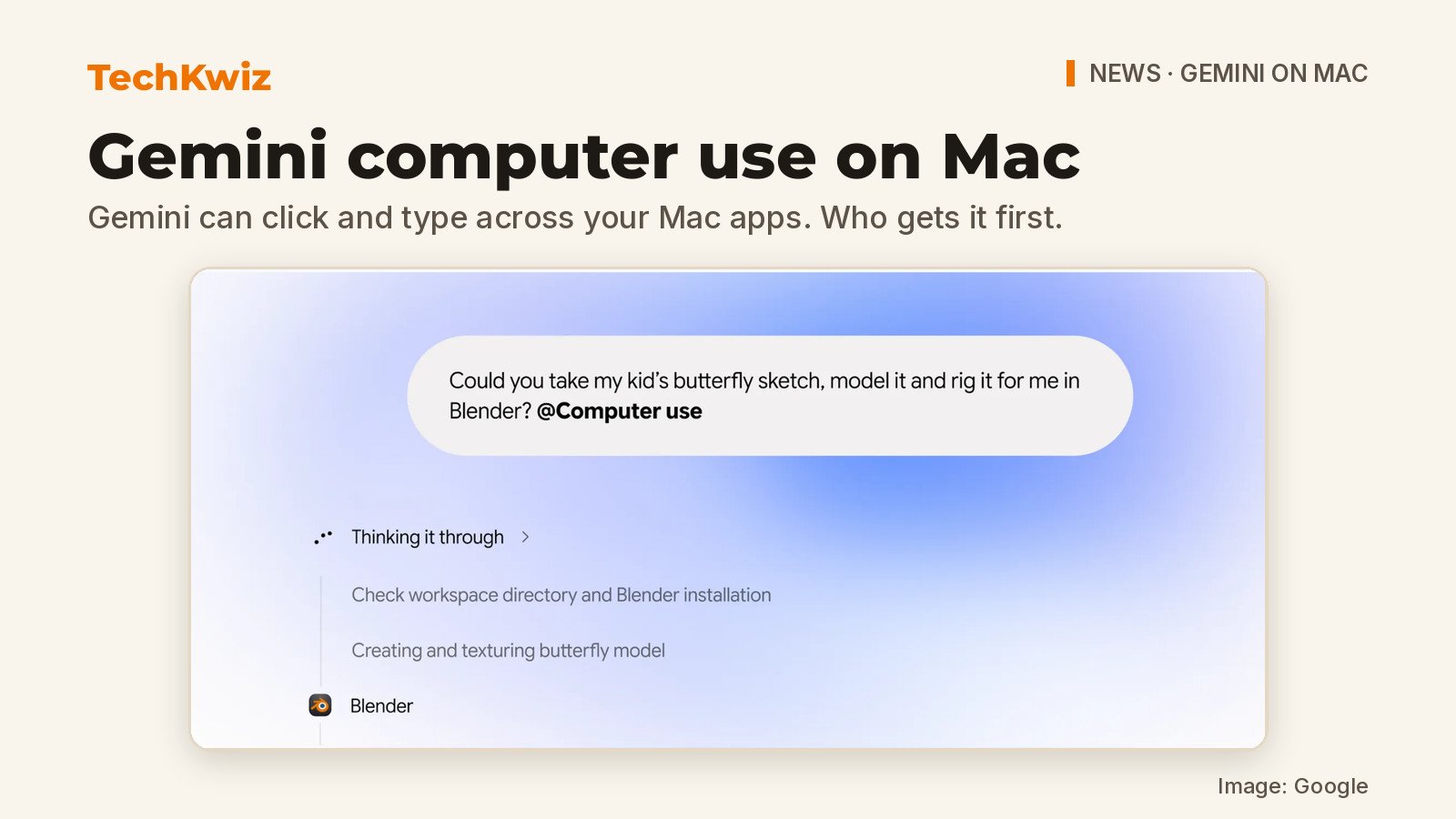
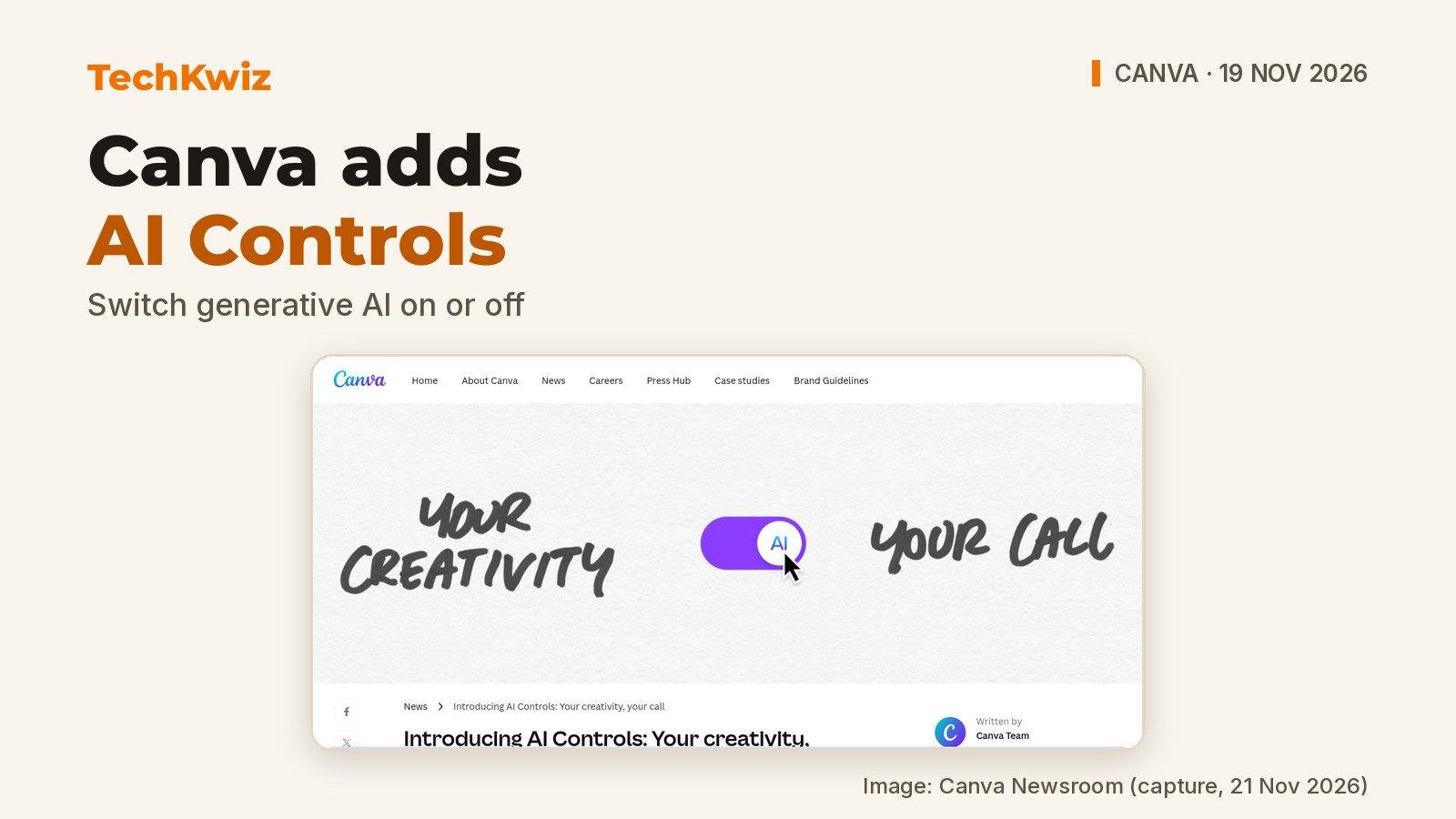
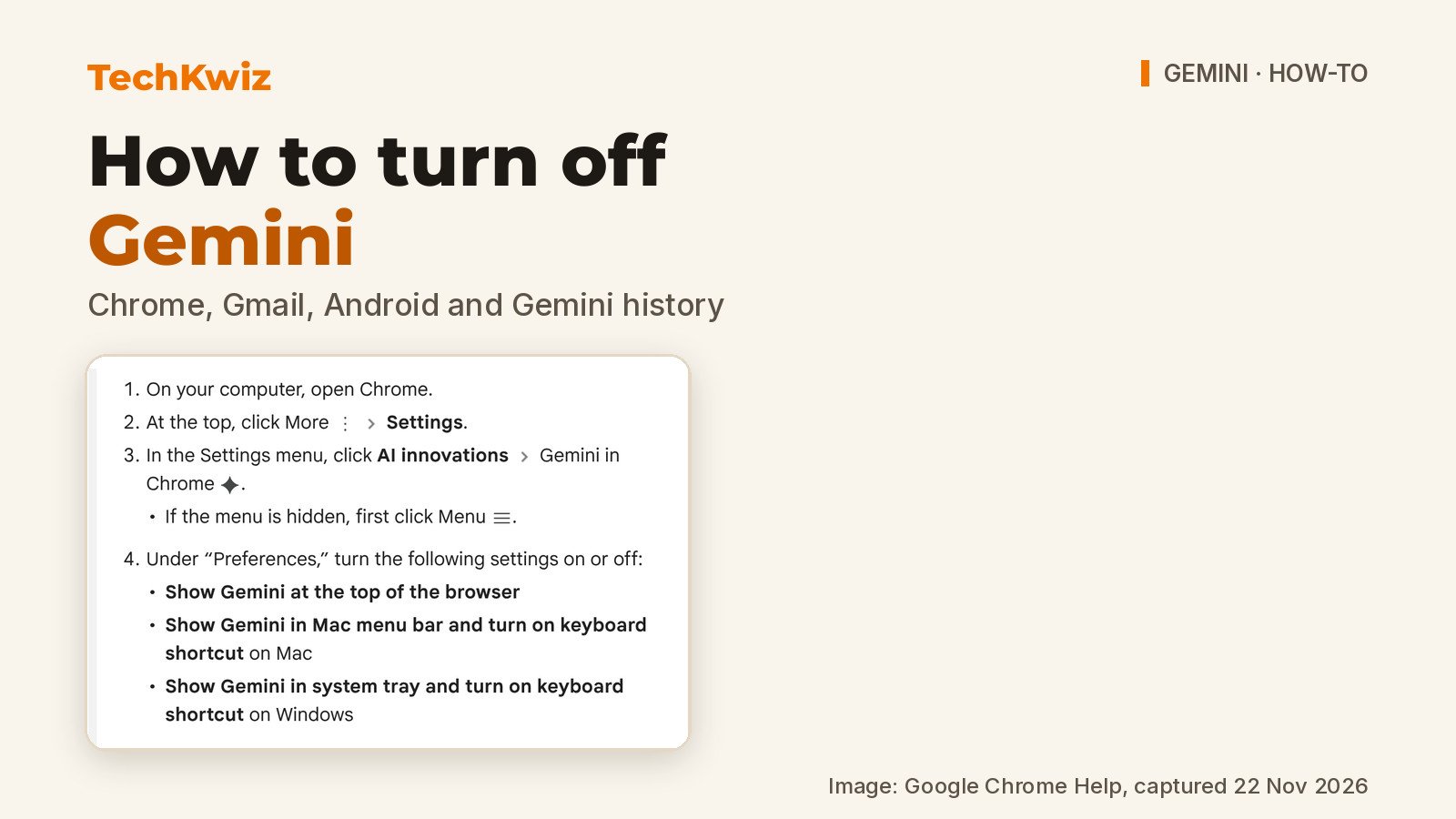
If you are weighing the cost of Google’s other AI features, see our guide to what Gemini offers for free. You can also read how Gemini handles computer use on a Mac, or how to turn Gemini off if you would rather not use it.
Get new guides first
Browser alerts for new TechKwiz guides.