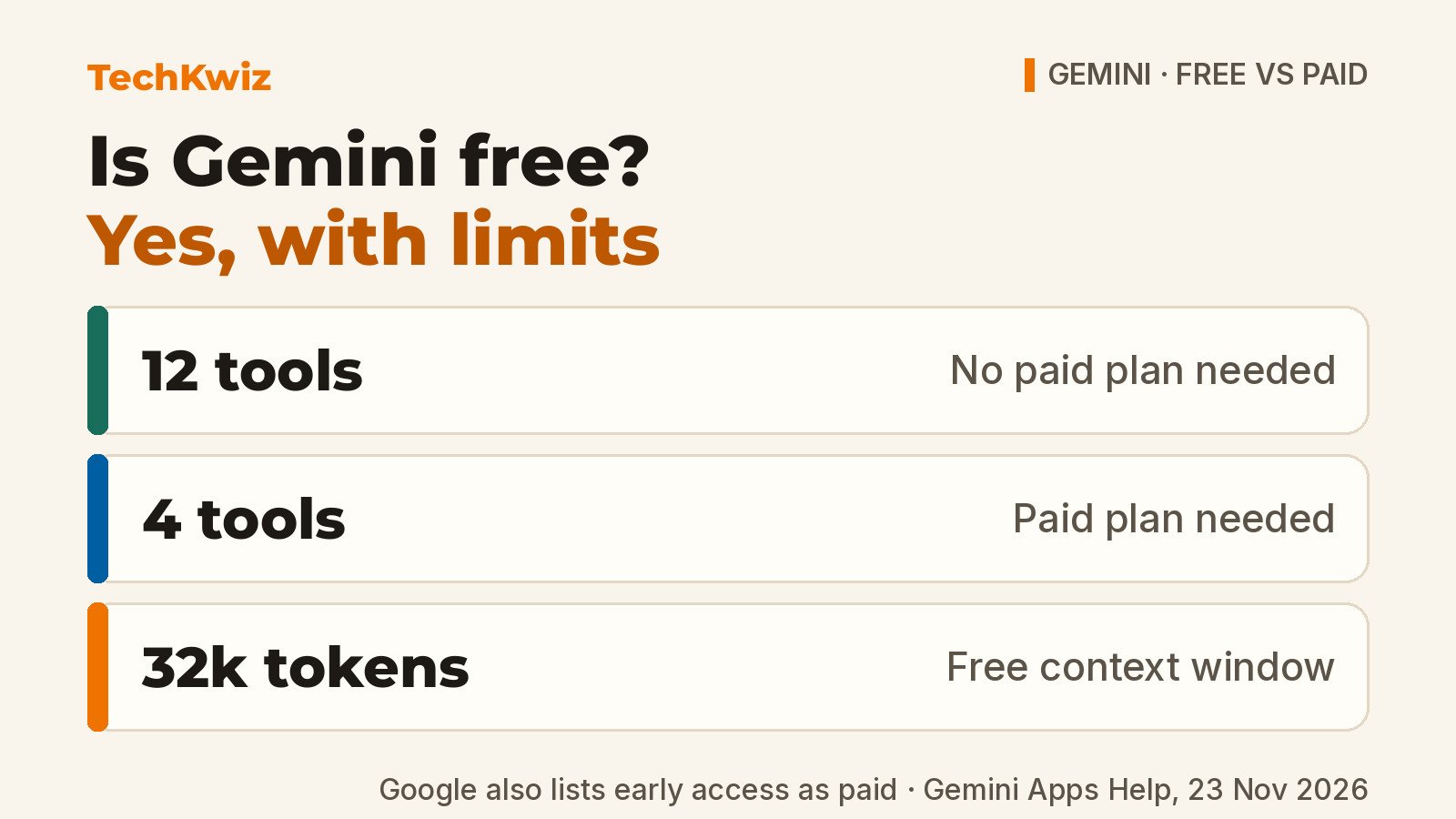
Quick answer: Free Gemini covers most headline tools, including Deep Research, image generation, audio overviews and Canvas. Daily brief, Nano Banana Pro image redos, video generation and scheduled actions need a plan.
Yes, Gemini is free with a personal Google Account. Paid Google AI plans raise your limits and add a few extras rather than provide the basics.
TechKwiz has not tested the paid tiers. Details below come from Google’s Help Center pages, checked on 23 November 2026.
What you can do on free Gemini
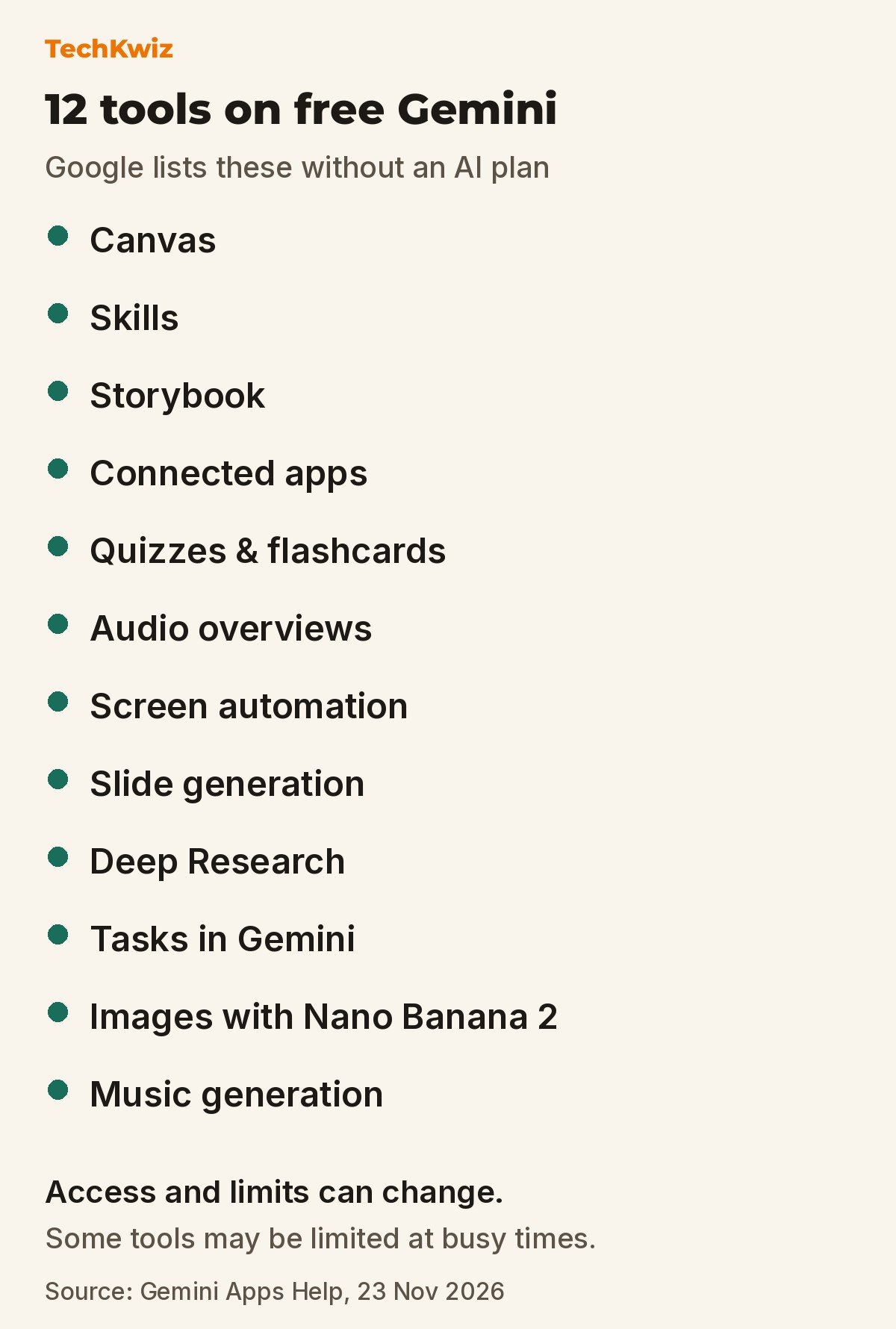
Google’s feature table marks a dozen abilities as available without a plan. That list is the surprise here.
Here is what the free column includes, using Google’s names:
- Canvas
- Skills
- Storybook
- Connected apps
- Quizzes & flashcards
- Audio overviews
- Screen automation
- Slide generation
- Deep Research
- Tasks in Gemini
- Image generation with Nano Banana 2
- Music generation
That covers a lot of serious work. You can generate images, build study cards and run research sessions without paying. But Google warns that heavy features consume more of your usage.
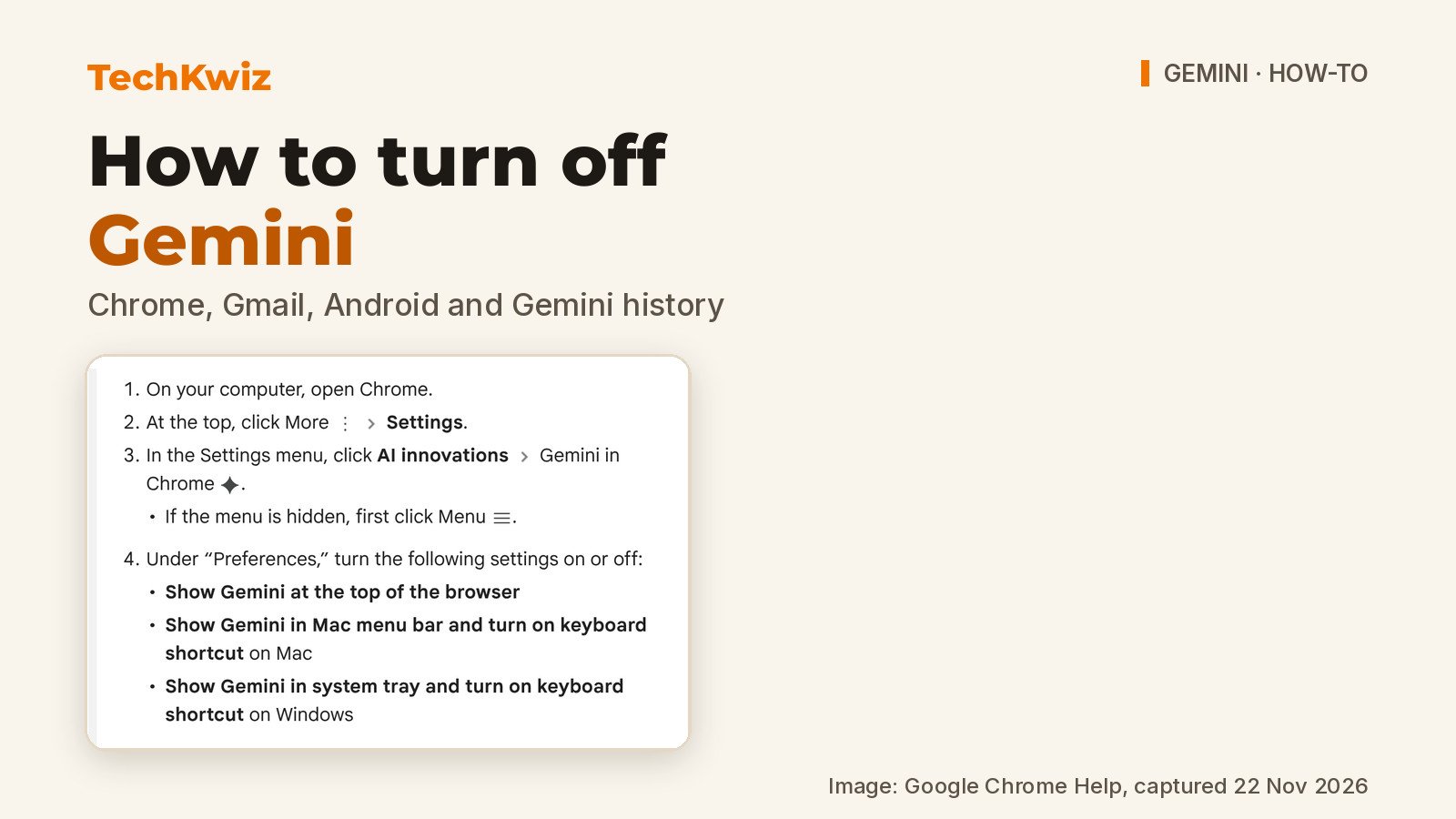
If Gemini is causing friction on your devices, our guide to turning Gemini off entirely walks through the steps.
The four tool features a free account cannot use
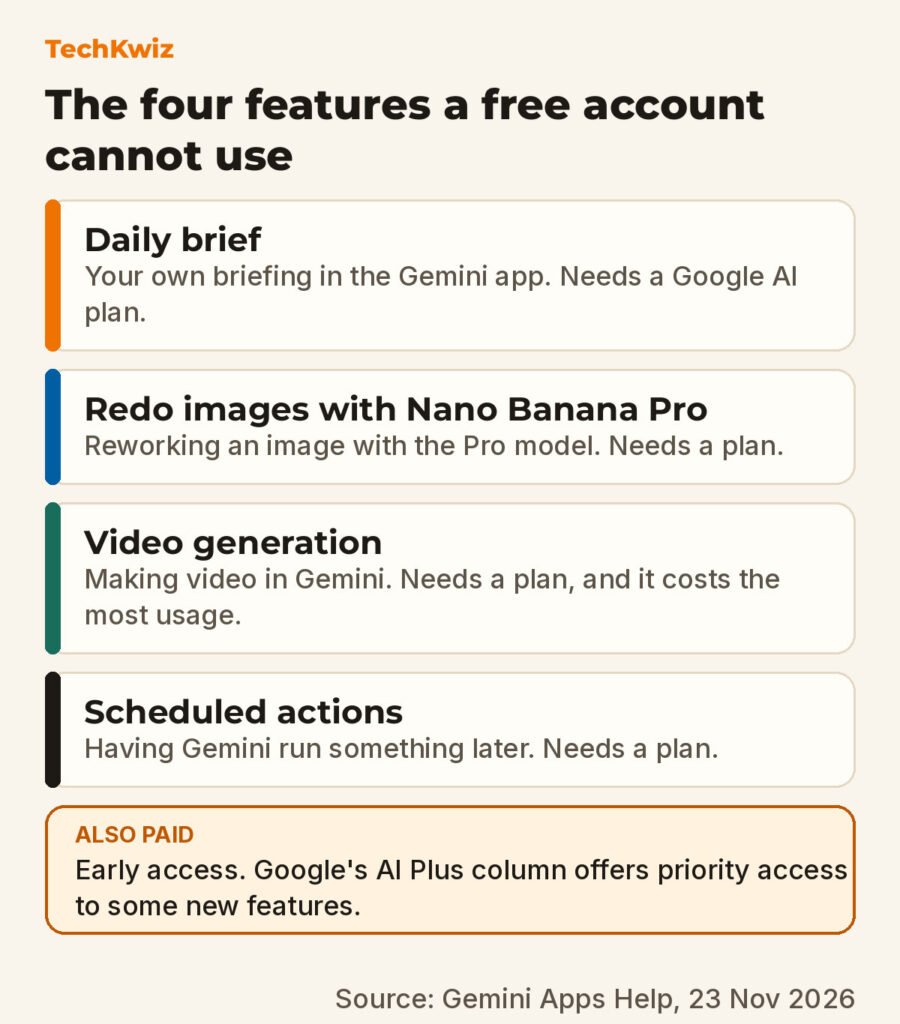
Only a short list of named tools sits behind a Google AI plan. Google’s table shows these four rows with no free checkmark:
- Daily brief
- Redo images with Nano Banana Pro
- Video generation
- Scheduled actions
Early access is a separate paid-only row. The AI Plus column lists priority access to some new features, while the free column shows no early-access checkmark.
Check age rules before choosing a paid plan
Google’s plans help page says you must be 13 or over in most countries, or the applicable age, but 18 or over in the EEA, Switzerland and the UK. The subscriptions page states that Google AI plans and Gemini for Gmail, Docs and more are only available for ages 18+. Check eligibility for your own account and country.
The two pages word the age rule differently, so verify before you pay.
Where free Gemini actually runs out
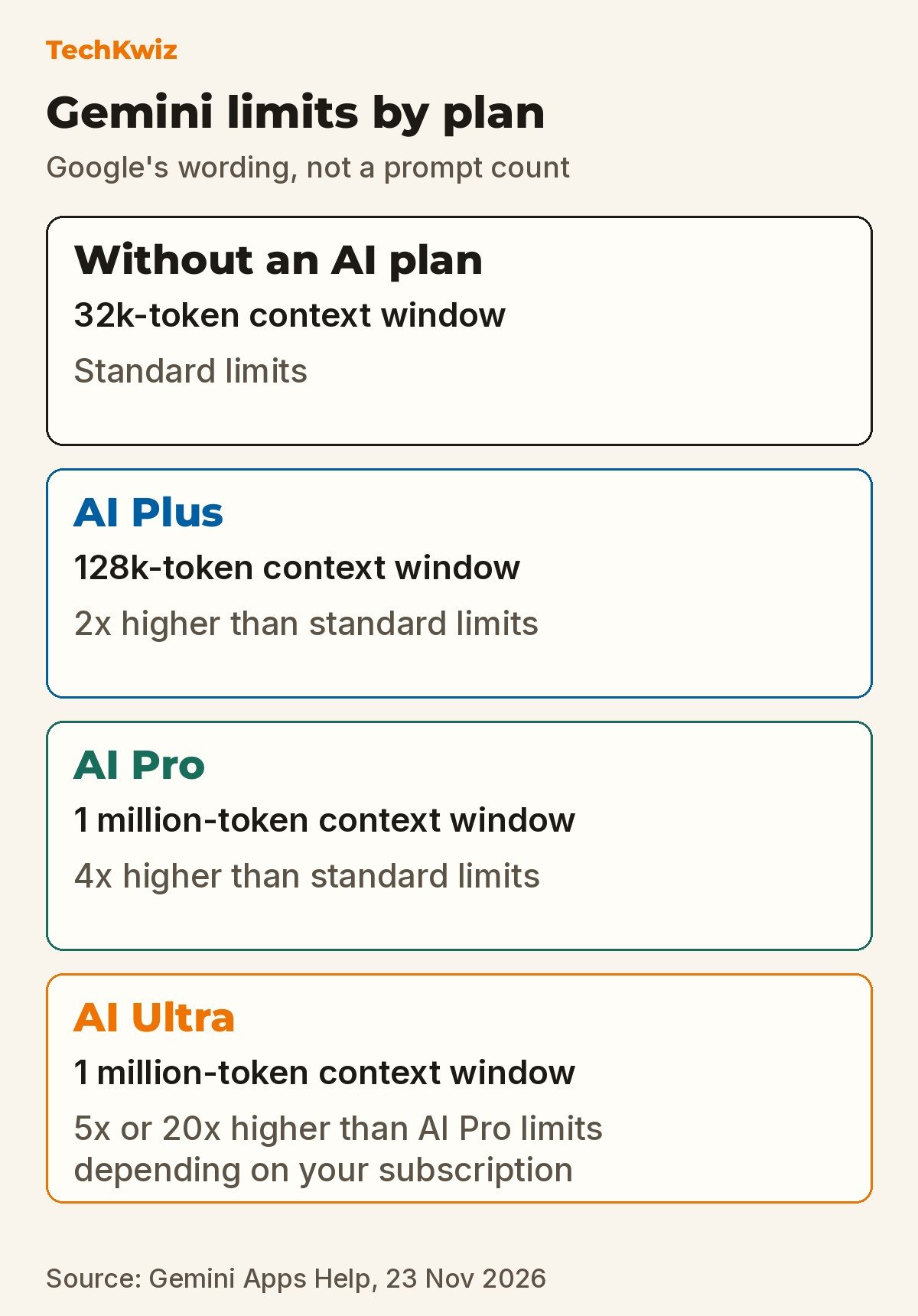
Usage caps and context windows are two other things to compare before you pay. Google describes the Gemini Apps upgrades as part of select Google One paid plans for personal accounts.
- Without an AI plan: 32k tokens
- AI Plus: 128k tokens
- AI Pro & AI Ultra: 1 million tokens
Google says a 1M window can handle up to 1,500 pages of text or 30,000 lines of code. If you exceed the window, responses may miss details or links across the supplied content.
Usage limits also differ. Google publishes these relative levels:
- Without an AI plan: Standard limits
- AI Plus: 2x higher than standard limits
- AI Pro: 4x higher than standard limits
- AI Ultra: 5x or 20x higher than AI Pro limits depending on your subscription
The limits table lists relative levels rather than a fixed prompt count. That vagueness makes free limits hard to plan around.
What burns through your free allowance fastest
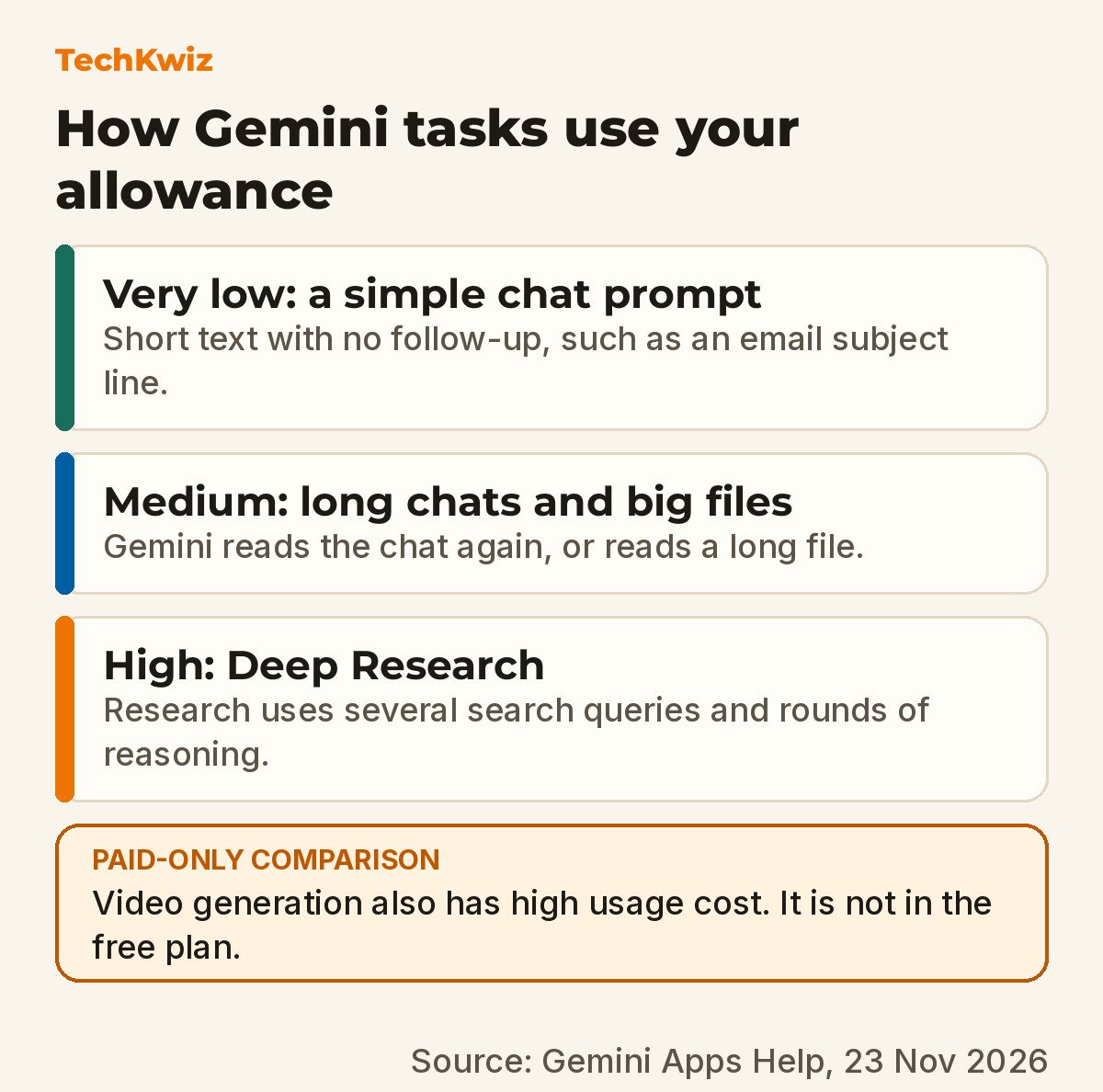
Google’s usage table ranks activities by how much of your allowance they consume. A simple chat prompt is very low. Ongoing conversations and large file analysis sit in the middle.
Deep Research and video generation rank as high. Video generation is shown as a comparison only because it requires a paid plan. Google says video generally requires the most usage.
If you are on free Gemini, save Deep Research for focused tasks instead of idle testing.
Which Gemini model you get for free
Free prompts are auto-routed between Gemini 4 Hydrogen and a fast, lightweight model. Google says it picks the model and thinking level for you to preserve your usage.
Manual model switching needs a plan. Google’s models page lists three named options:
- Gemini 4 Hydrogen: a high-speed, capable model that balances performance and responsiveness across standard chat and task modes.
- Gemini 4 Neon: frontier-level intelligence, with high performance for deeper analysis and complex workflows.
- Gemini 4 Carbon: the strongest model designed for advanced coding and your hardest, long-horizon problems.
Google says some models are only available with Google AI plans. Higher-tier models are marked with a lock icon and require an eligible plan upgrade.
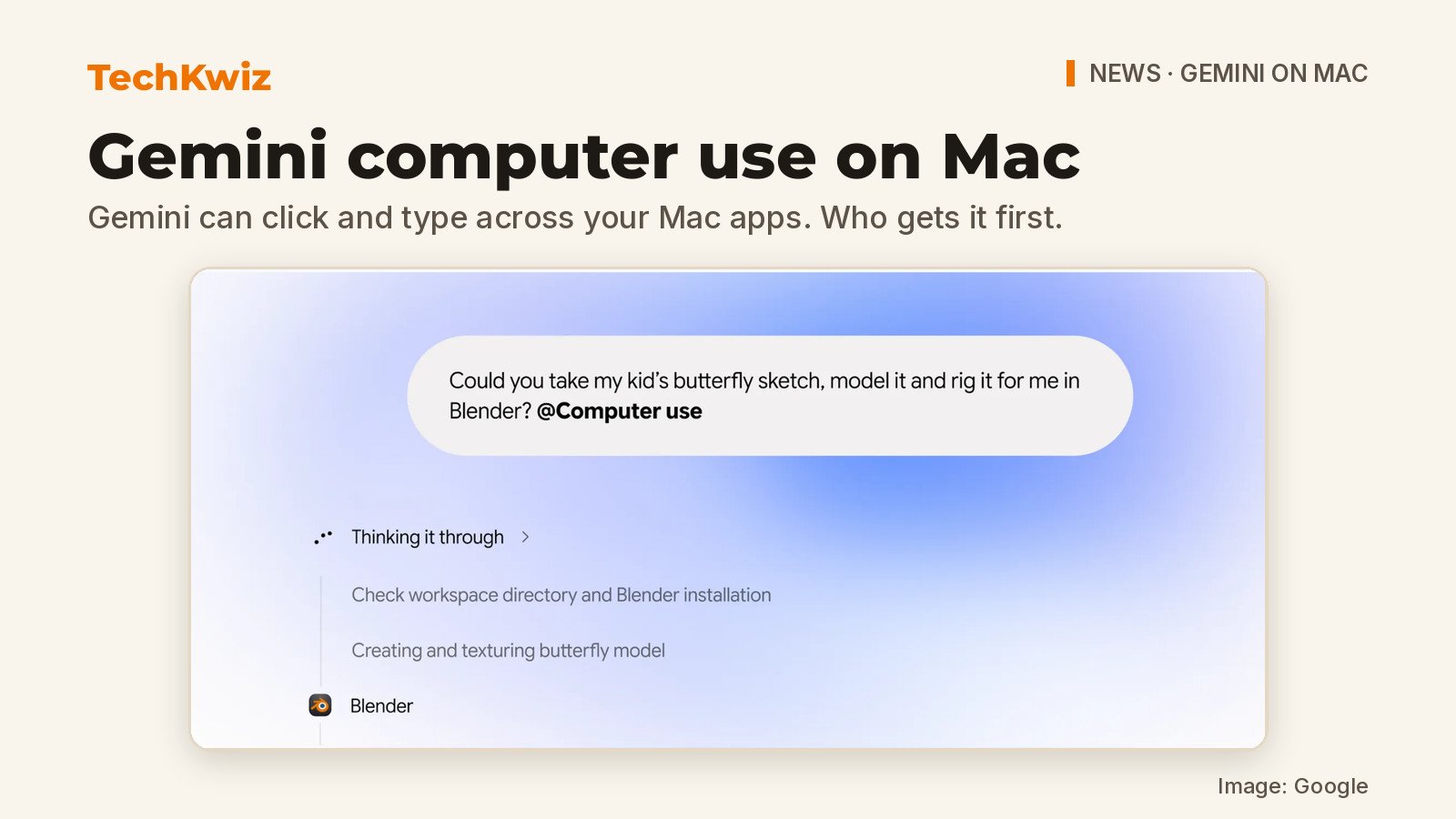
If you are eyeing desktop automation, Gemini’s Mac computer-use feature explains which plans it needs.
When free Gemini gets squeezed first
Google is direct about capacity risk. Features that need more compute can disappear for free users at busy times.
Google says free-tier limits “may be limited before users with a plan” when capacity changes. Deep Research may be unavailable during high demand.
Limits may also change without notice. Google frames usage caps as a way to keep the service usable for everyone. That means your free allowance today may not match next month.
If you travel from a country where Google AI Ultra is available to one where it is not, Gemini may still show you notifications about Ultra. You cannot upgrade or use it until you are back in a supported country.
For a comparison with another assistant, our look at the ChatGPT side covers what that ecosystem offers. It helps if you are weighing both before paying.
Check your own limits before you pay
Google lets you see your current allowance inside Gemini. Gemini notifies you when you are close, then tells you when the limit refreshes.
- Visit gemini.google.com.
- At the bottom left, select Settings > Usage Limits.
- Check your current usage before you decide to upgrade.
The plans page describes five-hour refreshes up to a weekly cap. AI credits are only for AI Pro and AI Ultra.
How to upgrade or cancel
Upgrading runs through Google One. Google’s manage-plan page gives these steps.
- Go to gemini.google.com.
- At the bottom, click Settings > Upgrade to Google AI Plus.
- Select the Google AI plan you want.
- Follow the on-screen instructions.
To cancel, do this:
- Go to gemini.google.com.
- At the bottom, click Settings > Manage subscription.
- This opens Google One settings, where you can cancel your plan.
Prices and plan availability vary by country. Google publishes the current list on its official plans page, so check there before you commit. Compare your local price with how often you reach a usage cap.
Get new guides first
Browser alerts for new TechKwiz guides.