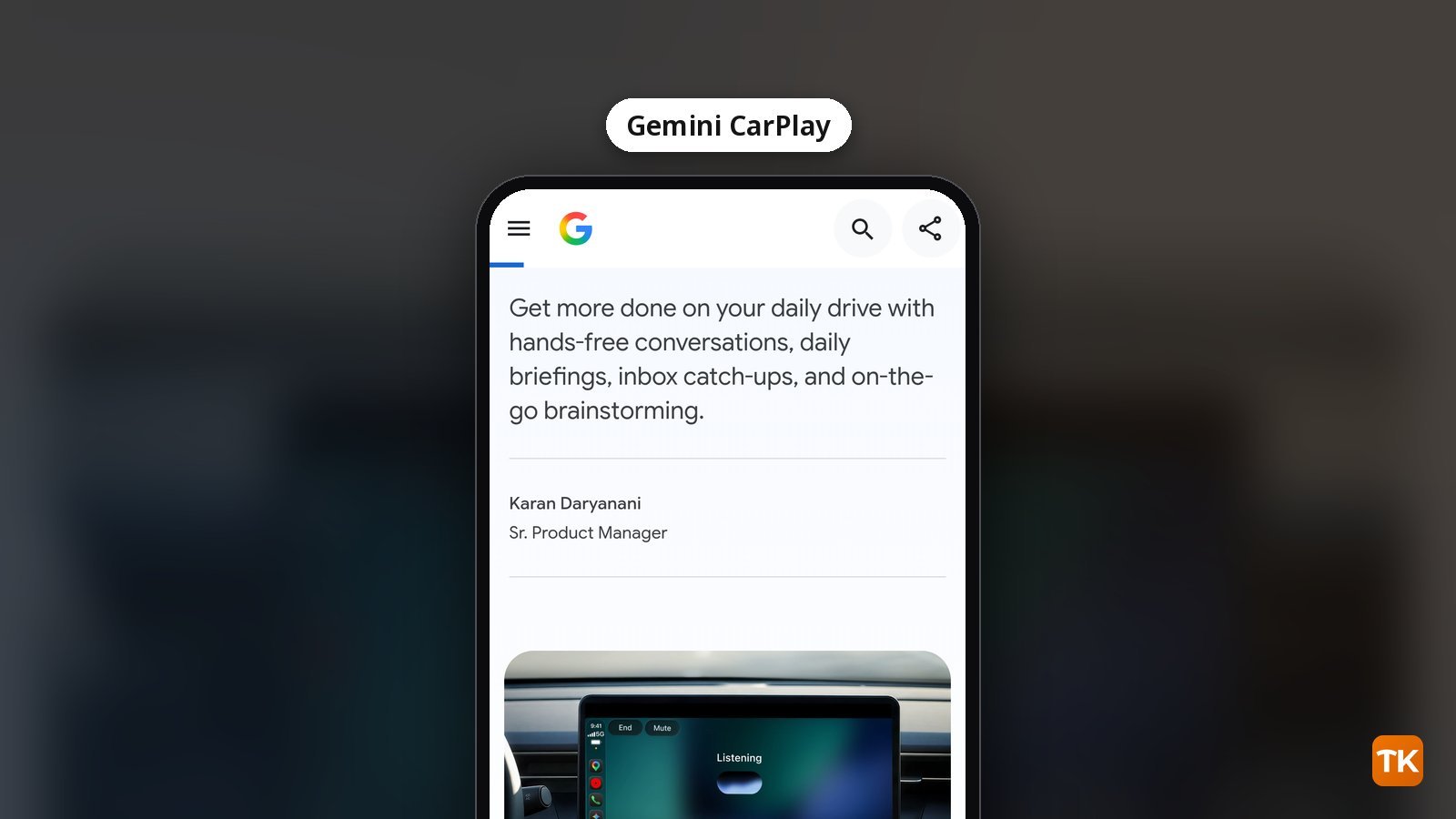
Google’s Gemini app is now rolling out directly on Apple CarPlay, giving iPhone users a hands-free way to continue Gemini Live conversations from their car’s display. Google announced the rollout on November 11, covering all supported Gemini Live languages globally.
What to know:
- Your CarPlay chats sync automatically back to the Gemini app on your iPhone
- Google’s setup steps include using Gemini Live on your phone at least once
- Daily Brief is not available to users under 18 or in the EEA and Nigeria
What Gemini adds to CarPlay
Gemini is rolling out as a dedicated CarPlay app with access to recent chats and new Gemini Live conversations. Gemini was already available through Google Maps, The Verge noted, and now it gets its own spot on the main CarPlay display.
When you tap the Gemini icon, you can pick up where you left off with a recent chat or start a fresh conversation. Google says it designed the app to minimize distraction, and you can interrupt, change the subject or pause when you need to focus on an exit. On a morning commute, Google suggests asking “What does my day look like?” CarPlay conversations sync automatically to the Gemini app on your iPhone, so you can revisit your notes after parking.
CarPlay comes after Google’s earlier rollout on Android Auto and in cars with Google built-in.
How to get Gemini on CarPlay
Do these steps on your iPhone while parked, not once you’re driving. If the icon still isn’t there, give it a little time.
- Update the Gemini app on your iPhone so you’re on the latest version.
- Check that microphone permission is enabled for Gemini on your iPhone.
- Use Gemini Live on your phone at least once. Google lists it as one of the setup steps.
- Remember that Google said Gemini on CarPlay is “rolling out globally starting today” from November 11, so some phones will likely get it later than others.
Once your iPhone is connected, tap the Gemini icon on the CarPlay screen or side rail, then continue a recent conversation or start a new one.
Availability and Daily Brief limits
Gemini on CarPlay is rolling out globally across all supported Gemini Live languages.
Daily Brief, which draws on Gmail and Google Calendar, comes with conditions. Google’s blog notes that Daily Brief must be enabled first. Certain personalization features, including Daily Brief, are not available to users under 18 or in the European Economic Area and Nigeria.
TechKwiz hasn’t tried Gemini on CarPlay in a car; the details here come from Google’s announcement and the reports linked above.
Gemini or another AI assistant on CarPlay?
Gemini isn’t the first conversation-based AI app to land on CarPlay. MacRumors says CarPlay gained support for voice-based conversational AI apps starting with iOS 26.4, and ChatGPT, Claude, Grok, Copilot and Perplexity already have CarPlay apps. iOS 27 added Siri AI support with a Siri app, and Gemini was already available inside Google Maps on CarPlay.
Google’s pitch for Gemini leans hard into Gmail and Google Calendar. You can get a daily brief, catch up on unread emails, summarize long threads, and pick your notes back up on the phone after you park, because CarPlay conversations sync to the Gemini app on your iPhone. If your day already lives in Gmail and Google Calendar (here’s how Gemini works inside Gmail and Calendar), that integration is the main reason to pick Gemini. If it doesn’t, the main draw is hands-free voice chat, and several other assistants are already on CarPlay, per MacRumors’ list.
For more launches like this one, browse our AI Tools coverage.
Get new guides first
Browser alerts for new TechKwiz guides.