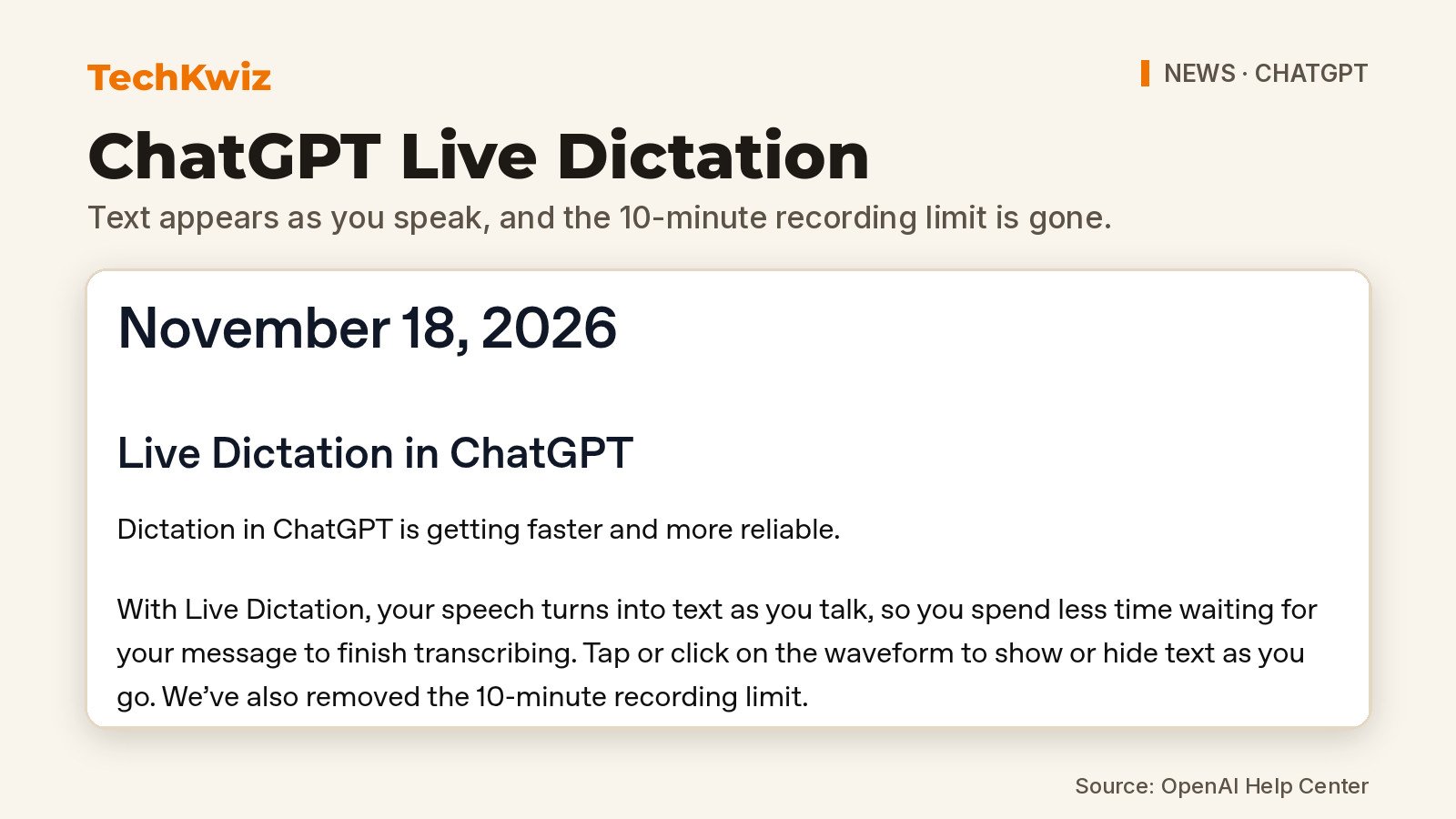
OpenAI added Live Dictation to ChatGPT on November 18, 2026, and it changes how ChatGPT dictation works in one useful way: your words now appear as you speak. The change is listed in the ChatGPT release notes, where OpenAI also says it has removed the 10-minute recording limit.
What to know:
- Speech turns into text as you talk, so you spend less time waiting for a message to finish transcribing.
- Tap or click the waveform to show or hide the text as you go. The 10-minute recording limit is gone.
- OpenAI says it is rolling out globally to all ChatGPT plans on iOS, Android, web and the desktop app.
What changes with Live Dictation
OpenAI’s release note says Live Dictation turns your speech into text while you talk, so you spend less time waiting for the message to finish transcribing. OpenAI describes the change as making dictation “faster and more reliable.” Seeing the words early also means you can spot a misheard name before you finish the message.
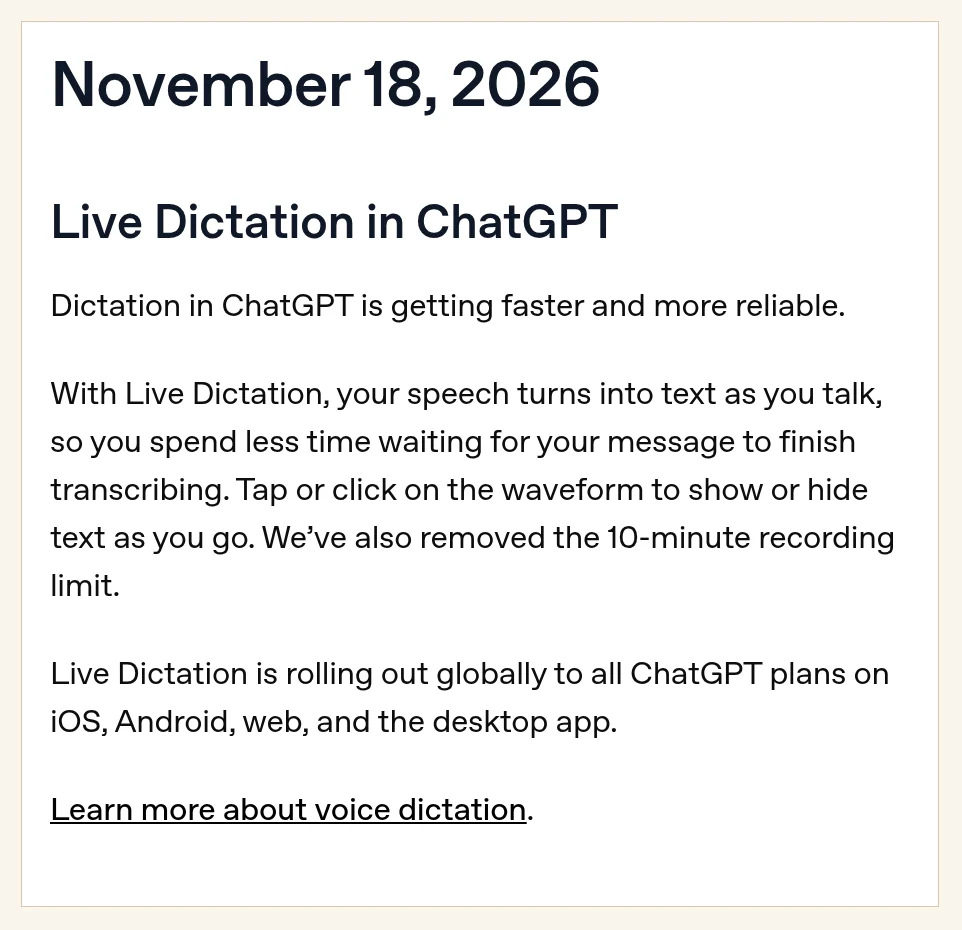
The second change matters if you dictate long prompts or notes. OpenAI says it has “removed the 10-minute recording limit.” The release note doesn’t mention a new cap, so we aren’t going to guess at one. TechKwiz hasn’t tested Live Dictation yet.
Who is getting it
OpenAI says Live Dictation is rolling out globally to all ChatGPT plans on iOS, Android, web and the desktop app. It doesn’t give a date for when the rollout will finish, so some accounts may see it later than others.
Dictation isn’t the same thing as ChatGPT Voice. Dictation turns your speech into text for your message. Voice is the spoken back-and-forth mode. That’s a separate change on its own timeline: OpenAI says it will retire Advanced and Standard voice from ChatGPT Voice on December 11, 2026, so it can focus on its GPT-Live voice model.
Earlier dictation changes this year
Live Dictation builds on a few smaller fixes OpenAI listed in the same release notes:
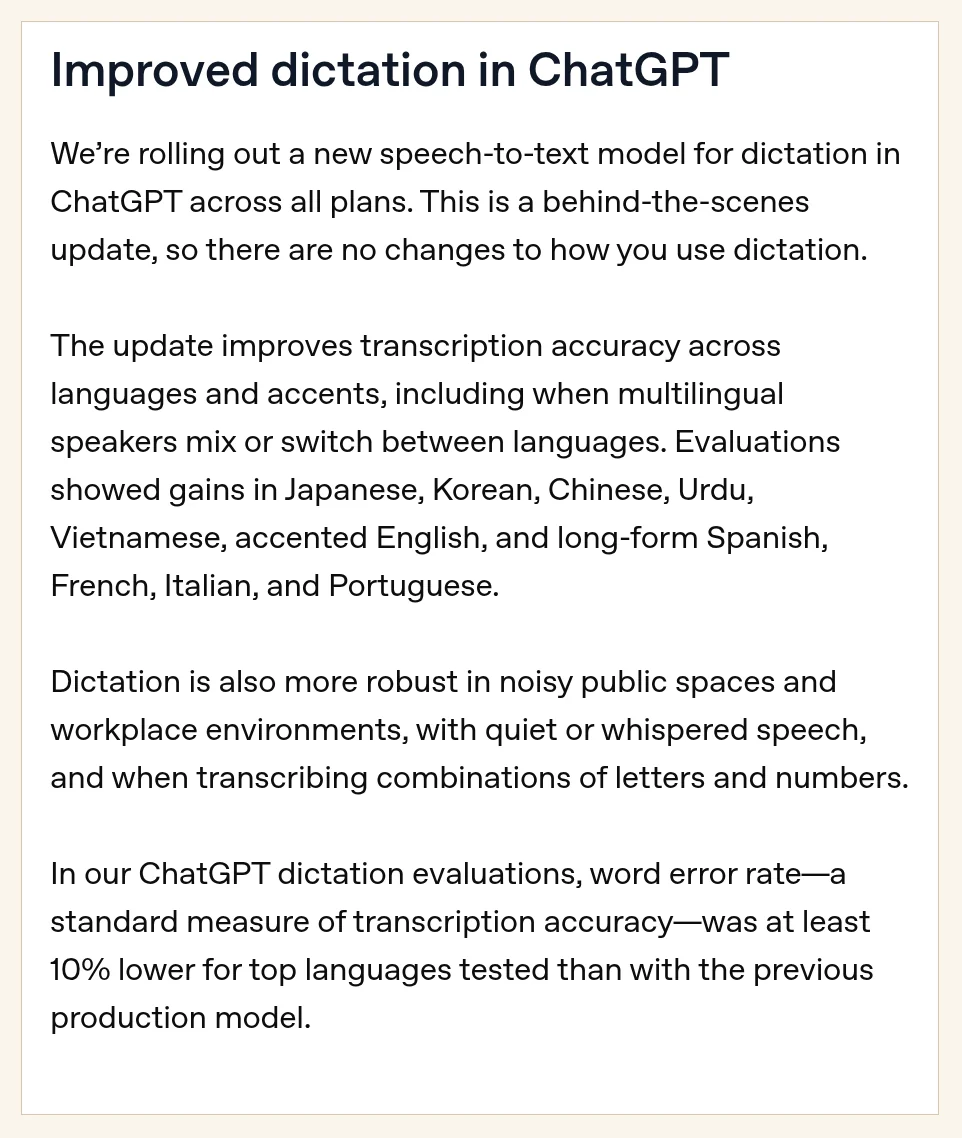
- June 26, 2026: a new speech-to-text model for dictation on all plans. OpenAI says word error rate was at least 10% lower for the top languages it tested, and that it copes better with noisy places, quiet or whispered speech, and mixes of letters and numbers.
- August 7, 2026 (iOS): if dictation fails because of a connection issue or timeout, ChatGPT retries once automatically.
- August 14, 2026 (Android): the dictation button stays available after you add text or attachments, so you can mix typing and speaking in one message.
How to check if you have Live Dictation
Start dictation the way you normally do and talk for a few seconds. OpenAI says Live Dictation displays text while you speak, and you can tap or click the waveform to show or hide it, so if you don’t see text, try the waveform first. The release note doesn’t give a troubleshooting procedure or a date for when the rollout finishes, and it doesn’t name any other new buttons or settings.
For more on recent ChatGPT features, see how ChatGPT can now create looping GIFs, and our explainer on GPT-6.2 Astra and Sol in ChatGPT Work and Codex.
Get new guides first
Browser alerts for new TechKwiz guides.