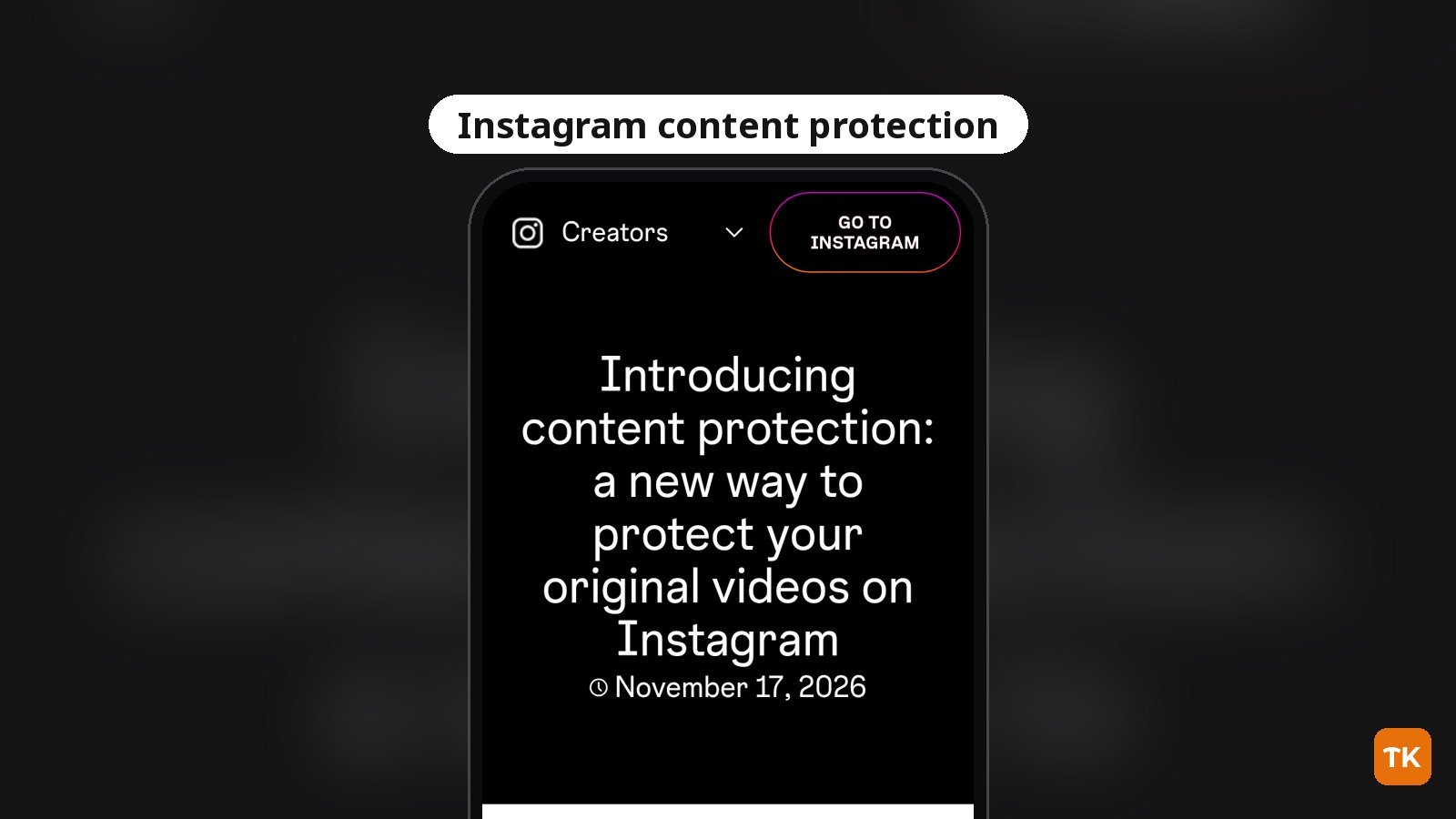
Instagram has started bringing its content protection tool to original-video creators, moving the feature beyond Facebook for the first time. The company announced the rollout on November 17, 2026 in the Instagram for Creators announcement, explaining that eligible creators can enroll and then review visual matches of their videos across Instagram and Facebook.
What to know:
- Eligible creators can enroll; future original videos are automatically protected, and eligible older videos can be selected manually.
- The tool alerts creators to visual matches across Instagram and Facebook; Track is the default response.
- Spoken-word matching for AI-altered copies is a planned small test, not a broad release.
Who can access Instagram content protection
Instagram says content protection is available to creators who meet its eligibility criteria, which are largely based on originality and integrity standards. Instagram’s announcement doesn’t give a follower count or any other number for eligibility. If you are eligible, Instagram says you will see a notification in your activity feed.
You can also check manually. Instagram says to open your dashboard, tap Tools on the Home tab, and look under Your professional tools. TechKwiz hasn’t tested this feature.
How to check access and protect original videos
Eligible creators can check for the tool in two places: the activity feed notification or the professional tools section in their dashboard. Instagram says that after you enroll, every original video you post moving forward is automatically protected. You can also go back and manually select eligible older videos for protection.
Once a video is protected, Instagram says it continuously scans Instagram and Facebook for visual matches using the same matching technology as Meta’s Rights Manager. When a match appears, you get a notification with details such as how many views the match has and the follower count of the profile that posted it.
What Track, Hide, Add credit link and Release do
When Instagram finds a match, you can review the details and pick from four actions, which Instagram lists in its content protection post. Track is the default and keeps the matching video visible while you monitor how it performs. Instagram says you can change that default at any time.
The other options work differently. Hide from everyone makes the match no longer viewable on Instagram and Facebook, but Instagram says it does not directly penalize the other profile. Add credit link is available for matches found on Instagram and places an “original by” label linking viewers back to your video or profile. Release removes your claim on the match and lets the video stay up. Instagram also says you can add trusted profiles, such as a collaborator or brand account, to an allow list so their uploads are not flagged as matches.
There is a dispute route too. If another profile posted and protected your original video before you did, Instagram says you can file an ownership dispute inside the tool or send a copyright report through its Intellectual Property Reporting Center.
What the upcoming AI-copy detection test covers
Instagram says it will begin testing a separate matching signal for videos that use the spoken words from your original video even when the visuals have been replaced by AI. The company frames this as an early response to creators worried about AI-generated content that borrows from their work without directly copying the visuals.
Instagram says the spoken-word matching test will start with a small group of creators in the coming weeks. It is not a broad release yet, and Instagram plans to expand access to enrolled creators on Instagram and Facebook over time. The company also says it is exploring ways to limit the reach of profiles that repeatedly post this type of AI-modified content.
For broader workflow context, see TechKwiz’s content creator tools and strategy guide. You can also follow Instagram coverage for more platform updates.
Get new guides first
Browser alerts for new TechKwiz guides.