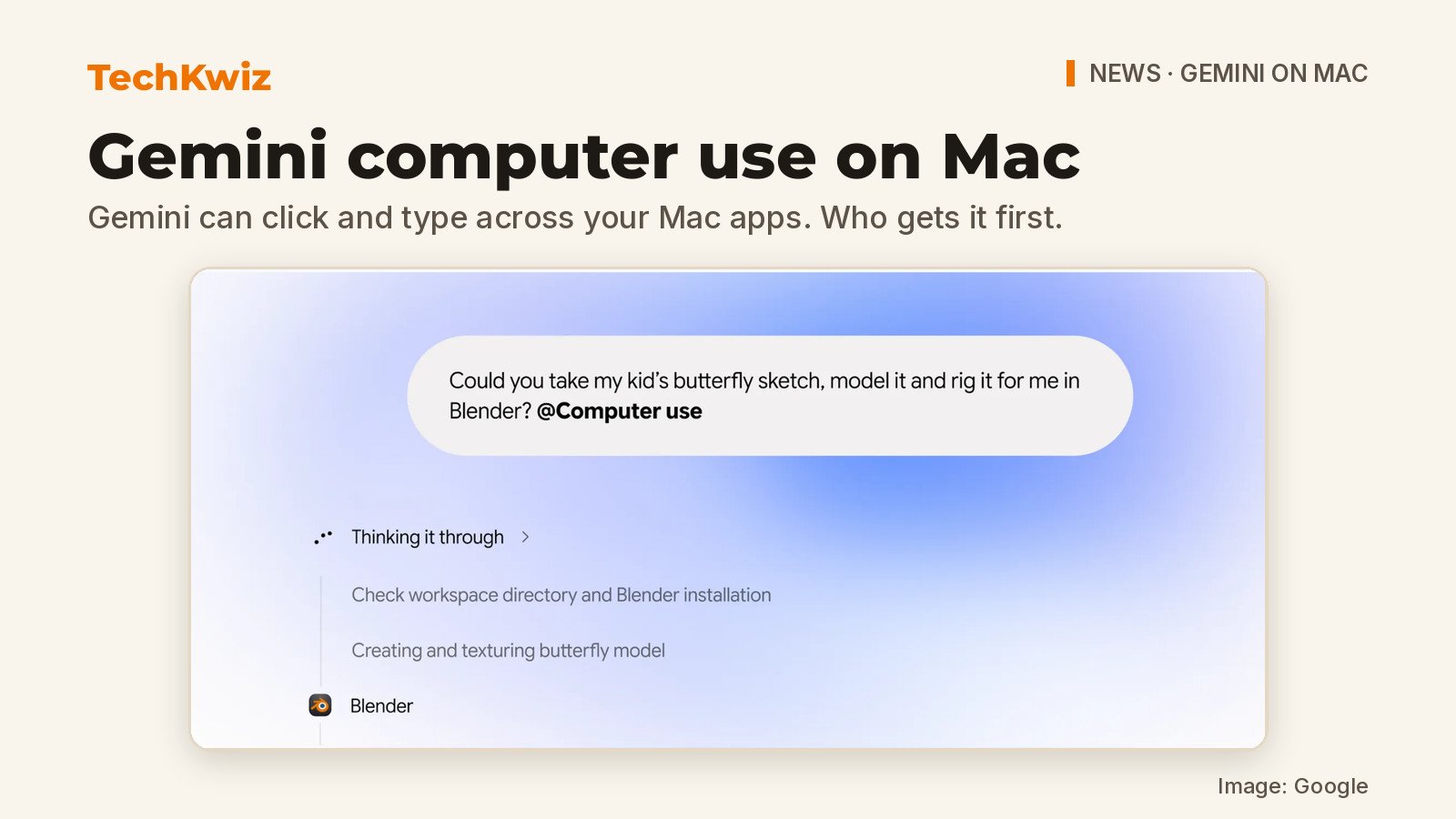
Google announced on November 19, 2026, that computer use is now available in the Gemini app for Mac. In its official blog post on computer use, Google describes the feature as a way to hand over multi-step tasks across local files, desktop apps, and the web. Gemini works in an isolated background window with a live preview, so you can keep using your own screen and cursor while it clicks, types, and fills out forms.
What to know:
- Google announced computer use for the Gemini Mac app on 19 November 2026.
- The English rollout is for eligible personal-account subscribers aged 18+ in the US.
- Gemini uses a separate window with live preview; users choose app access and can stop it.
What Gemini computer use does on a Mac
Google says Gemini can now “handle multi-step clicking, typing, and form-filling across the desktop apps and websites.” You describe the job in plain words, and Gemini works through the menus, typing and forms for you. Google’s own examples give a good sense of the intended jobs:
- Creative batches: color-grading a set of photos in design software, or setting up complex 3D scenes.
- Form filling: pulling weights, dimensions and addresses out of local PDFs to fill in multi-box shipping quotes.
- Decks from dashboards: collecting metrics and screenshots from live dashboards and building a presentation in Google Slides.
- Resale listings: analyzing clothing photos in a local folder, researching pricing, logging item details and staging listings on resale sites.
The common thread is repetition. Google describes these as repetitive tasks that normally take dozens of clicks.
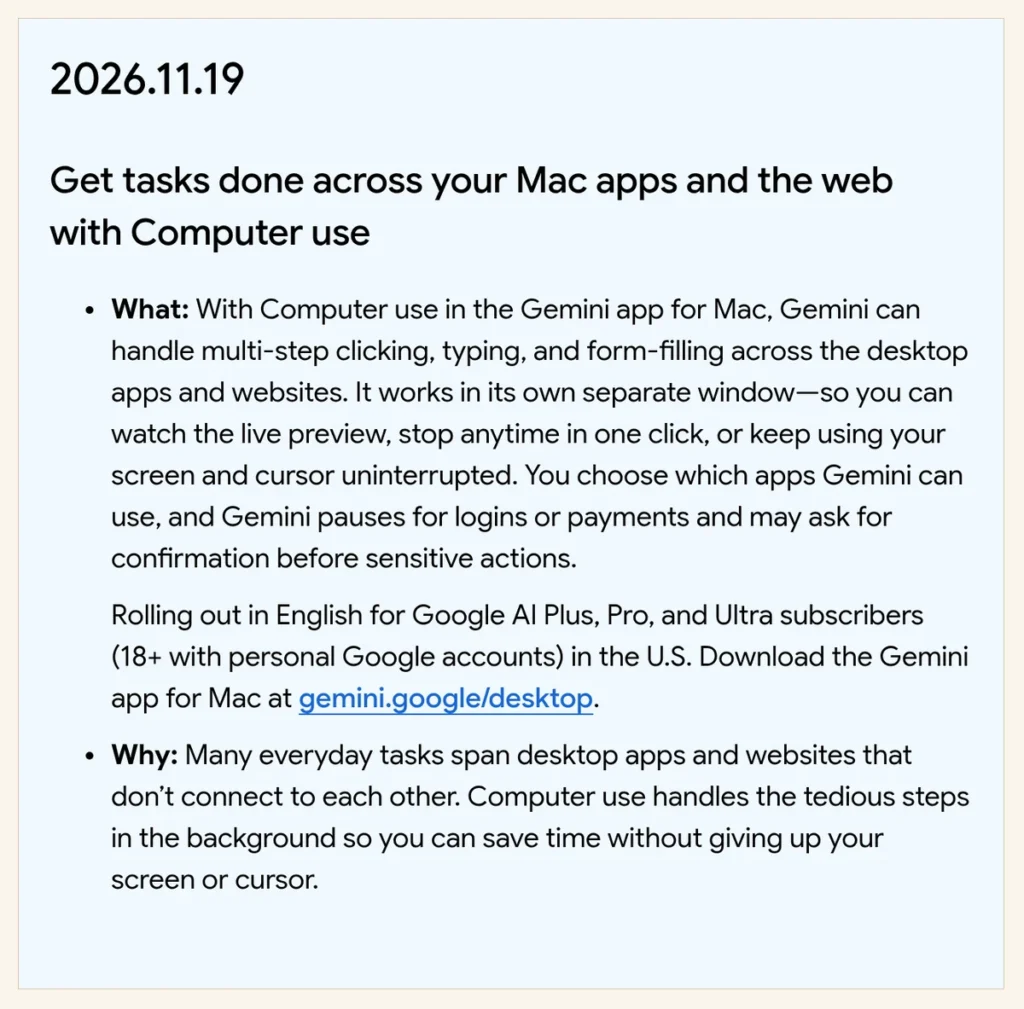
The feature runs inside its own separate window, so it isn’t supposed to block your main screen or take over your cursor. Google says you can watch the live preview, pause at any time, and approve key actions before they happen. For privacy and safety, you choose which apps Gemini can access.
Who can access the rollout
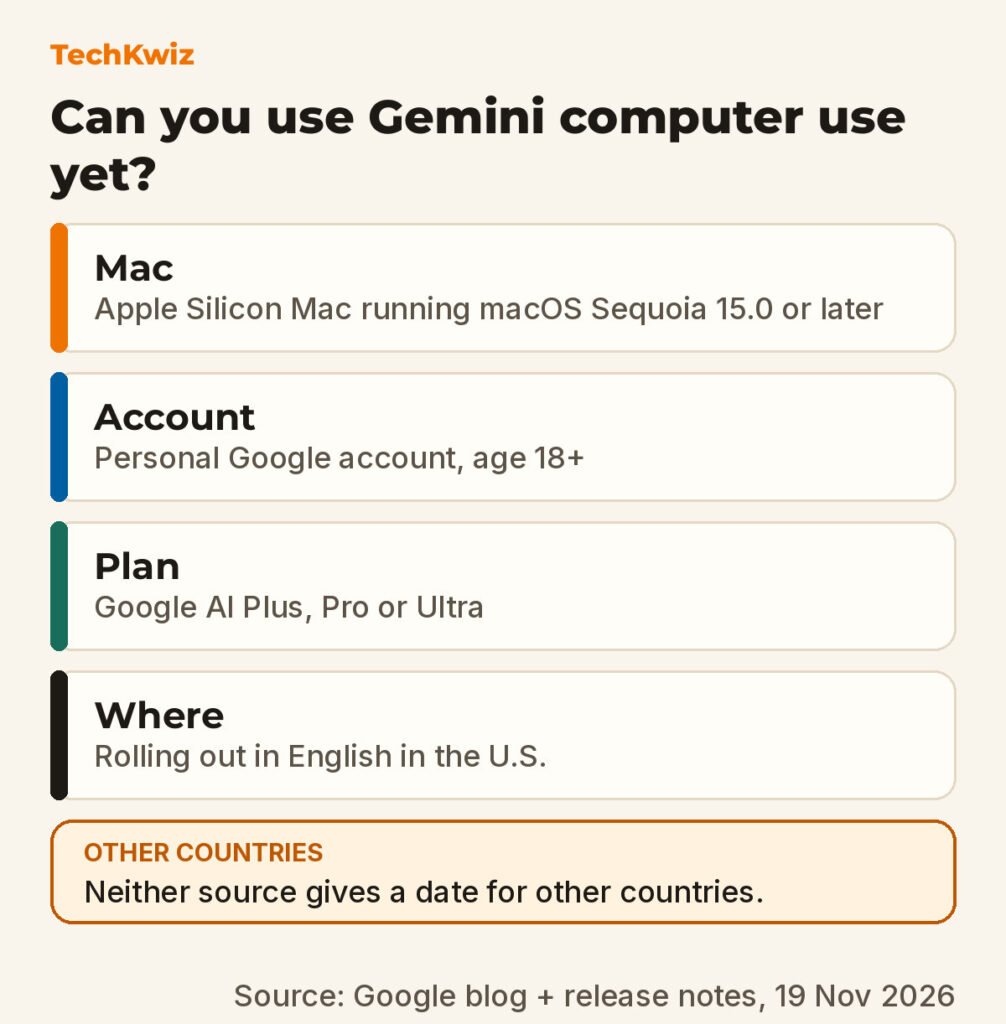
The rollout is limited for now. Google says computer use is rolling out in English in the U.S. for personal Google accounts belonging to people aged 18 and over. You also need an Apple Silicon Mac running macOS Sequoia 15.0 or later.
Your subscription matters too. According to Google, the feature is available to Google AI Plus, Pro, and Ultra users. The blog post sends you to gemini.google/mac to download the app, and the Gemini Apps release notes for November 19 point to gemini.google/desktop.
Neither the blog post nor the release notes gives a rollout date for other countries. Both describe an English rollout in the U.S. only.
How permissions and stopping work
Google’s release notes say you control which apps Gemini can use. The system pauses for logins or payments and “may ask for confirmation before sensitive actions.”
If something looks wrong, Google says you can stop the process anytime in one click. The live preview is designed to give you visibility into what Gemini is doing while it works.
What to check before trying it
Before you install or subscribe, check that your Mac is an Apple Silicon model and that it is running macOS Sequoia 15.0 or newer. Google’s eligibility note specifically lists those requirements, so an older Intel Mac or an earlier macOS version won’t qualify.
You also need a personal Google account (you must be 18 or older), and you must be in the U.S. with a Google AI Plus, Pro, or Ultra subscription. TechKwiz has not tested this feature, so we can’t speak to real-world performance, reliability, or how well it handles unusual app layouts.
If you do get access, a sensible first test is a dull, low-stakes chore, such as copying details from a few PDFs into a form, where you can watch the live preview and compare the result with the originals. Keep an eye on anything involving accounts or money: Google says Gemini pauses for logins and payments, and that pause is your cue to check what it is about to do.
For more on Gemini updates, see TechKwiz’s report on Gemini Live conversations coming to Apple CarPlay and our earlier review of Gemini’s “Help Me Schedule” feature in Google Workspace.
Get new guides first
Browser alerts for new TechKwiz guides.