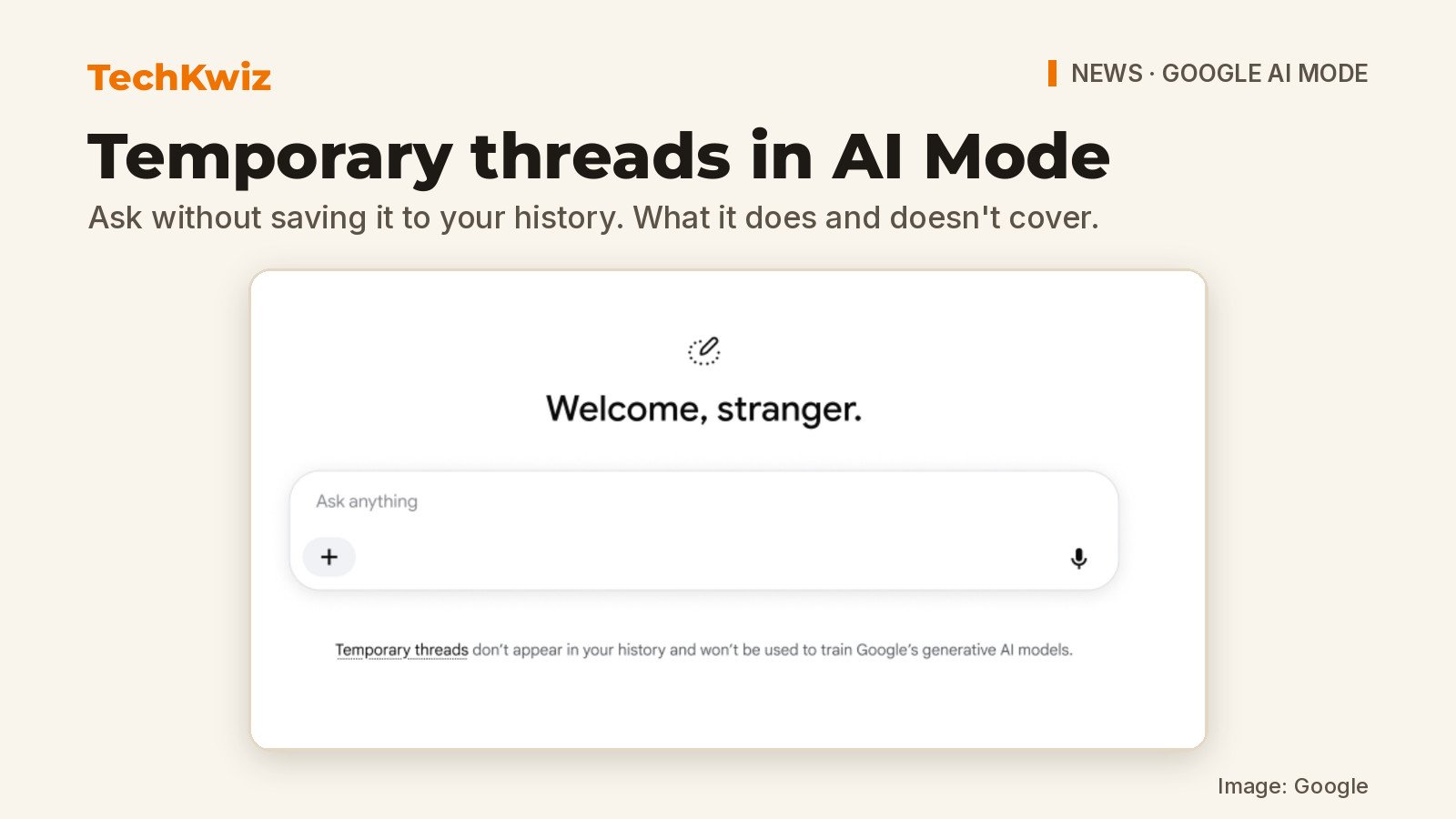
Google announced on November 17, 2026, that AI Mode in Search now includes temporary threads, a way to ask questions without the conversation being saved to your Search or AI Mode history. In its blog post on temporary threads, Google pitches it for things like brainstorming a surprise gift or looking something up you don’t want resurfaced later. If you’ve been searching for a Google AI Mode incognito option, note that this isn’t the same as a browser’s Incognito mode: temporary threads keep conversations out of Search and AI Mode history, but Google’s help page still describes data collection and browser-history limits.
What to know:
- Rolling out globally on desktop and mobile browsers across AI Mode’s supported languages.
- Threads stay out of Search and AI Mode history and do not personalize responses using past activity.
- Leaving immediately ends access; Google separately says threads disappear after 24 hours and describes data-use exceptions.
What temporary threads change
Google says a temporary thread is “completely detached from your account.” That means responses won’t be informed by past preferences, affect future personalization, or show up in your history. Google says there’s no need to adjust your settings: you jump into a temporary thread for a query you don’t want saved, then switch back when you’re done.
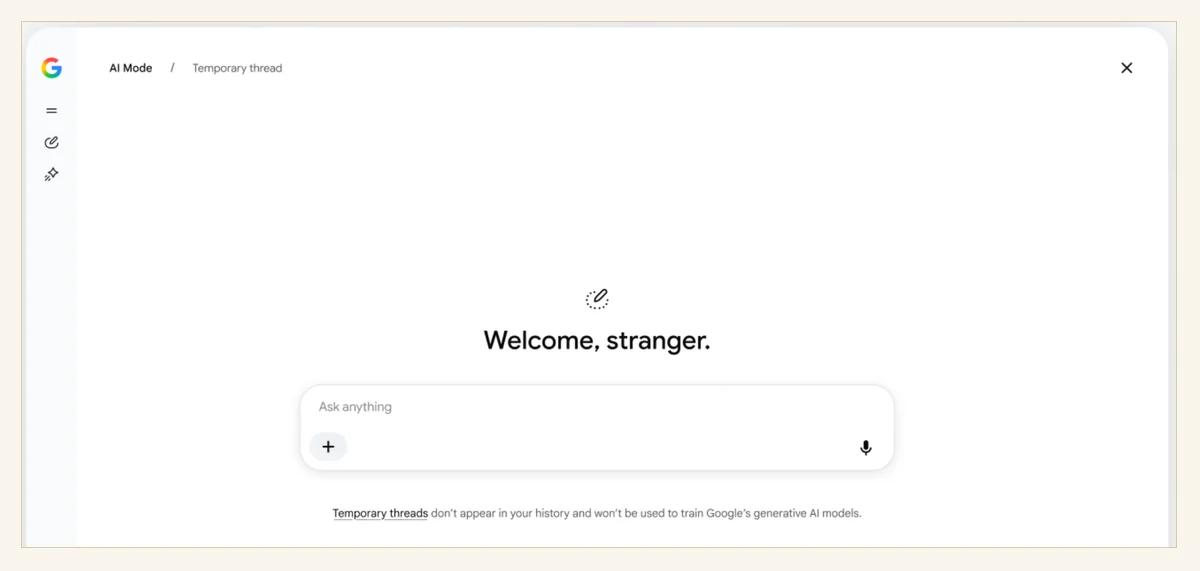
Don’t read it as full anonymity, though. Google says it still collects some data that isn’t tied to your account, and a temporary thread mainly keeps the conversation out of your history and personalization.
How to start and leave a temporary thread
On a browser, open AI Mode and select Temporary thread at the top right. Then enter a question in the Ask anything bar. Google’s Search Help page says you can also use the menu to upload images and files, or use the microphone for voice search.

To leave, select the option at the top right corner. Google says that once you leave, “you will immediately lose access to it.” The thread can’t be recovered or viewed in your AI Mode history.
Which features are unavailable
Temporary threads are stripped down compared with a standard AI Mode session. According to Google, you can’t access the thread from history after leaving, use Connected Apps or other integrated services tied to your Google account, get personalized responses, save information for future personalization, share a thread or response, or generate images.
That makes the feature useful for one-off lookups or discreet planning, but less helpful if you need account-connected tools or want to keep the results for later.
What Google retains and browsers can record
Google says temporary threads are not saved to your Google account and disappear after 24 hours. They won’t be used to train Google’s generative AI models, “unless you submit feedback or it’s necessary for safety purposes.” Google will still collect and use data that is not associated with your account, including to keep services working smoothly and safely and to support business operations.
There is also a browser-side caveat. Your browser may still save browsing history when you visit a website from a temporary thread. If you follow a link out of AI Mode, websites and their services, including Google Analytics, can still collect data. TechKwiz hasn’t tested this feature.
To try it, open AI Mode in a desktop or mobile browser, look for the temporary thread option at the top right, and start a new question you don’t want attached to your account. Leave the thread when you’re done and return to a normal AI Mode session.
For more on AI tools and related updates, see TechKwiz’s AI tools coverage and, for another recent Google AI change, our report on Gemini Live conversations coming to Apple CarPlay.
Get new guides first
Browser alerts for new TechKwiz guides.