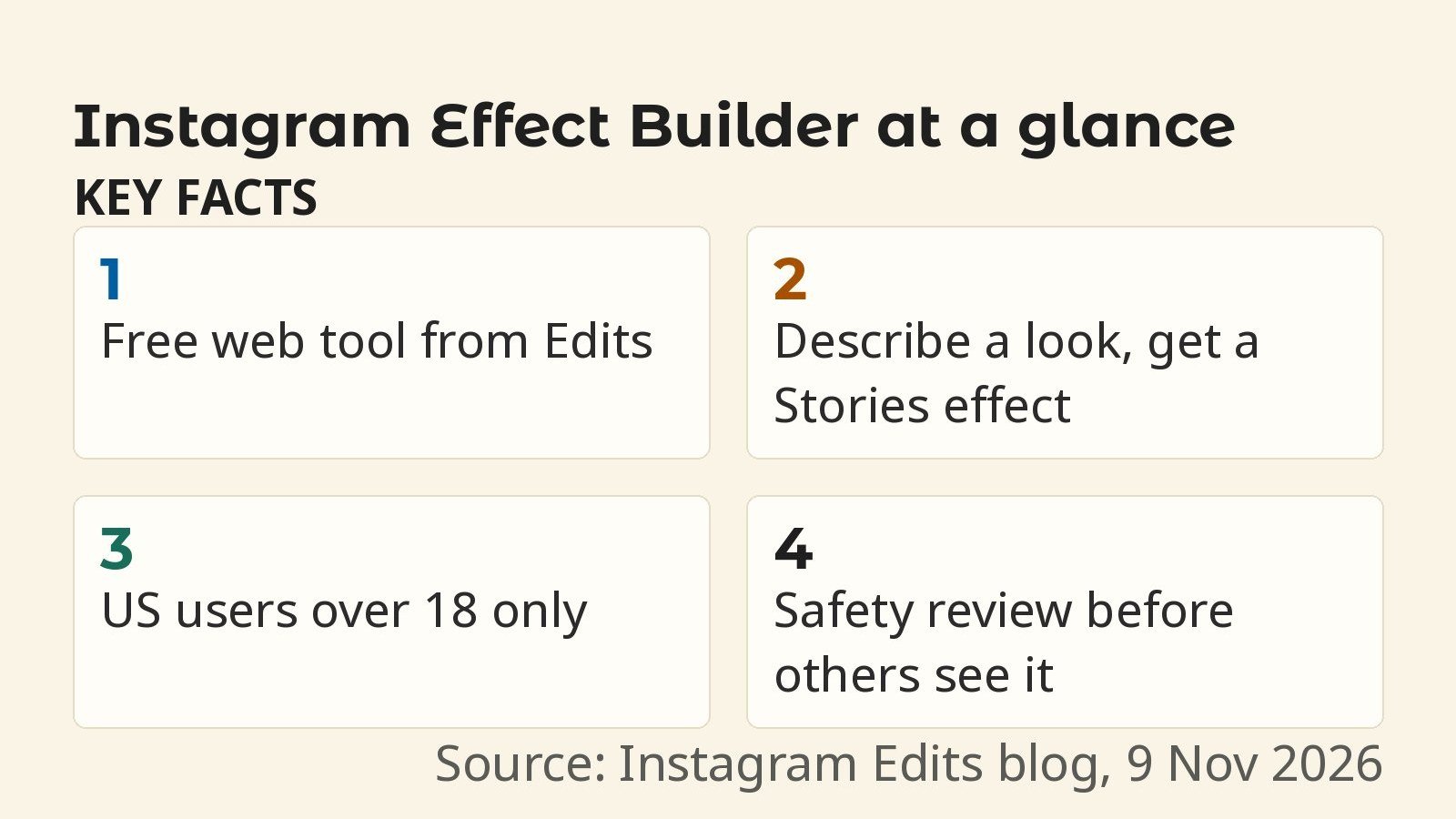
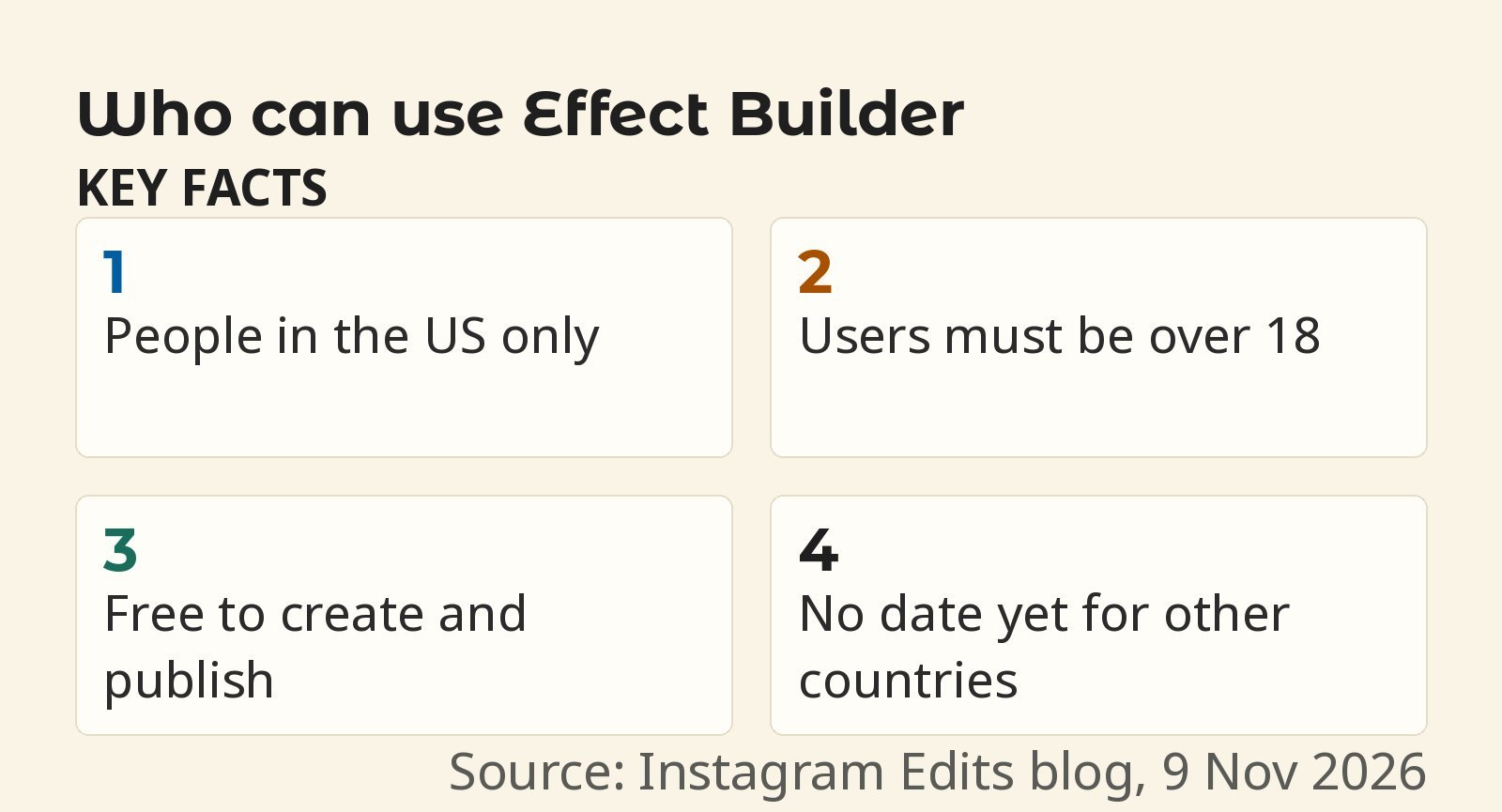
Quick answer: Effect Builder is a free web tool from Instagram’s Edits team that turns a written description into an AI effect for Instagram Stories. You preview it on your own photos and publish it, and after a safety review anyone can use it. For now it is open only to people in the US who are over 18.
Instagram announced the tool on its Edits blog on 9 November 2026. This explainer also uses reports from The Verge, Social Media Today, Digital Trends and The Next Web. Effect Builder is not offered where we are based, so we have not used it ourselves.
What Effect Builder does
Instagram already has Restyle effects in Stories, which change the look of a photo. Until now, building a new effect for other people took design and technical skills, Instagram says. Effect Builder replaces that work with a prompt box.
“If you can describe it, you can build it,” writes Cheechee Lin, a designer for Edits, in the announcement. Her examples include warm vintage film grain, dreamy pastel watercolour and bold comic-book contrast.
Instagram says it is free to create and publish effects. The Next Web notes that Meta shut down Meta Spark, the platform outside creators used to build filters for its apps, in January 2025.
What you can give it
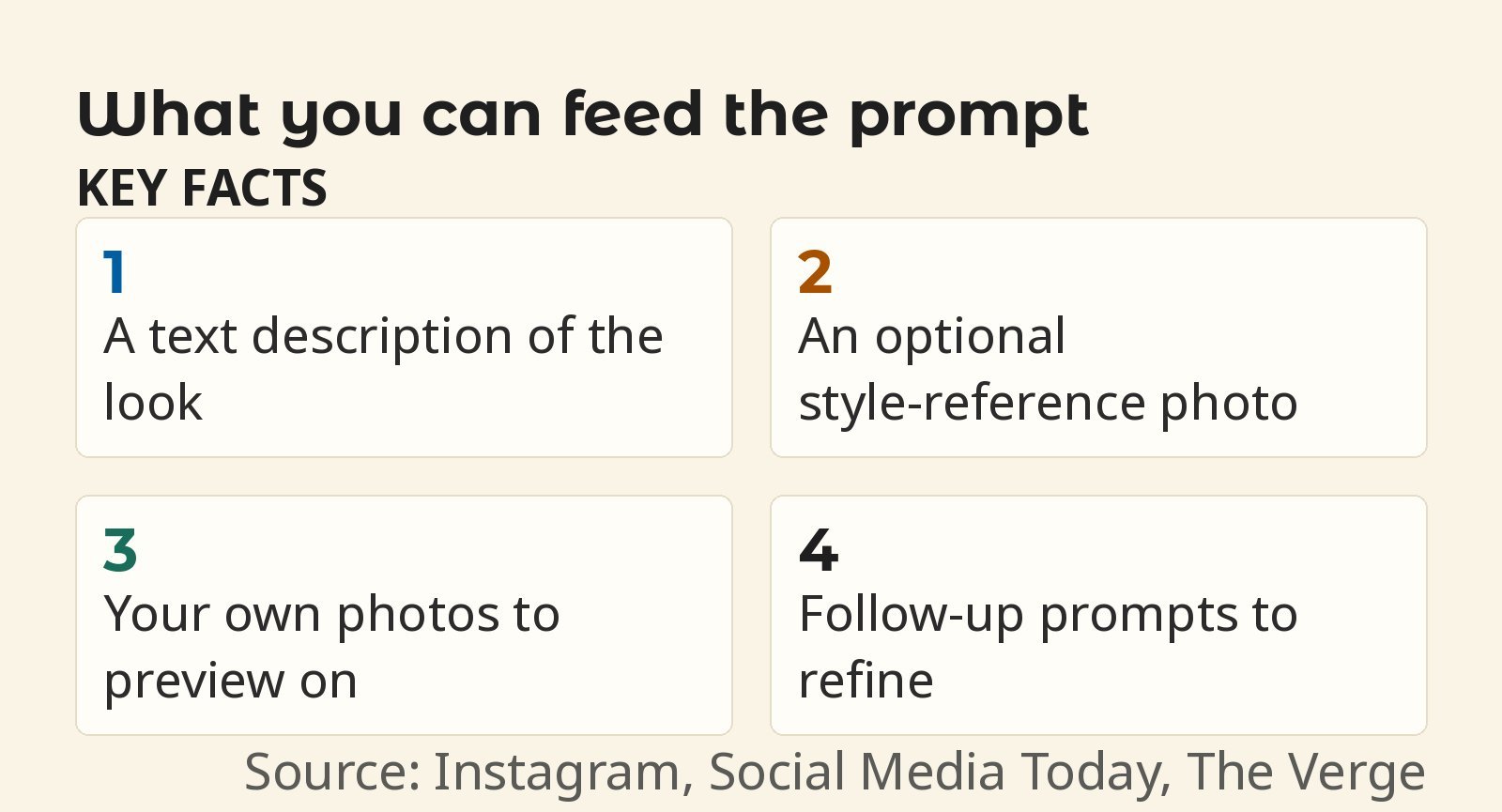
- A text prompt: a description of the look you want.
- A style reference: Meta told Social Media Today you can upload a photo, and Meta AI uses its colour, lighting and texture to guide the effect.
- Your own photos: you test the effect on them before you publish.
- Follow-up prompts: The Verge says you can ask for changes in later prompts.
The Verge also found an option that lets Instagram’s AI rewrite your prompt. Its one-line comic-book prompt became several paragraphs, but the resulting filter looked nearly the same.
How to make and publish an effect
Instagram’s own steps match what The Verge, Digital Trends and The Next Web describe.
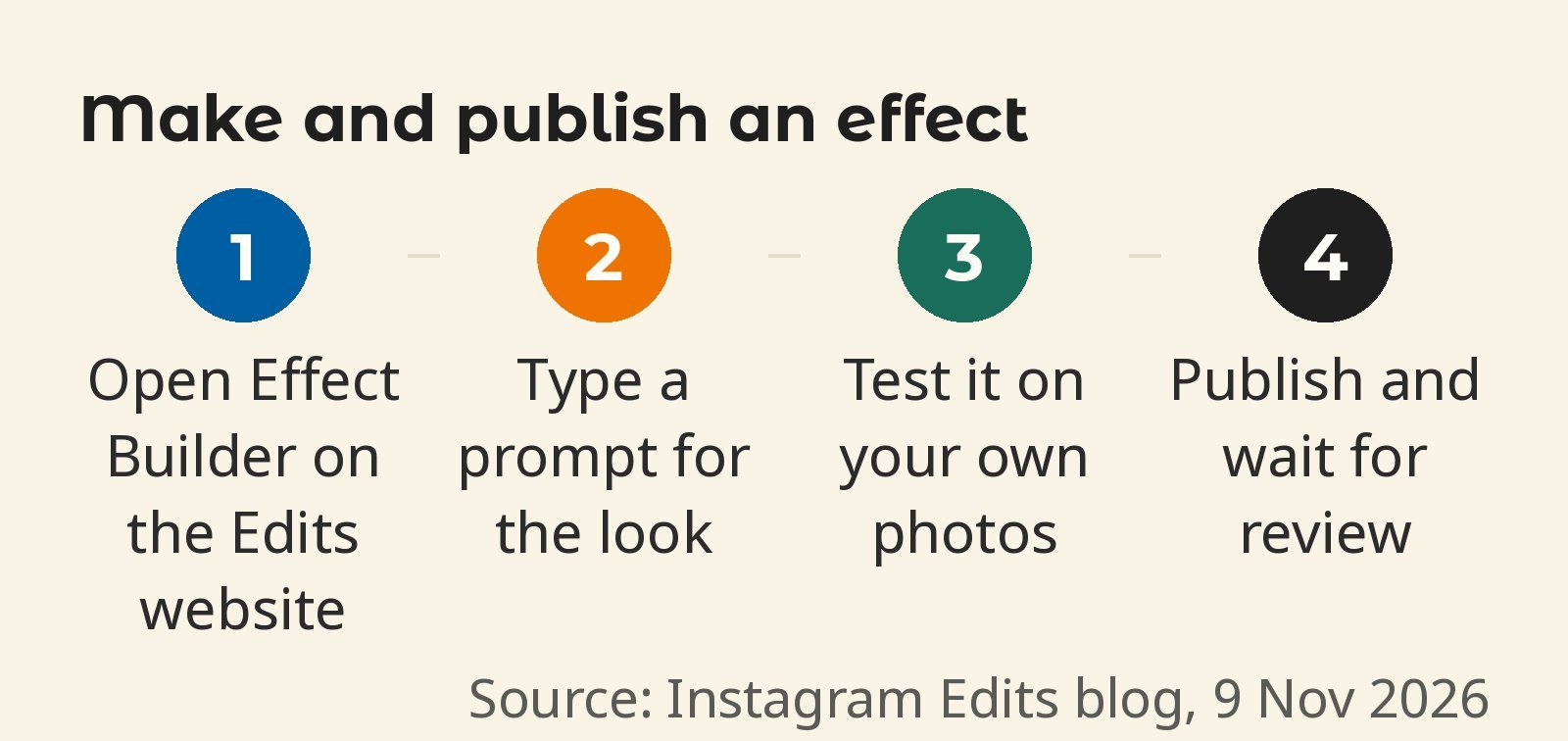
- Go to edits.com/effectbuilder in a web browser.
- Type a prompt that describes the look you want.
- Test the effect on your own photos and refine it until you are happy.
- Publish it. The effect then goes through a safety review before others can use it.
Social Media Today says you can check the status of effects under review in the Library tab, and that Meta’s review usually takes less than 24 hours.
What happens after approval
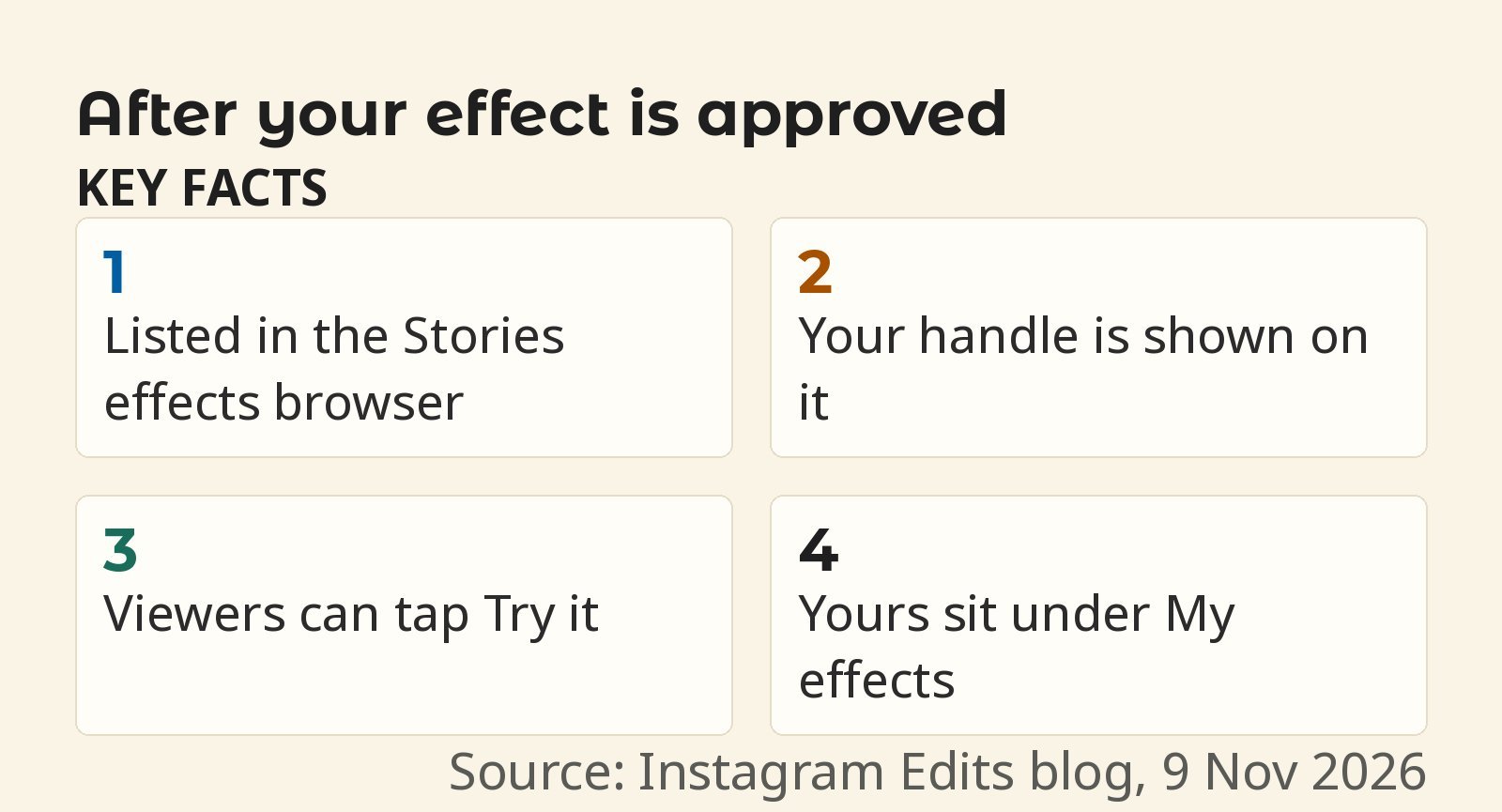
Approved effects appear in the Instagram Stories effects browser alongside other effects. Your Instagram handle is shown on each one, so people can tap through to your profile.
Viewers who see the effect in a Story can tap Try it to use it on their own photo. Your creations also appear under My effects when you make a Story, according to Instagram.
Our advice: because your handle travels with every use of your effect, only publish looks you are happy to have linked to your profile. If you use a style-reference photo, pick one you own or have the right to use.
Who can use it, and what comes next
Instagram says Effect Builder is available in the US for people over 18. It has not said when other countries will get it.
The tool is part of a wider push to grow Edits beyond the phone. Social Media Today and The Next Web both link it to the launch of Edits on Mac the week before.
New to Stories? Start with our guide to creating your first Instagram Story. For more on the app, see our complete Instagram guide and how Instagram protects original videos.
Get new guides first
Browser alerts for new TechKwiz guides.