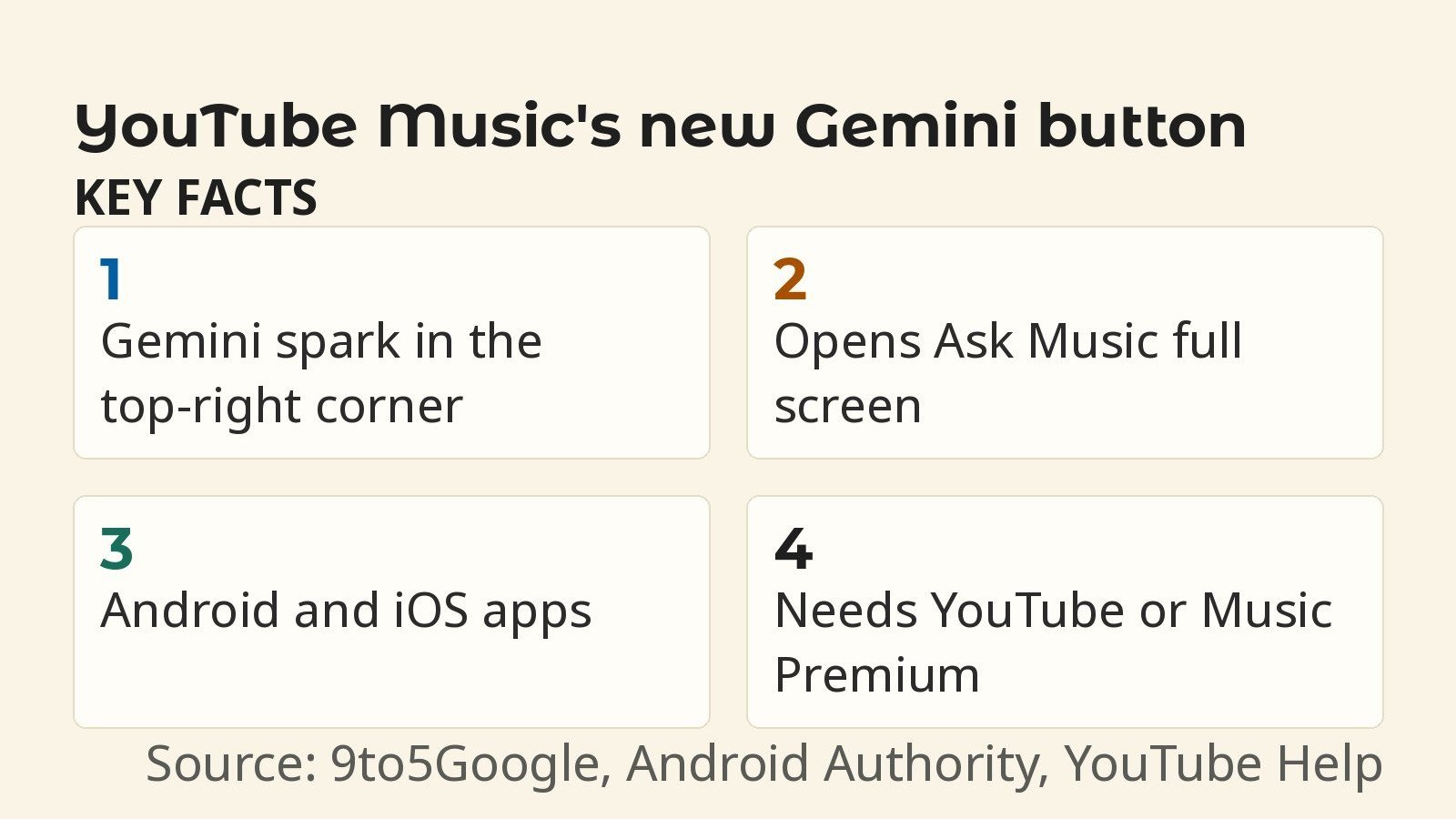
Quick answer: YouTube Music is adding a Gemini spark icon to the top-right corner of its Android and iOS apps. Tap it to open Ask Music, the app’s AI chat, which can make mixes, find artists and podcasts, and tell you about your listening history. You need YouTube Premium or YouTube Music Premium to use it.
9to5Google reported the wider rollout on 18 November 2026, and Android Authority covered it the same day. This explainer also uses Google’s YouTube Music Help page for Ask Music. We have not used the new button ourselves, and we re-read all three sources on 27 November 2026.
What changed
Ask Music launched in 2024, and until now you mostly reached it from a card in the Home feed, 9to5Google says. The new Gemini icon sits on almost every screen instead, including Home, Library, Now Playing, albums and playlists.
Tapping it opens Ask Music as a full-screen sheet. You can type a request or use voice input.
The button is arriving in a server-side update, so not every subscriber will see it yet. YouTube first previewed the change in September and said it would come later in the year for Premium subscribers worldwide, according to 9to5Google.
What Ask Music can do
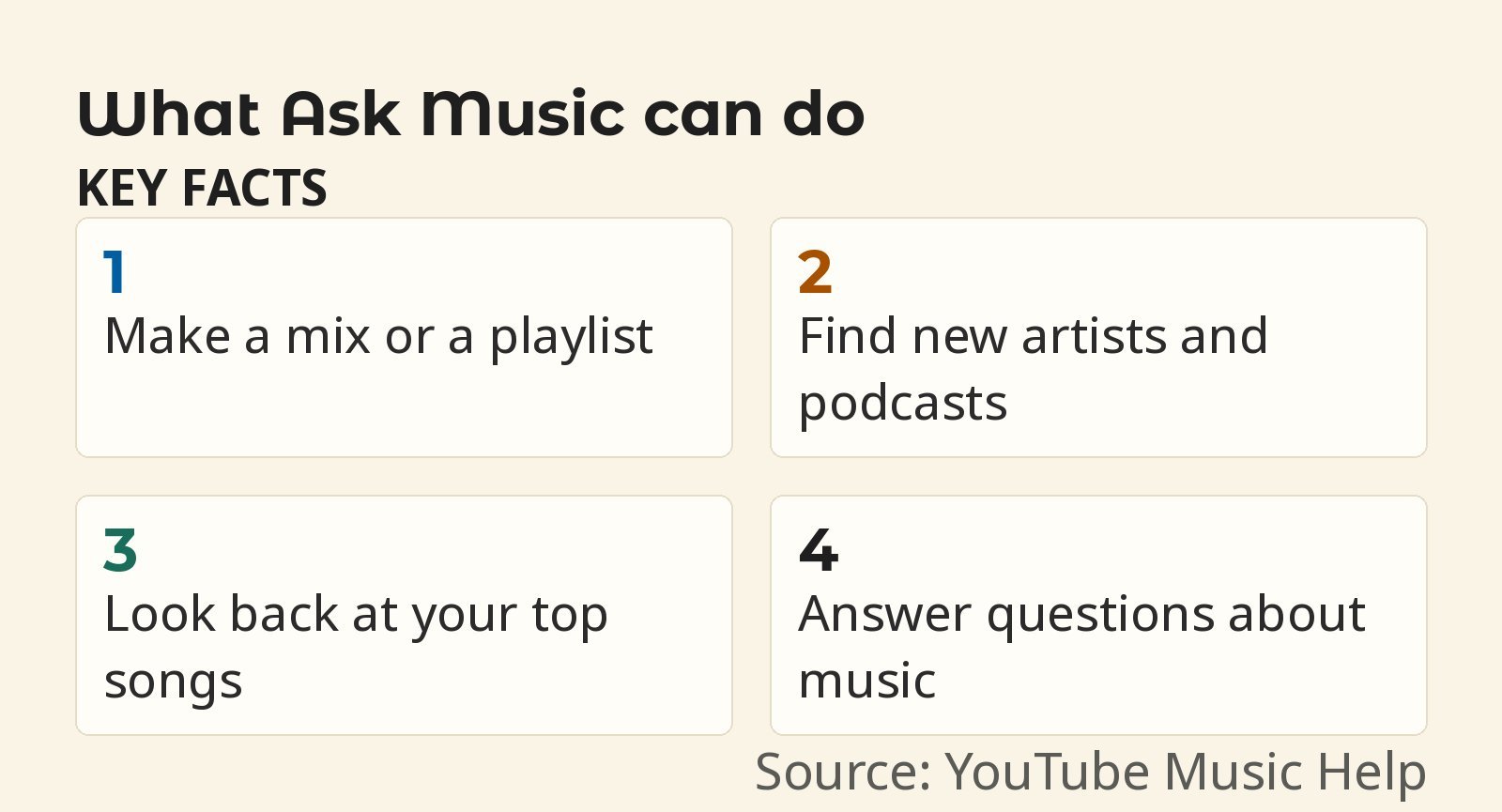
Google’s help page calls Ask Music an AI tool that makes your listening more personal. It lists these uses:
- Mixes and playlists: describe a mood or activity, such as a workout or a rainy day.
- Discovery: find new artists, podcast shows and episodes.
- Your history: look back at things like your top songs.
- Questions: ask factual questions about music and artists.
9to5Google adds that YouTube says Ask Music can now “customize your queue or dive deeper into artist lore.” Google says it picks music from YouTube Music’s licensed catalogue. It does not make AI songs, voice clones or unofficial remixes.
How to make a mix with Ask Music
Google’s help page gives these first steps. 9to5Google and Android Authority describe the same top-right entry point, which shows as the Gemini spark, and both mention typing or voice. Google adds that making a mix will not interrupt what is already playing.
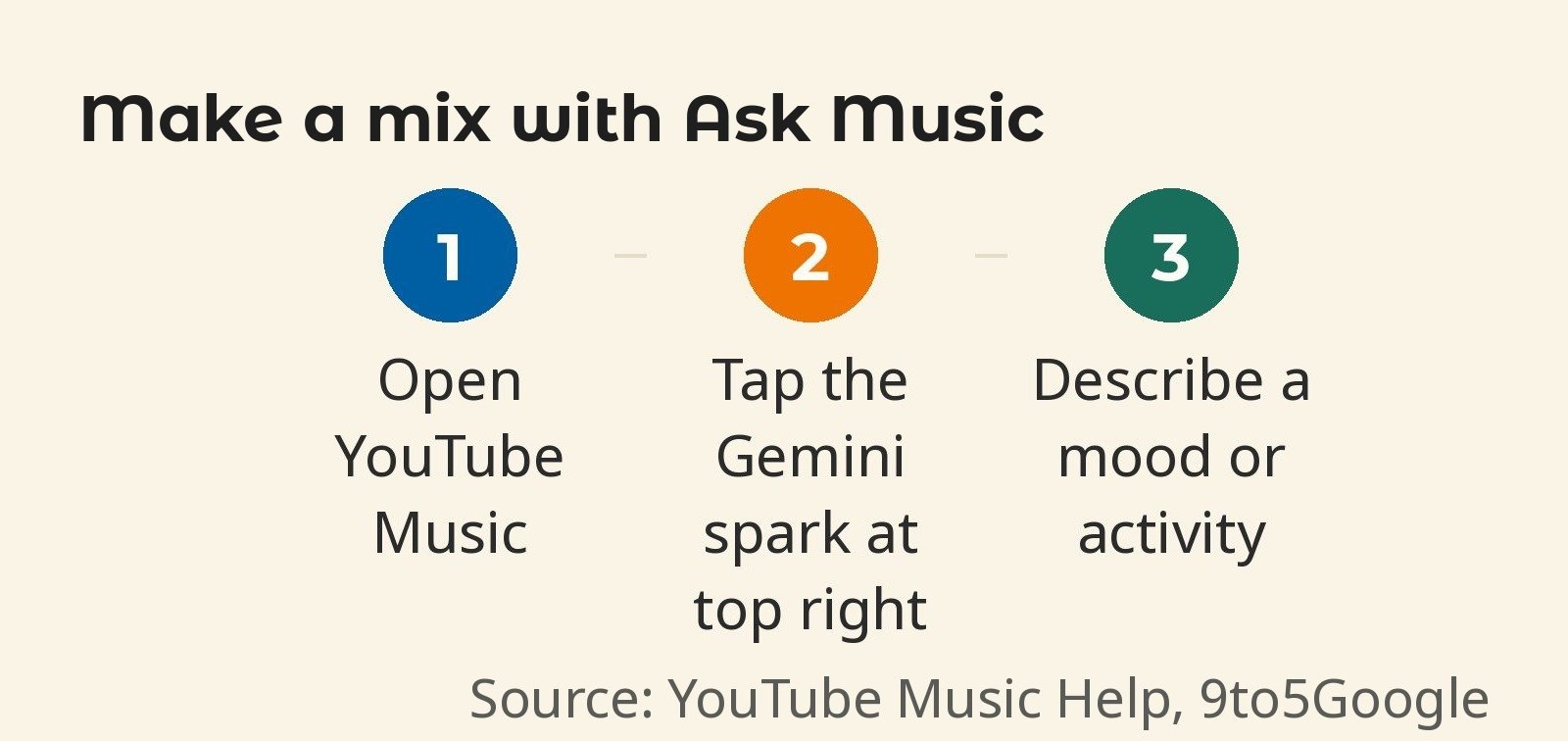
- Open the YouTube Music app on your phone.
- Tap Ask Music in the upper-right corner.
- Type or say a prompt that describes a mood, activity or listening experience.
For podcasts, you ask the same way, for example “podcasts about pop culture”.
Who can use it
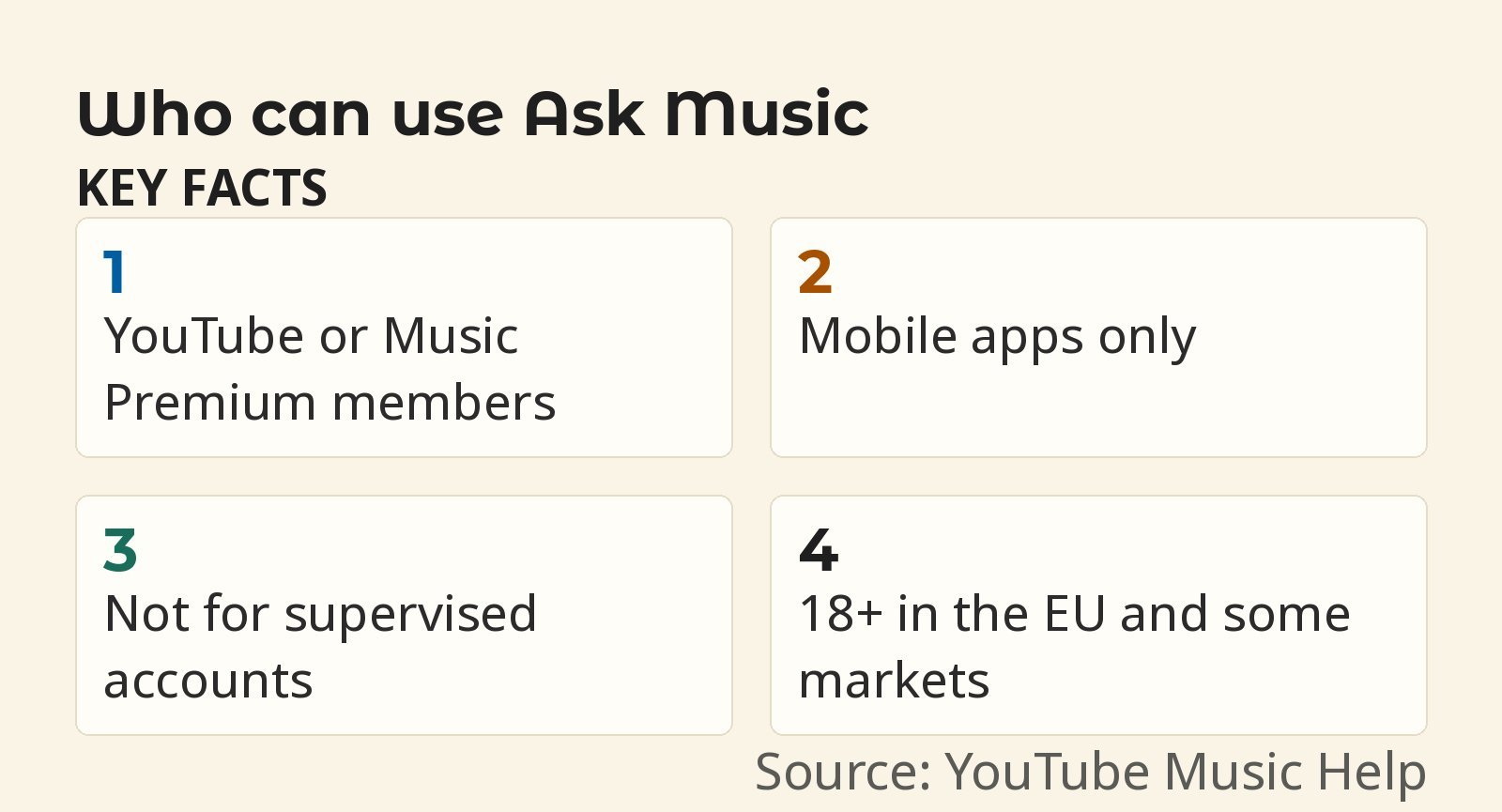
Google lists these rules for Ask Music:
- Membership: YouTube Premium or YouTube Music Premium.
- Devices: mobile only for now.
- Accounts: not available on supervised accounts, and users in the EU and some other markets must be 18 or older.
- Countries: wherever YouTube Music Premium is offered, except Hungary.
What it uses, and where to delete it
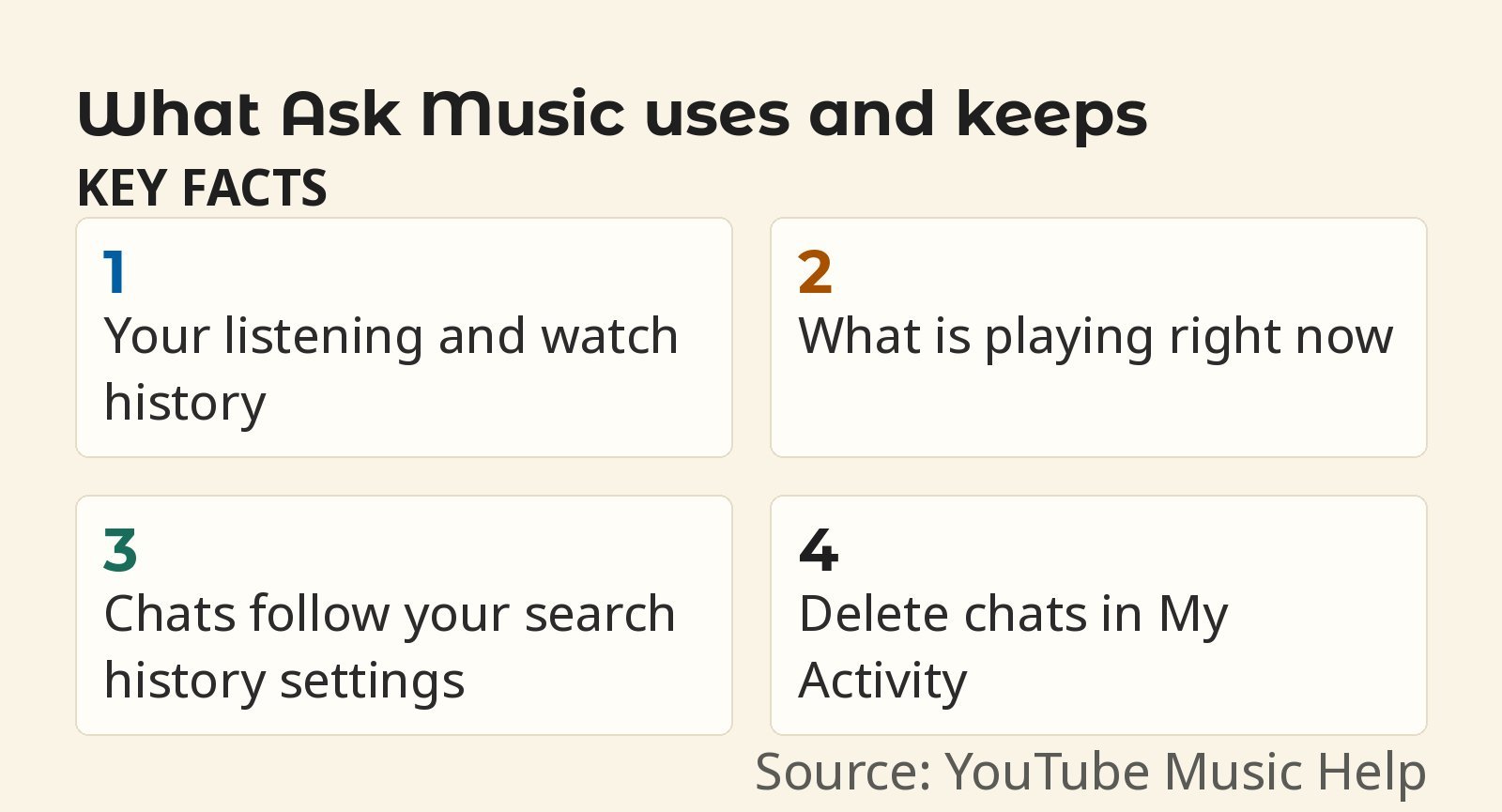
Google says Ask Music may use your listening and watch history, such as your top artists and songs. It can also use what is playing, what is on your screen and Google Search.
Your Ask Music conversations follow your YouTube Search History settings, and you can delete them from My Activity. Google notes that deleting them does not remove your YouTube search or watch history.
Our advice: Google says human reviewers may read Ask Music conversations, after disconnecting them from your account. Avoid typing personal details into your prompts, and clear old chats in My Activity if you would rather not keep them.
If you also use Google’s Gemini app, see what happens when you delete Gemini chats, how to turn off Gemini, or whether Gemini is free.
Get new guides first
Browser alerts for new TechKwiz guides.