Getting Started: Account Setup and Profile Optimization
Snapchat differs fundamentally from other social platforms. Its ephemerality — content disappears by default — creates urgency and authenticity. This format appeals to audiences seeking unfiltered, real-time connection rather than curated perfection. When you set up your Snapchat account, you’re joining a platform that prioritizes direct messaging over broadcast, though recent features have added public components.
Initial account setup requires a phone number and email. Your username becomes your Snapchat identifier for friends to find you. Choose a username you’re comfortable with long-term; changing it is possible but confuses existing connections. Your profile photo and display name should match your intention — personal accounts use casual photos, creators use branded images.
Snapchat’s algorithm still favors direct messaging as its primary engagement driver. Unlike Instagram or TikTok which push algorithmic feeds, Snapchat defaults to showing your recently-added and messaged friends first. This makes personal connection and reply consistency more important than follower count. Respond to messages quickly; Snapchat users expect near-real-time interaction.
According to Snapchat’s 2025 platform data, active users open the app 15+ times daily on average, with average session duration of 30+ minutes. This frequency makes Snapchat valuable for habit-building engagement, particularly with younger audiences (Gen Z).
Core Features: Snapstreaks, Stories, and Memories
Snapstreaks: Habit-Forming Engagement
Snapstreaks are one of Snapchat’s most powerful engagement mechanics. A streak represents consecutive days two users have exchanged snaps. The number grows daily, creating psychological investment in maintaining the streak. Users go to remarkable lengths to maintain streaks — many send snaps even while traveling or ill, purely to avoid losing a high streak count.
From a creator perspective, maintaining streaks with your audience builds reciprocal obligation to view and respond to your content. Casual viewers become habitual viewers. For personal accounts, streaks deepen friendships. For creators, snapping your most engaged followers daily builds a core audience that views everything you post.
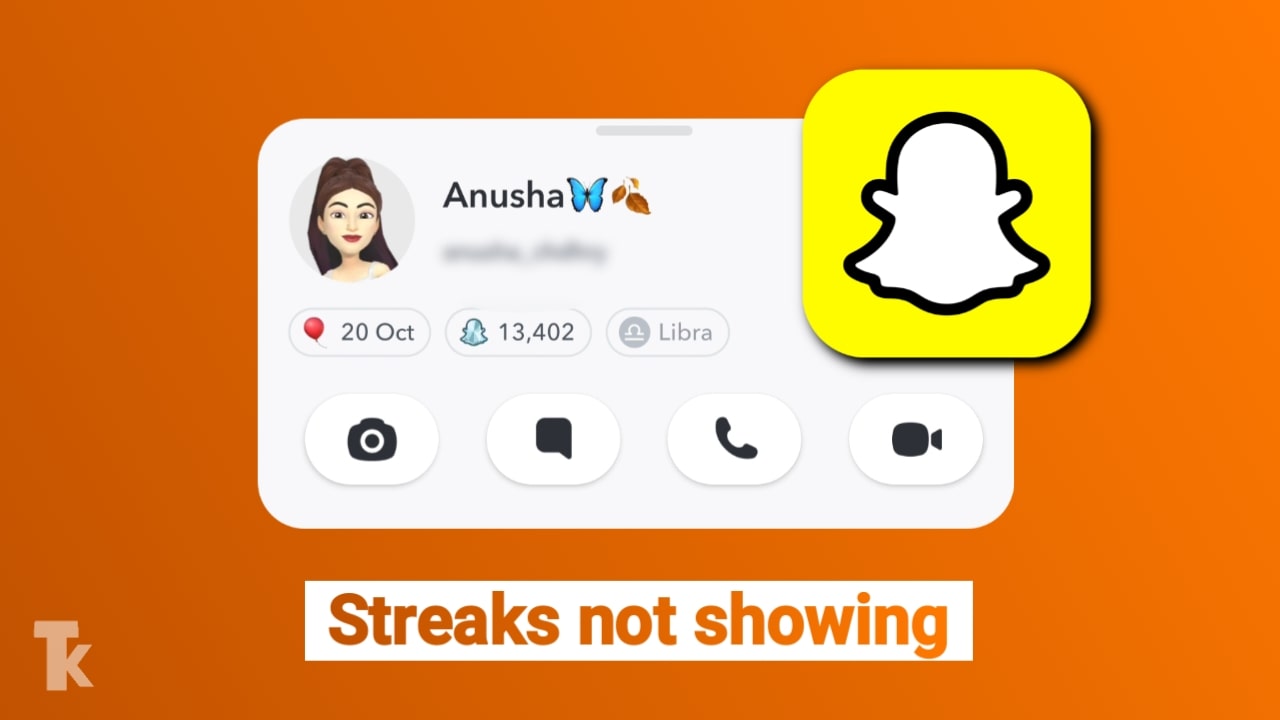
Some users report that the streak number isn’t showing — typically a display glitch rather than a lost streak. Troubleshooting involves updating the app, checking internet connection, and restarting the app. The streak itself rarely disappears unless 24+ hours pass without exchange.
Snapchat Stories and Public Profiles
Snapchat public profiles allow creators to build audiences beyond friends. By converting to a public profile, your Stories become viewable to anyone on the platform. This is Snapchat’s competitor to Instagram and TikTok feeds. Public profiles display your Story collection, Highlights (saved Story groups), and contact information.
Stories posted to your Story (not DMs) are visible to friends for 24 hours, then disappear. Stories posted to your public profile remain visible in your Story collection, creating a content archive. This flexibility — ephemeral stories for friends, permanent stories for public viewers — appeals to creators who want both real-time intimacy and evergreen presence.
Posting to your Story 1-3 times daily maintains visibility without overwhelming your followers. Consistency matters; irregular posting causes followers to disable notifications. Story headers (who each story was sent from) appear at the top of users’ feeds when they open Snapchat, creating prime real estate for popular creators.
Memories and Content Backup
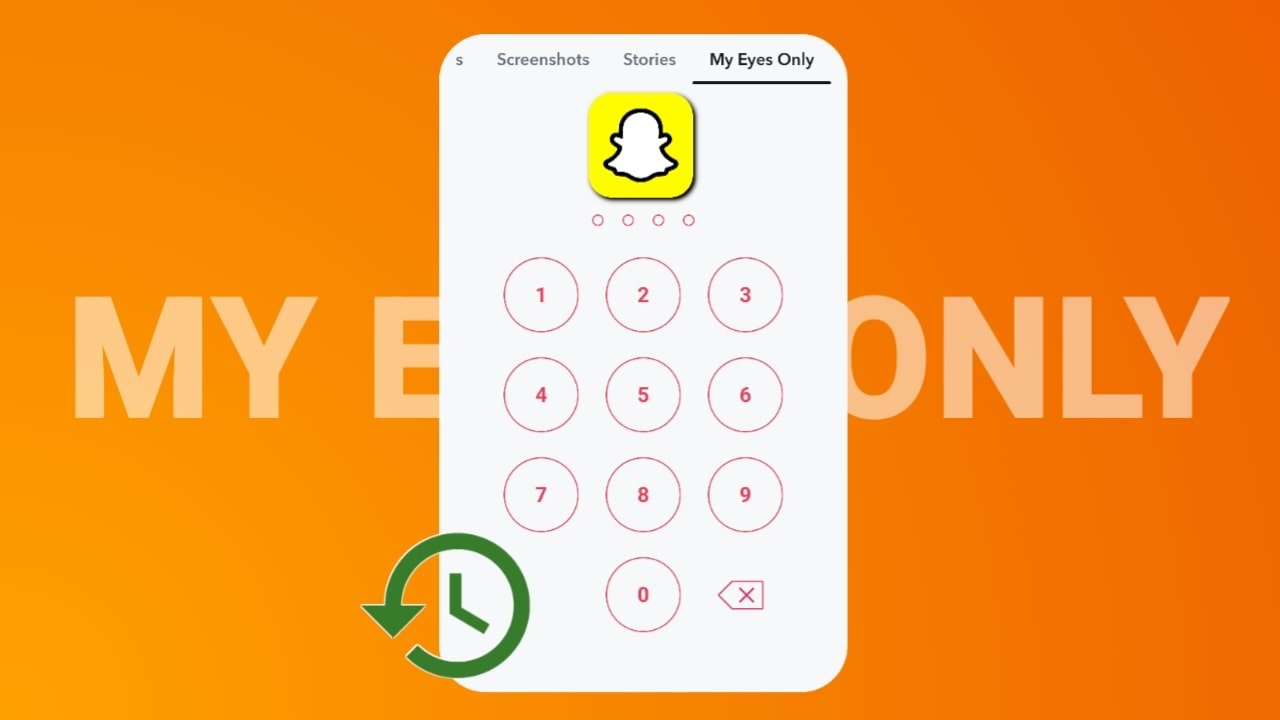
Memories are Snapchat’s cloud storage feature. Every snap you take is automatically backed up to Memories, creating a personal archive. My Eyes Only is a password-protected section of Memories where you store sensitive photos. Encryption ensures these photos are accessible only to you, even if your account is hacked.
Recovery is possible if you have the Snapchat password and access to the email/phone associated with the account. If you’ve forgotten credentials, Snapchat’s account recovery process requires identity verification. Plan ahead: save a backup of critical My Eyes Only photos to your device, or ensure you remember your password. Account recovery takes 2-5 business days and provides limited guarantees.
Advanced Tools: Snap Map, Lenses, and My AI
Snap Map and Location Sharing
Snap Map displays your location on a map shared with friends you’ve approved. It’s privacy-conscious by default — your location is only visible if you explicitly enable it and to users you’ve added. Many users disable location sharing entirely due to privacy concerns, which is entirely valid.
From a creator perspective, Snap Map provides context for Stories. If you’re traveling or at an event, your location context adds authenticity and relevance to your snaps. Enabling location sharing for Stories (while disabling for casual Map visibility) balances creator advantage with privacy protection.
Lenses and Filters
Snapchat’s camera features including zoom capabilities allow creators to capture more dynamic content. Lenses — augmented reality filters created by Snapchat and users — transform your appearance or surroundings. Trending Lenses drive engagement because they’re fun and easily recognizable.
Using trending Lenses in Stories boosts algorithmic visibility. When a Lens is trending, Snapchat promotes Stories using that Lens to broader audiences. Creators who quickly adopt trending Lenses gain reach disproportionate to their follower count. This is Snapchat’s equivalent to Instagram’s trending audio.
Custom Lenses created by brands or creators offer engagement opportunities. A branded Lens in your Story invites interaction and often generates higher view counts through novelty.
My AI: Snapchat’s Conversational Assistant
My AI is Snapchat’s AI assistant integrated into the chat interface. It functions similarly to ChatGPT but within Snapchat’s ecosystem. Users can ask questions, request creative ideas, or simply chat with My AI. From a creator perspective, My AI provides value to your audience, potentially increasing time spent in your Stories through interactive engagement.
My AI learns from conversations and can provide personalized recommendations, answer questions about your content, and even suggest content ideas. As AI integration deepens, My AI may become more valuable to creators managing large communities or answering frequently asked questions.
Creator Tools and Monetization
Spotlight: Snapchat’s Revenue-Sharing Model
Spotlight is Snapchat’s algorithm-driven feed of top creator content. Unlike Instagram or TikTok where follower count determines reach, Spotlight uses purely algorithmic merit — any snap can go viral regardless of account size. Snapchat pays creators monthly based on Spotlight performance, with top creators earning $200-$500+ daily.
To qualify, snaps must be original, follow community guidelines, and meet quality standards. No watermarks, external links, or low-resolution content. Spotlight revenue is distributed proportionally; if you receive 10% of Spotlight views that day, you earn roughly 10% of the day’s creator pool. Pool size varies but typically ranges $10,000-$50,000+ daily across all creators.
The Spotlight algorithm rewards engagement velocity — rapid accumulation of views, shares, and replays within the first hour. Posting at peak times (evenings, weekends) when most Snapchat users are active increases early algorithmic boost.
Other Monetization: Subscriptions and Partnerships
Snapchat subscriptions allow creators to charge followers for exclusive content. Pricing ranges from $0.99-$99.99 monthly. Snapchat retains 30%, creators earn 70%. This model works best for creators with highly engaged, loyal audiences willing to pay for exclusive access.
Brand partnerships through sponsored Lenses, Stories, or shoutouts generate income for mid-to-large creators. Brands typically pay $5,000-$50,000+ for sponsored Snapchat campaigns depending on creator reach and engagement rates.
Privacy, Security, and Troubleshooting
Privacy Controls and Screenshot Detection
Snapchat notifies you when someone screenshots your snap (in a 1-on-1 chat). This transparency deters unauthorized sharing. However, screen recording at the OS level may not trigger notifications on all devices. Additionally, Snapchat web version doesn’t have the same screenshot detection.
For sensitive content, rely on My Eyes Only and private Stories. Enable two-factor authentication to prevent unauthorized access. Review your connected apps monthly to revoke access from apps you no longer use.
Media Upload Issues
If you experience Snapchat media upload problems, troubleshooting steps include: clearing app cache, ensuring sufficient device storage, checking internet connection, updating to the latest version, and uninstalling/reinstalling. Media upload failures typically stem from technical issues rather than account restrictions. If restarting the app and device doesn’t resolve the issue, contact Snapchat support.
Dark Mode and Interface Customization
Snapchat dark mode reduces eye strain for nighttime users. If you prefer light mode, you can disable dark mode in Settings > Appearance. Snapchat syncs appearance settings with your system-level preference by default, but you can override this in the app.
App Updates and Feature Access
If you need to update Snapchat without using the Play Store (on Android), you can download APK files from trusted sources, sideload the app, or wait for over-the-air updates. However, always use official channels when possible to ensure security. iOS users should update through the App Store only.
Platform Updates and New Features
Friends in Chat and Social Features
Snapchat’s Friends in Chat feature allows you to create group conversations easily. This update makes community building and group engagement simpler, particularly useful for creators managing fan communities.
Recent platform updates have emphasized group features, collaborative stories, and social discovery. These features position Snapchat as a community platform, not just a messaging app.
FAQ
Is Snapchat safe for kids?
Snapchat is generally considered safer than older platforms because messages disappear by default and screenshot notifications warn users. However, any social platform where children interact with strangers carries risks. Parental controls through device settings and open communication about safe online behavior are essential.
How do I increase my Snapchat followers?
Consistency is paramount — post daily Stories, respond to messages quickly, and maintain streaks with your most engaged followers. Use trending Lenses, post at peak times (evenings, weekends), engage with other creators’ content, and optimize your public profile with a clear bio and profile photo. As your following grows, algorithmic boost increases.
Can deleted snaps be recovered?
Once a snap is opened and disappears, recovery is nearly impossible through normal means. If you deleted a snap from Memories, recovery may be possible through Snapchat support if you act quickly. Always back up important photos to your device or My Eyes Only Memories.
What’s the difference between a snap and a story?
A snap is an individual message sent to specific people or groups. A Story is a collection of snaps posted to your Story visible to all your friends or public followers for 24 hours. Stories create continuous narrative; snaps are individual messages.
Why am I losing streaks?
Streaks require exchange of snaps (not just messages or video calls) within 24 hours. Both parties must open the snap for the streak to count. If you lose a streak, you can reactivate it by snapping again within 24 hours, though the count resets to 1.
Master Snapchat in 2025! Learn about Bitmoji setup, My AI chatbot, Snapchat+ features, and privacy secrets like Ghost Mode and Eyes Only in our expert guide.