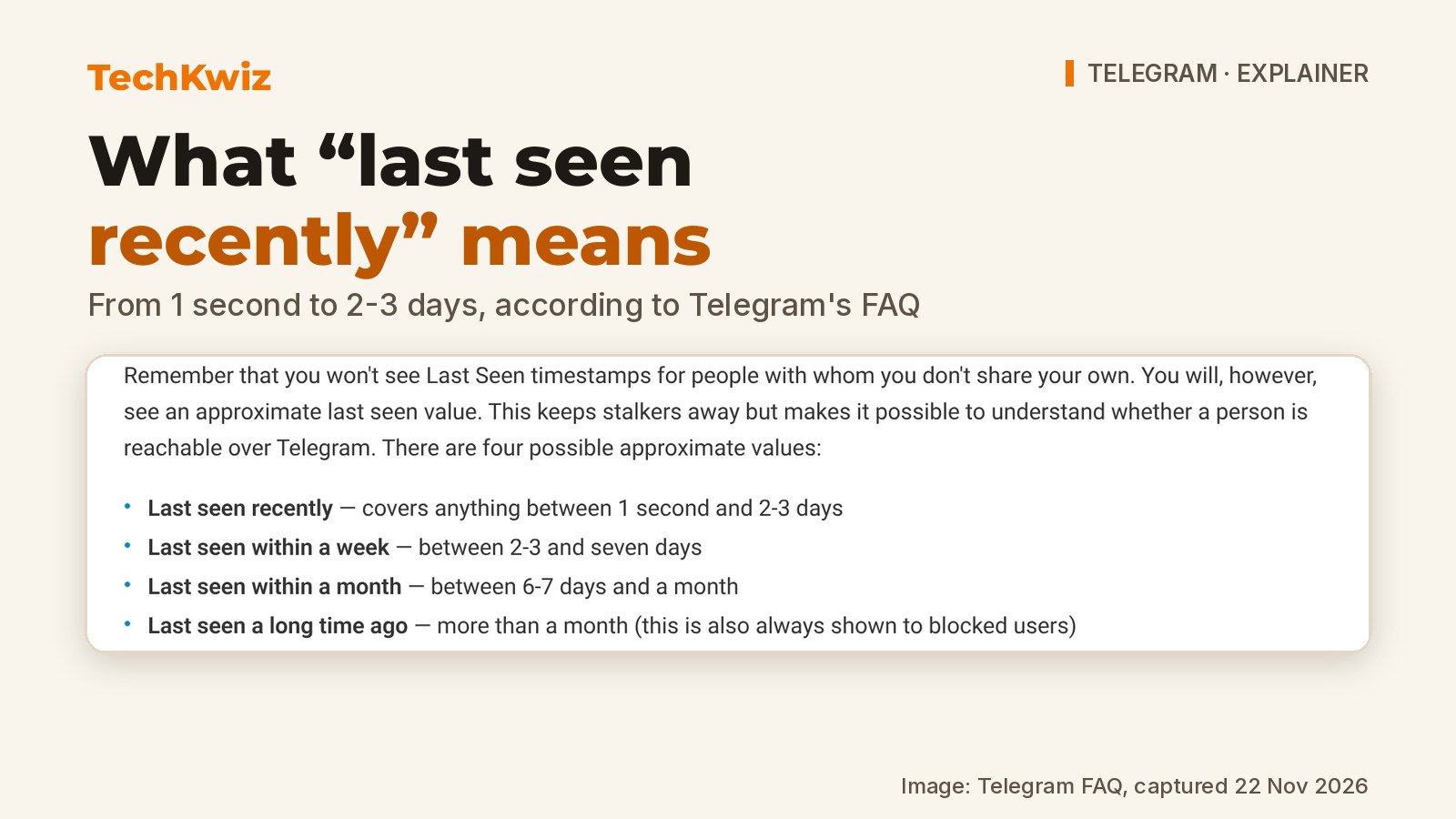
On Telegram, “last seen recently” is a deliberately vague label rather than a timestamp. It covers anything between 1 second and 2-3 days, and you are shown it instead of an exact time because you are not sharing your own last seen status with that person.
The other approximate values work the same way. “Last seen within a week” means between 2-3 and seven days, “last seen within a month” means between 6-7 days and a month, and “last seen a long time ago” means more than a month. That last label is also what someone always sees if you have blocked them. You choose who gets your real timestamp in Telegram’s Privacy and Security settings, with per-person exceptions on top.
TechKwiz hasn’t tested this on a device. Everything below comes from Telegram’s official FAQ, its January 2024 blog post and Telegram’s own in-app translation strings, as of 22 November 2026.
Key facts
- “Last seen recently” covers anything between 1 second and 2-3 days.
- “Within a week” is 2-3 to seven days; “within a month” is 6-7 days to a month.
- “A long time ago” means more than a month, and it is always what blocked users see.
- You only see exact last seen times from people you share yours with.
- Premium users can hide theirs and still see other people’s last seen and read times, unless those people have specifically restricted it.
- Sending, reading or typing still shows you online for about 30 seconds.
Why Telegram shows an approximate time
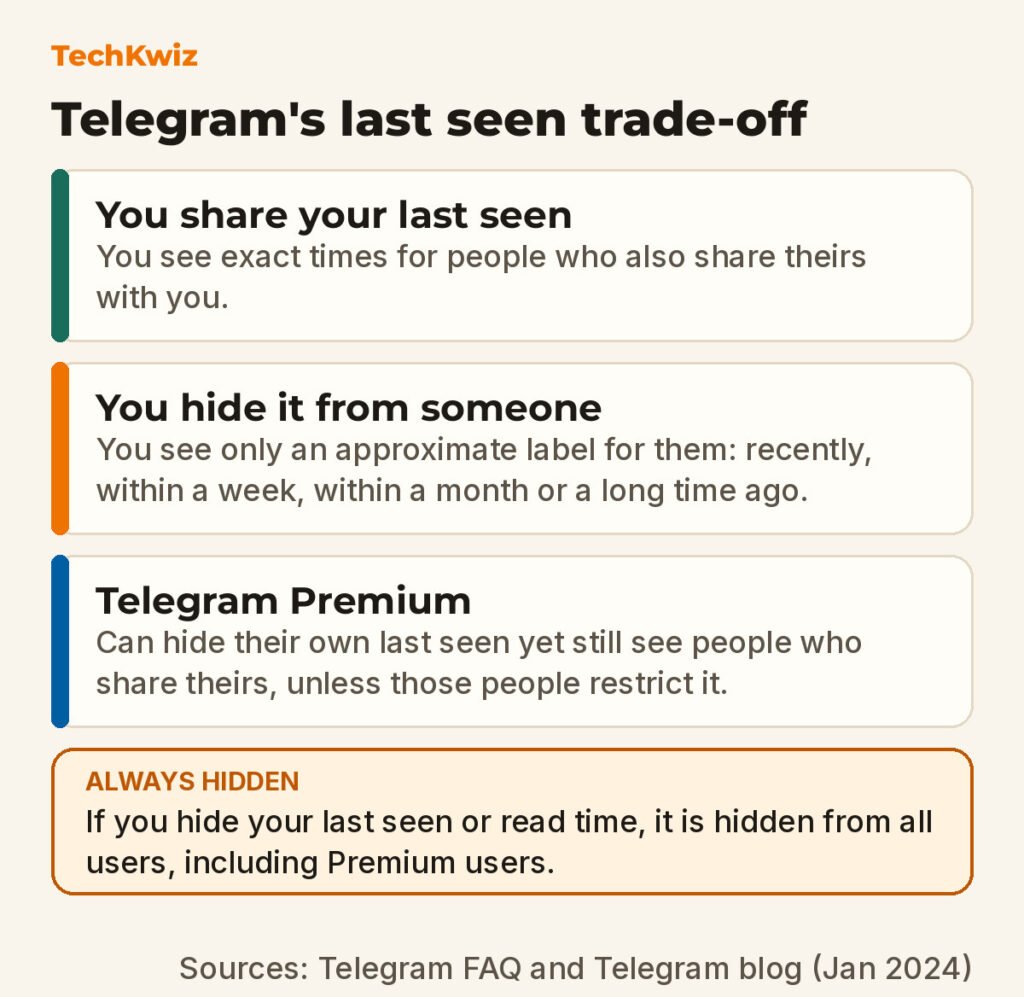
The rule is reciprocal by default. Hide your last seen from someone and you give up seeing theirs, which the FAQ states plainly: “Remember that you won’t see Last Seen timestamps for people with whom you don’t share your own. You will, however, see an approximate last seen value.”
Telegram’s reason for showing something rather than nothing is a compromise. The vague label, it says, keeps stalkers away but still makes it possible to understand whether a person is reachable over Telegram. “Recently” tells you a reply tonight is plausible. “Within a month” tells you not to wait up.
The settings screen says the same thing in its own words: unless you are a Premium user, you won’t see Last Seen or Online statuses for people with whom you don’t share yours, and approximate times are shown instead (recently, within a week, within a month).
Premium is the documented exception. The FAQ says Premium users can hide their last seen and read times and still see the times of people who share them, and Telegram’s in-app Premium string sets the limit: you will see other users’ last seen and read time even if you hid yours from them, “unless they specifically restricted it.”
When people can still see you online
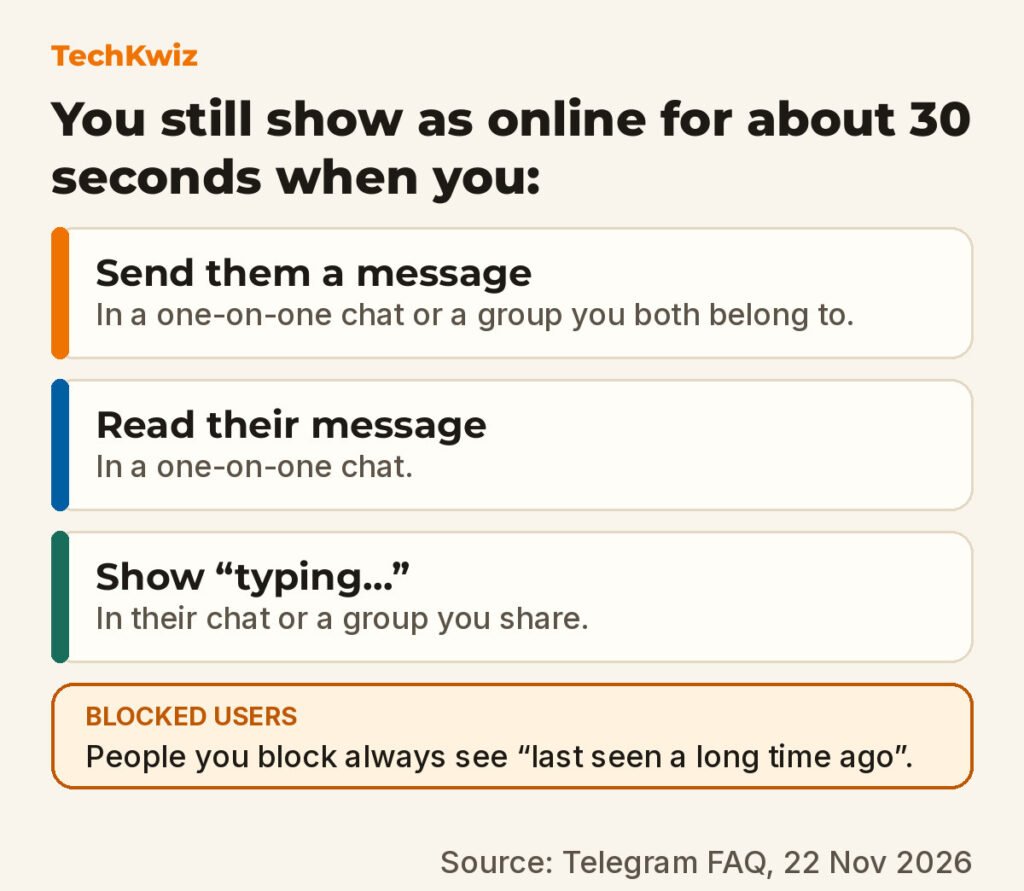
Your online dot follows the same rules. In Telegram’s words: “The last seen rules apply to your online status as well. People can only see you online if you’re sharing your last seen status with them.” There are exceptions, because sometimes it is obvious that you are there.
Whatever your last seen setting says, someone will see you online for a brief period of about 30 seconds if you do any of these:
- Send them a message in a one-on-one chat, or in a group you are both members of.
- Read a message they sent you in a one-on-one chat.
- Broadcast a “typing…” status to their chat with you, or to a group you are both members of.
If you are not sharing your last seen and you do none of those three things, Telegram says they will never see you online. Blocking the person achieves the same result. Blocked users are always shown “Last seen a long time ago”, which is also the ordinary label for anyone who has been away for more than a month, so a block doesn’t announce itself.
How to change who sees your last seen
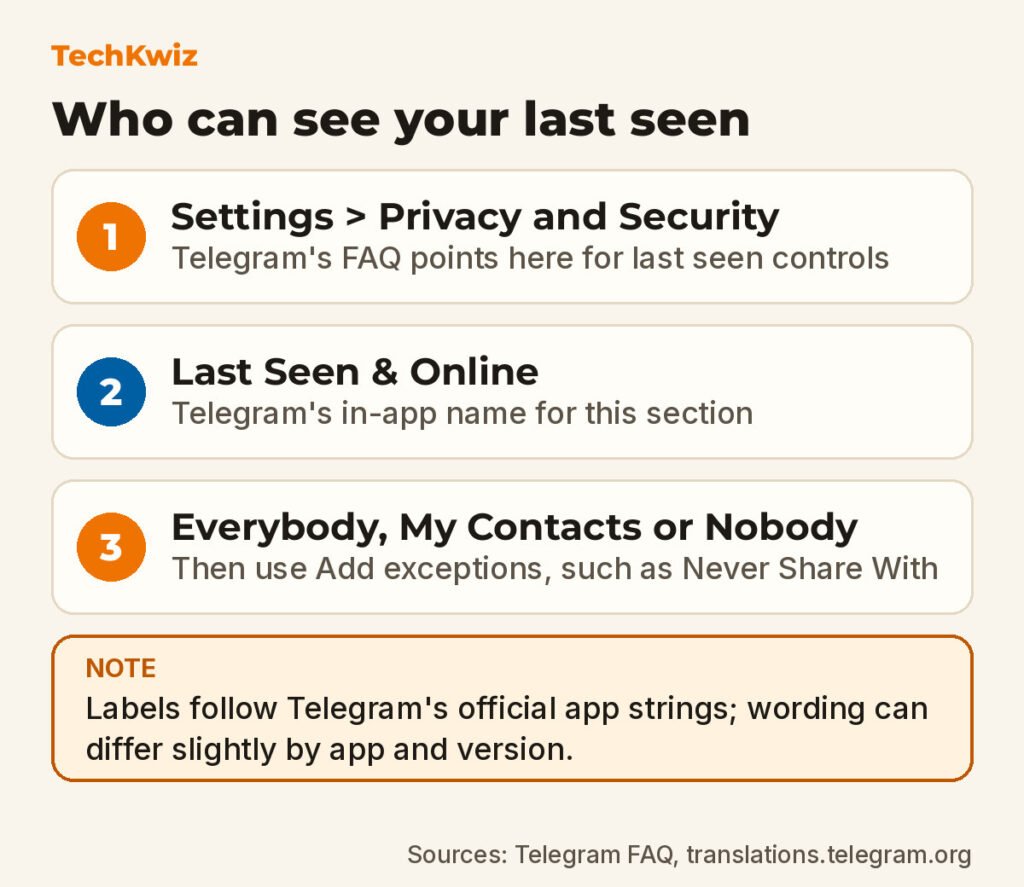
Open Settings, then Privacy and Security, then the Last Seen & Online section. The FAQ puts this control in Privacy and Security settings and uses the full “Settings > Privacy and Security” path for the neighbouring phone number control; “Last Seen & Online” is Telegram’s own in-app label for that section. Exact wording and placement shift a little between app versions and platforms.
The three options are Everybody, My Contacts and Nobody. Whichever one you choose, exceptions beat it. The same screen carries the line “You can add users or entire groups as exceptions that will override the settings above,” with rows labelled Never Share With, Add exceptions and Add Users. That is how you keep your last seen visible to contacts in general while hiding it from one specific person or group.
Phone number visibility is a separate setting at Settings > Privacy and Security > Phone Number, and anyone who already knows your number and saved it will still see it, so if you want to join quietly, start with our guide to signing up without notifying contacts.
Read times and what Premium changes
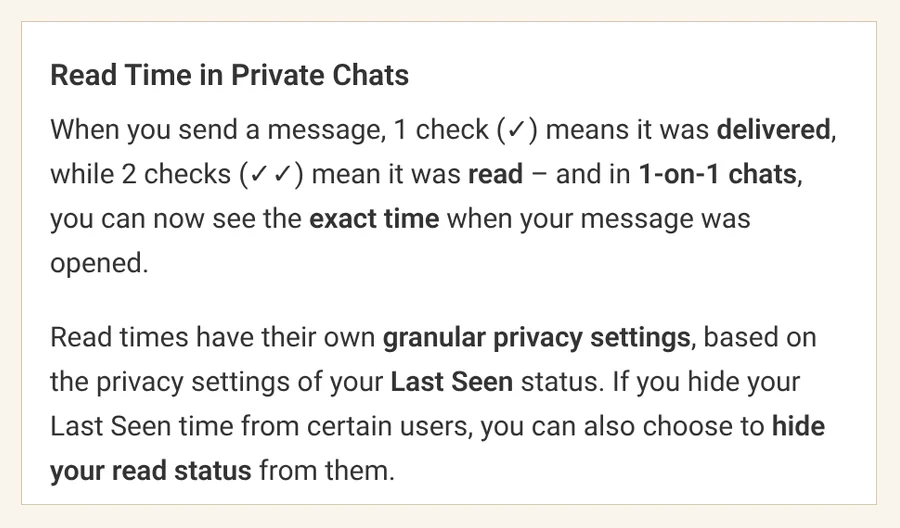
Detailed read receipts arrived in Telegram’s January 2024 update. One check means a message was delivered, two checks mean it was read, and in one-on-one chats you can see the exact time your message was opened.
Read times have their own granular privacy settings, based on the privacy settings of your Last Seen status, so if you hide your last seen from certain users you can also choose to hide your read status from them. The description for the Hide Read Time setting in Telegram Desktop spells out the trade: “Hide the time when you read messages from people who can’t see your last seen. If you turn this on, their read time will also be hidden from you (unless you are a Premium user). This setting does not affect group chats.”
Read times in private chats are only visible for 7 days before being deleted, the same as in groups.
One rule survives Premium. If you hide your last seen or read time, it is always hidden from all users, including Premium users. A subscription buys a one-way view of people who share their times; it does not override someone who has deliberately restricted theirs.
Read more
- Delete your Telegram account permanently if hiding your activity isn’t enough and you want the account itself gone.
- Blocking and restricting on Instagram covers the equivalent controls on Instagram, including the softer options short of a full block.
- Does Instagram notify when you screenshot answers the other common “can they tell?” question, this time about Instagram.
Get new guides first
Browser alerts for new TechKwiz guides.