Deleting your Telegram account is permanent and irreversible. Telegram removes the data you store in its cloud, but your contacts still keep their copy of the messages you sent them, and the groups or channels you created are not deleted. Make sure this is what you want before proceeding.
Quick answer: Open Telegram’s official deactivation page in a browser, sign in with your phone number, and confirm the deletion. The action must be confirmed via your Telegram account and cannot be undone. See the Telegram FAQ.
What Gets Deleted When You Delete Your Telegram Account?
According to Telegram’s FAQ and Privacy Policy, once your account is deleted the following cannot be recovered:
- All messages, media, contacts, and every other piece of data you store in the Telegram cloud
What others keep:
- Your contacts still have their copy of the messages you sent them
- Groups and channels you created are orphaned and left without a creator, but admins retain their rights, and people can still chat in those groups
Important: Deleting the Telegram app from your phone does not delete your account. Your account remains until you delete it yourself or Telegram deletes it after your configured period of inactivity.
Method 1: Delete via the Official Deactivation Page (Recommended)
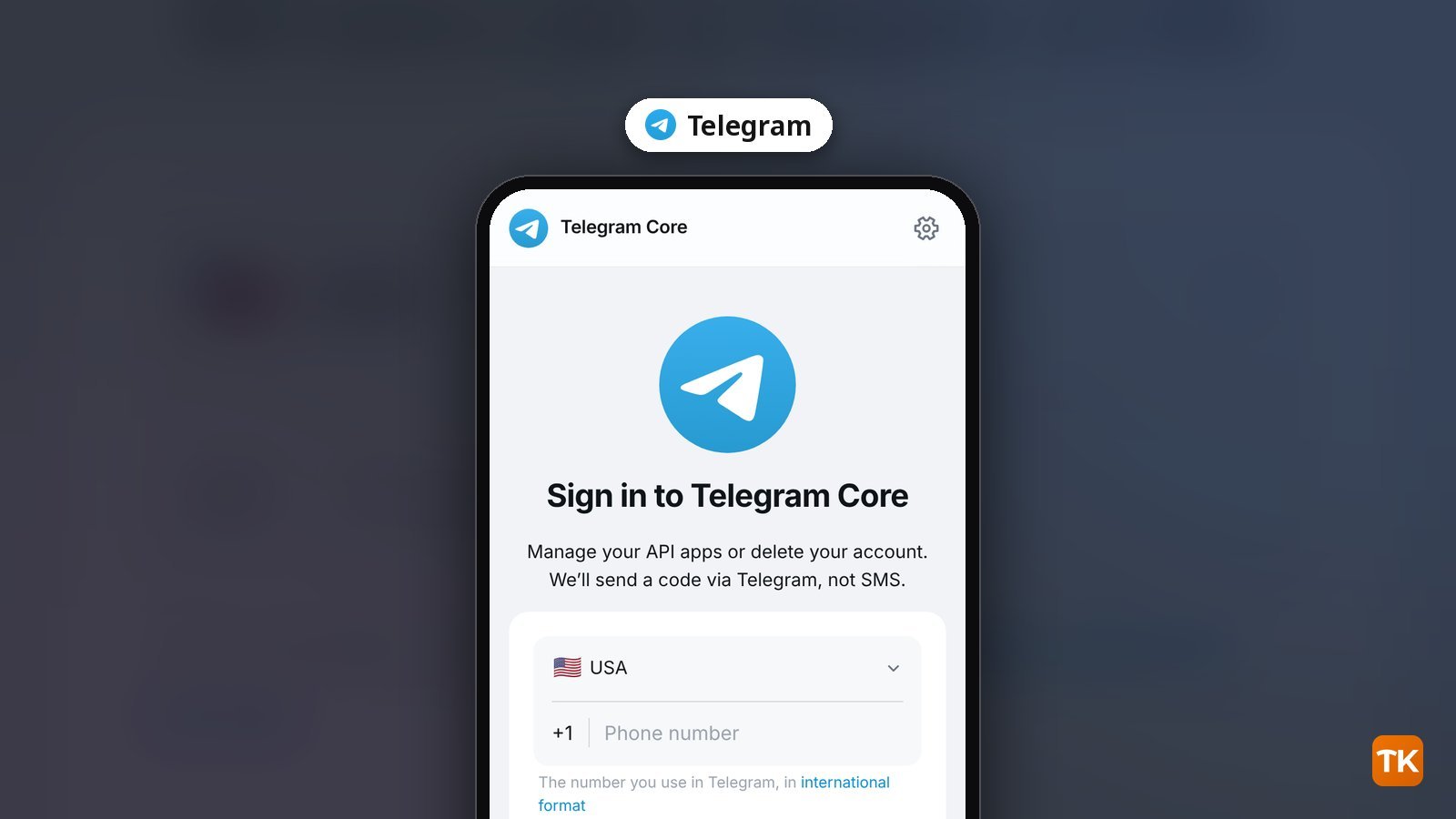
This is the official way to delete your account now, documented in Telegram’s FAQ and Privacy Policy. You need access to your Telegram account to receive the confirmation code. Telegram says you can delete your account if you are logged in on at least one of your other devices.
- Open a non-mobile browser if you can, and go to telegram.org/deactivate.
- Enter your phone number in international format and follow the prompts.
- Telegram sends a confirmation code inside your Telegram app, not by SMS.
- Enter that code in the browser and confirm the deletion. This cannot be undone.
Telegram recommends using a non-mobile browser for this process.
Method 2: Auto-Delete After Inactivity
If you are not ready to delete right now but know you will stop using Telegram, you can change the account self-destruction period. By default, if you do not come online for at least 18 months, your account will be deleted automatically. Telegram documents this in its FAQ and Privacy Policy. You can change the exact period in Settings.
- Open Telegram and go to Settings.
- Find the option to adjust the inactivity period (often under Privacy and Security).
- Set your preferred period. If you do not come online within that time, Telegram automatically deletes your account.
How to Go Invisible Without Deleting
Telegram does not offer a temporary or reversible deactivation — deletion is permanent. You can still make yourself harder to find without losing your data:
- Remove your username — Go to Settings and save an empty username. People will no longer be able to find you via search.
- Set Phone Number to Nobody — Settings, Privacy and Security, Phone Number, Nobody.
- Archive all chats — long-press any chat and tap Archive. Your chat list appears empty.
- Turn off all notifications — Settings, Notifications and Sounds, disable all.
- Remove your profile photo and set Last Seen to Nobody.
If your goal is privacy rather than deletion, read our full guide on how to use Telegram without notifying your contacts.
Frequently Asked Questions
Does deleting Telegram delete messages for the other person too?
No. Telegram’s FAQ says your contacts will still have their copy of the messages you sent them. If you want messages that can vanish without a trace, use Telegram’s self-destruct timer instead.
Can I recover my Telegram account after deleting it?
No. Termination of a Telegram account is irreversible. If you sign up again with the same phone number, you appear as a new user and will not get your history, contacts, or groups back. People who have your number in their contacts will be notified, and their conversation history with this new user will be empty.
How long does Telegram account deletion take?
Telegram does not state a processing time. The official FAQ says the action must be confirmed via your Telegram account and cannot be undone.
What happens to my Telegram channels and groups when I delete my account?
They are not deleted with your account. Telegram’s FAQ says groups and channels you created are orphaned and left without a creator, but admins retain their rights, and contacts can still chat in the groups you created. If you want a named new creator, you can transfer ownership to another admin before you delete your account.
Can I create a new Telegram account with the same number after deleting?
Yes. After deletion, you can sign up again with the same number. You will appear as a new user, people who have your number in their contacts will be notified, and their conversation history with this new user will be empty.
Want to build a Telegram presence without personal exposure? See our guide on how to create a Telegram channel and grow it to 10K subscribers.
Get new guides first
Browser alerts for new TechKwiz guides.