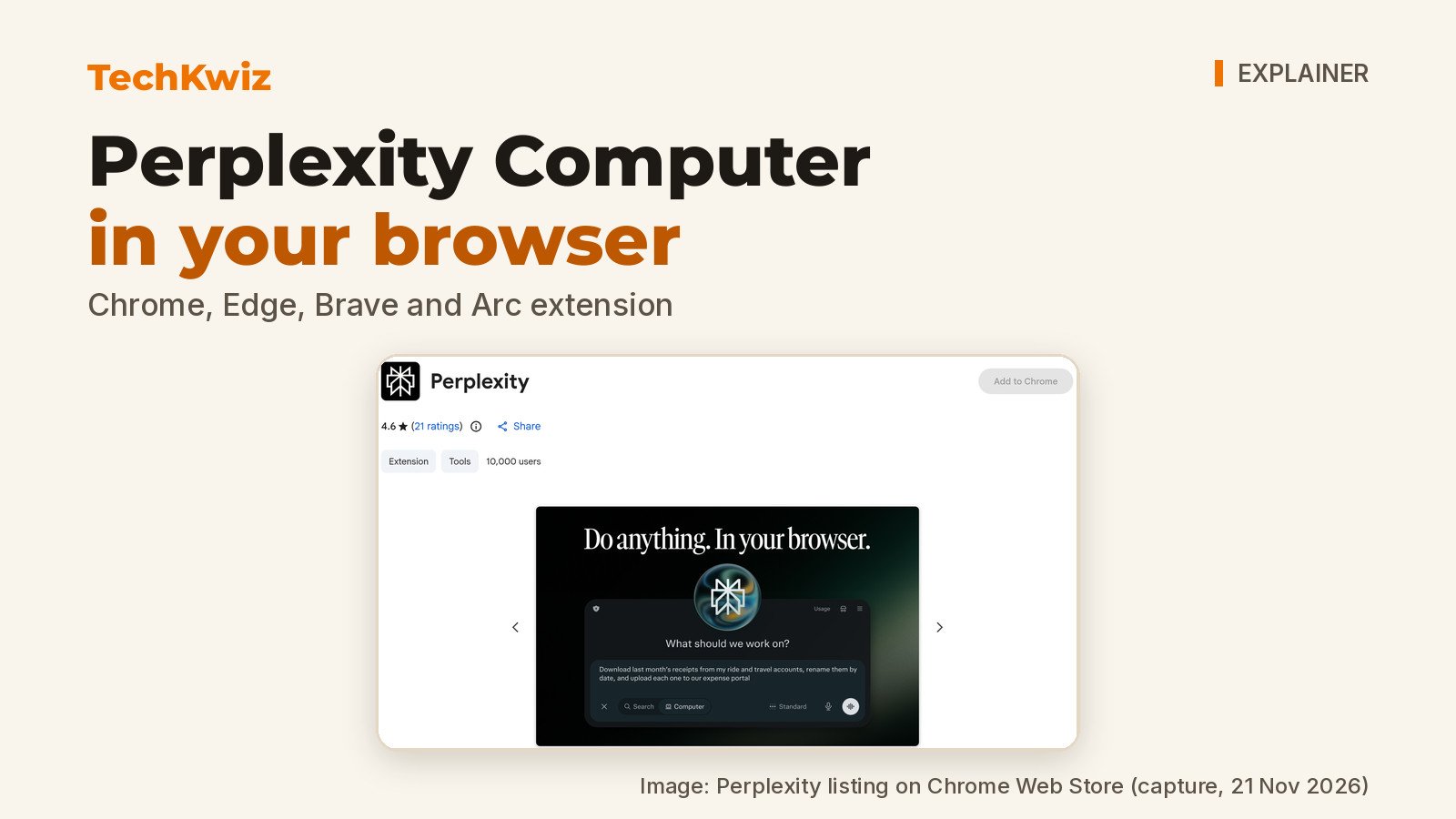
The Perplexity Computer browser extension lets Perplexity Computer control your desktop browser to open sites, read pages, fill forms and finish tasks in tabs you already use. The Perplexity Chrome Web Store listing says it also works with the Perplexity Computer app on Mac and Windows, and the Perplexity changelog documented the extension on 5 October 2026. TechKwiz hasn’t tested the extension; this explainer is based on Perplexity’s Chrome Web Store listing and changelog as of 21 November 2026.
Quick answer: The extension connects Perplexity Computer to your Chromium browser so Computer can act inside signed-in sites, current tabs and multi-tab workflows. You start a task at perplexity.ai or from the side panel. Perplexity says Computer only acts during a task you started, only in that browser, and does not collect browsing data in the background. Comet users don’t need the extension because those capabilities are built in.
Key takeaways
- The extension works in Chrome, Edge, Brave, Arc and other browsers that install from the Chrome Web Store, and with the Computer app on Mac and Windows.
- You start tasks at perplexity.ai or from the extension’s side panel. Perplexity says Computer only uses the browser during a task you started and doesn’t collect browsing data in the background.
- Perplexity’s store disclosure says the extension handles authentication information and website content, and lists limits on selling or reusing that data.
- The 20 November 2026 store listing update to version 0.0.8 is not a launch. The extension was announced in the 5 October changelog.
What the Perplexity Computer extension does
The extension lets Perplexity Computer work inside your browser, in the tabs and signed-in sites you already use. Perplexity lists example tasks that include reading a Google Docs draft and leaving suggested comments, pulling numbers from an analytics dashboard, comparing listings across tabs, and filling out forms. You can also open the side panel to ask about the page you’re on, such as “what’s the catch in this pricing page?”
Perplexity emphasizes a task boundary in the listing: “Computer only acts during a task you started, and only in this browser.” The listing also says it “doesn’t collect browsing data in the background.” That’s a meaningful boundary if you want an agent to use your signed-in accounts, though it’s Perplexity’s description, not something TechKwiz has checked.
Which browsers and desktop apps it supports
The Chrome Web Store listing says the extension works in Chrome, and also in Edge, Brave, Arc and other browsers that install from the Chrome Web Store. Safari and Firefox aren’t mentioned in the listing.
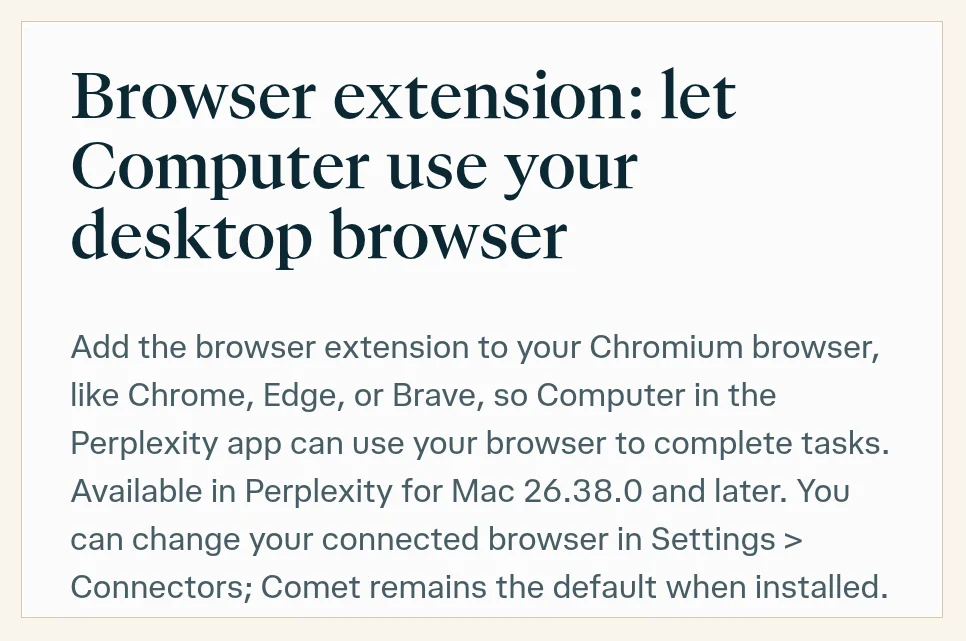
On the desktop side, Perplexity says the extension also works with the Perplexity Computer app on Mac and Windows. The changelog ties browser control to Perplexity for Mac 26.38.0 and later, and says you can change your connected browser in Settings > Connectors. Perplexity doesn’t give a minimum Windows app version on these pages.
How to connect a browser and start a task
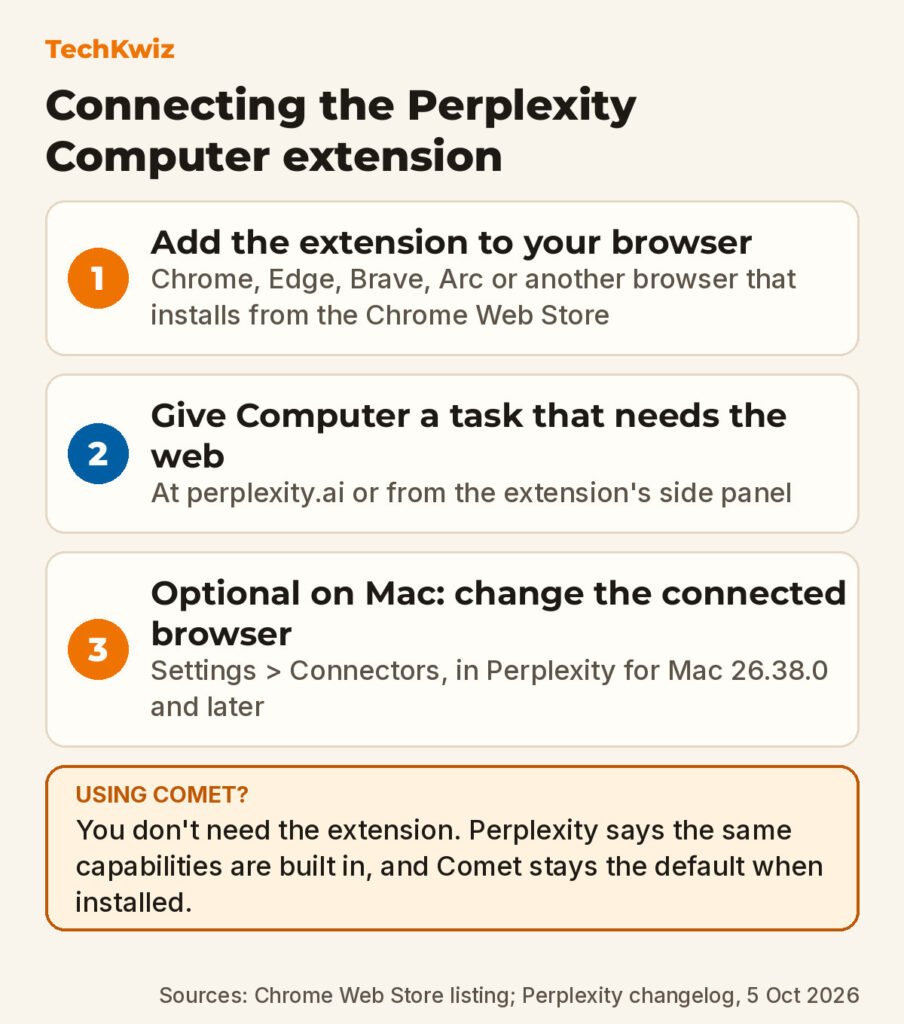
The official setup on the Chrome Web Store listing has two steps. First, add the extension to your browser. Second, give Computer a task that needs the web, either at perplexity.ai or from the side panel.
The changelog adds one connection detail for Mac users on version 26.38.0 or later: you can change your connected browser in Settings > Connectors. The changelog also says Comet remains the default when it’s installed, so if you have Comet and want Computer to use Chrome or another browser, that Connectors setting is where you’d change it.
The listing doesn’t describe Windows setup screens, so we won’t guess at them. If you’re new to agents, start with a low-stakes task that doesn’t touch payment details or important accounts, and review what Computer did before closing the tab.
What access and privacy claims mean
The extension can operate on sites where you are already signed in, including email, dashboards and internal tools. That’s the core appeal, but it’s also the main risk. Letting an agent click through a logged-in session means it could change settings, submit forms or add items to a cart. Perplexity’s answer is the task boundary: Computer only acts during a task you started, and only in that browser.
Perplexity’s privacy disclosure on the Chrome Web Store listing says your data is not sold to third parties outside of approved use cases, not used or transferred for purposes unrelated to the extension’s core functionality, and not used to determine creditworthiness or for lending. The same disclosure says Perplexity handles two types of data through the extension: authentication information and website content. So the honest reading is that the extension does handle data from the sites it works in, and Perplexity declares limits on how that data can be sold or reused. “No background collection” is about when it works, not a promise that nothing is handled during a task.
When Comet makes the extension unnecessary
Perplexity’s listing is direct: “You don’t need this extension in Comet; the same capabilities are built in.” If you already run Comet, installing the browser extension in a regular browser adds an extra component without new capability. The extension is for people who use Perplexity Computer outside Comet and want it to operate in their existing browser session.
The changelog reinforces this by saying Comet remains the default when installed. In practice, the extension makes the most sense if you’d rather keep working in the browser you already use than switch to Comet.
Google is taking a similar idea to the desktop: our report on Gemini computer use in the Mac app covers how that agent works across Mac apps. If you’re curious about the earlier browser-agent moment that set some of these expectations, our report on OpenAI’s Operator announcement is older and works only as background, not as current setup advice.
Get new guides first
Browser alerts for new TechKwiz guides.