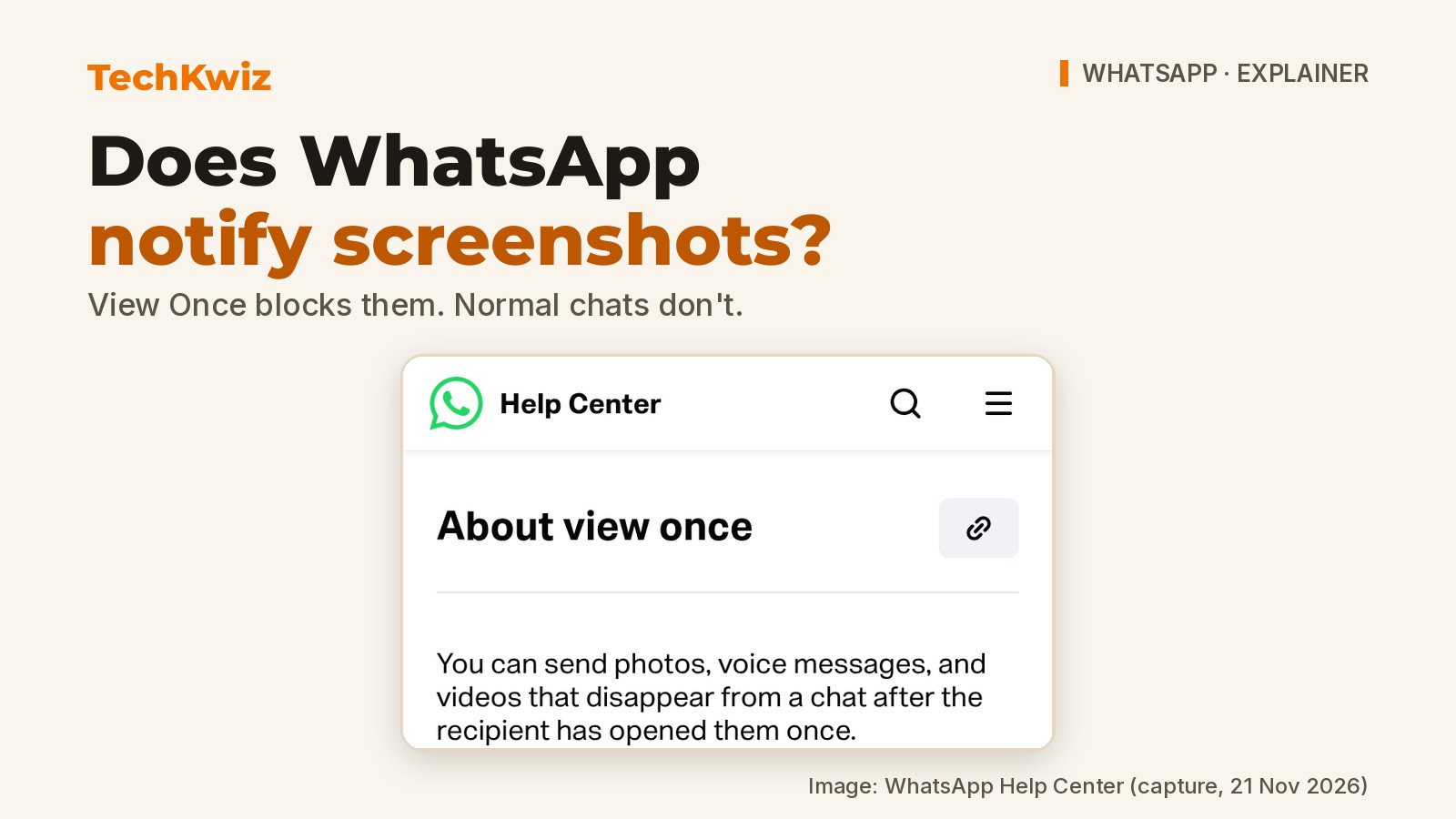
No, WhatsApp does not notify you when you screenshot a chat. There is no screenshot alert in ordinary chats, disappearing messages, or Status. The one exception is View Once media: WhatsApp documents that recipients “can’t take a screenshot of anything you send using view once”, and the app blocks screen recording there too. That is a block, not a notification. TechKwiz hasn’t tested this hands-on, and the details here come from WhatsApp’s official Help Center pages as of 21 November 2026.
The screenshot question usually comes up because people want to send something sensitive without losing control of it. If that’s your worry, the real split is between normal chats, where a screenshot is technically possible and silent, and View Once, where WhatsApp adds a deliberate block. WhatsApp’s About view once page and its send and open view once media page are the key sources for that behaviour.
Quick answer
- WhatsApp does not send a screenshot notification in ordinary chats, disappearing messages or Status.
- View Once photos, videos and voice messages are the one case WhatsApp documents as screenshot- and screen-recording-blocked, not just unnotified.
- Someone can still point a separate camera at the screen before View Once media disappears; WhatsApp says this itself.
The short answer: no alert, but View Once screenshots are blocked
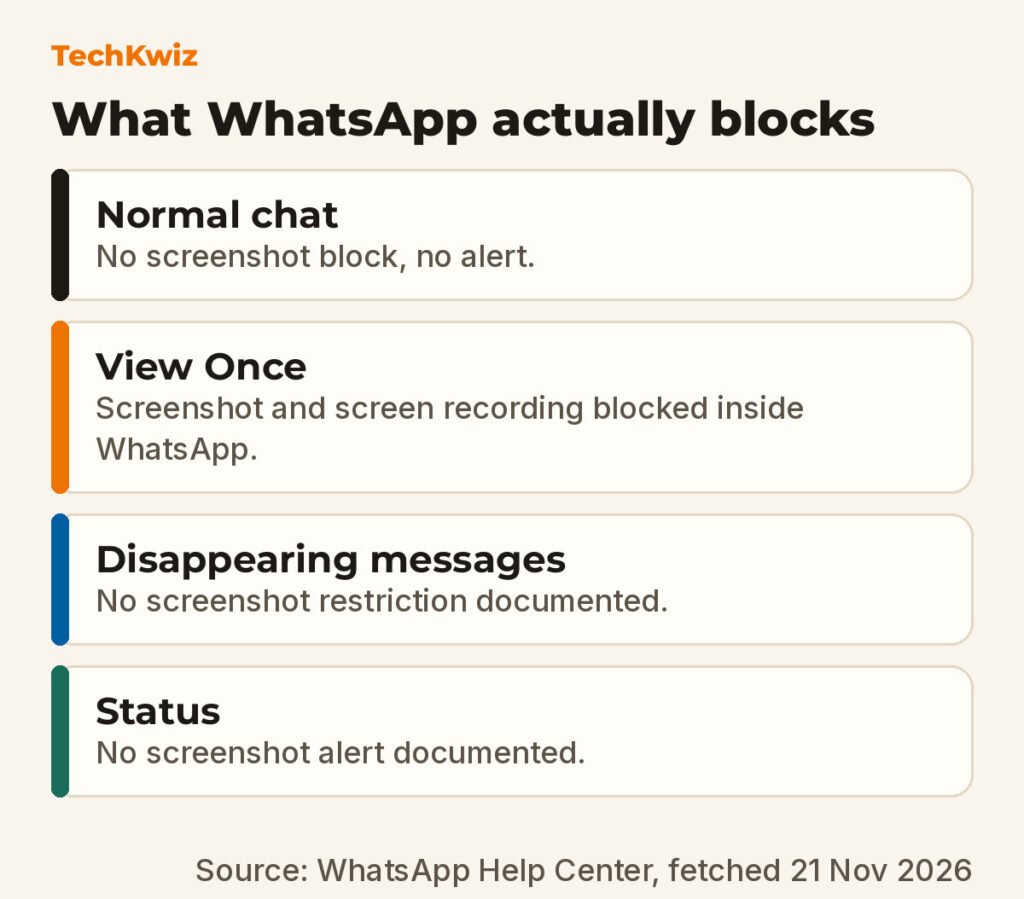
If you screenshot a normal WhatsApp chat, the other person gets no alert. WhatsApp’s Help Center does not document any screenshot notification for regular text, photos, videos, or voice messages sent outside View Once.
View Once works differently. WhatsApp says a recipient “won’t be able to take a screenshot of any view once media you receive”. The sender-facing page adds that recipients “also won’t be able to take a screenshot or screen recording of your view once media.” So for View Once, the app doesn’t send an alert after the fact. It stops the capture attempt itself.
A notification would tell you after someone has already taken a copy. WhatsApp’s block tries to stop the copy from happening in the first place inside the app, which is why people sometimes assume, incorrectly, that it also sends an alert.
What happens if you screenshot a normal WhatsApp chat
Nothing is sent to the other person. WhatsApp does not list any screenshot notice for standard one-to-one chats or group chats, and none of the Help Center articles consulted mention one. You don’t get a warning in the app either.
On WhatsApp, a normal chat screenshot is just a silent device action. The sender won’t know unless they see the image elsewhere.
If privacy is the goal, that means a normal chat is a weak guarantee. Anything visible on screen can be captured with the phone’s own tools or a second device, and WhatsApp won’t tell you about it.
Why View Once photos, videos and voice messages block screenshots
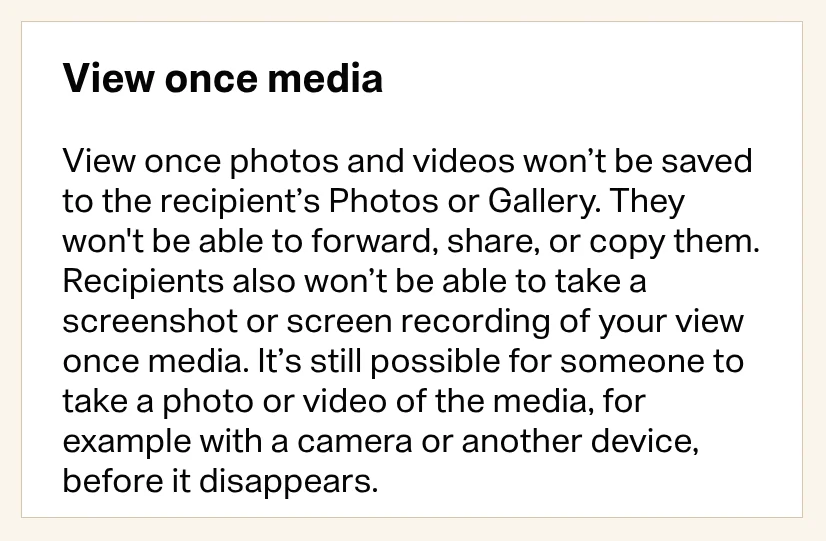
View Once is designed so photos, videos, and voice messages disappear from the chat after the recipient opens them once. WhatsApp’s About view once article says you can’t forward, copy, save, star, or share that media. The screenshot block fits the same idea: the recipient shouldn’t be able to keep a permanent copy from inside the app.
The block covers screenshots and screen recordings. WhatsApp’s send and open guide says recipients “won’t be able to take a screenshot or screen recording of your view once media.” When you open a View Once photo or video, trying to capture it from within WhatsApp is documented as blocked.
There is a documented loophole for voice messages. WhatsApp notes that “it’s possible for iOS or Android users to record audio of view once messages using the native screen recorder.” That only covers audio, not the visual media itself.
Disappearing messages and Status: are screenshots handled differently
Disappearing messages are not the same as View Once. You can set messages to disappear after 24 hours, 7 days, or 90 days, but WhatsApp’s About disappearing messages page does not mention any screenshot restriction for those chats. A disappearing text or photo can still be screenshotted silently before its timer runs out.
Status follows the same pattern. WhatsApp does not document a screenshot alert for Status, and this article does not cover Instagram. If you’re comparing the two, our explainer on whether Instagram notifies screenshots shows the different approach Instagram takes with some disappearing formats.
Here’s the clean split based on WhatsApp’s documentation:
- Normal chat: no screenshot notification and no screenshot block documented.
- View Once: screenshot and screen recording blocked for photos, videos and voice messages, with the audio-only screen recorder exception for voice notes.
- Disappearing messages: messages delete after a timer, but no screenshot restriction or alert is documented.
- Status: no documented screenshot alert, unlike Instagram Stories.
One more disappearing-message detail: if someone keeps a message you sent in a disappearing chat, WhatsApp sends you a notification about the keep. That is not a screenshot alert. It’s a separate “kept message” control.
If you want more privacy than a normal chat gives you
For a photo or video you don’t want saved, View Once is the more practical in-app choice. WhatsApp’s own note still warns that recipients can “take a photo or video of your view once media with a camera or other device before it disappears.” So the block is real, but it only covers captures made through WhatsApp itself.
If you want a timer instead of a one-open format, disappearing messages give the chat a lifespan. Just remember that the source text and media can still be copied or screenshotted before the timer ends, because WhatsApp does not document a block there.
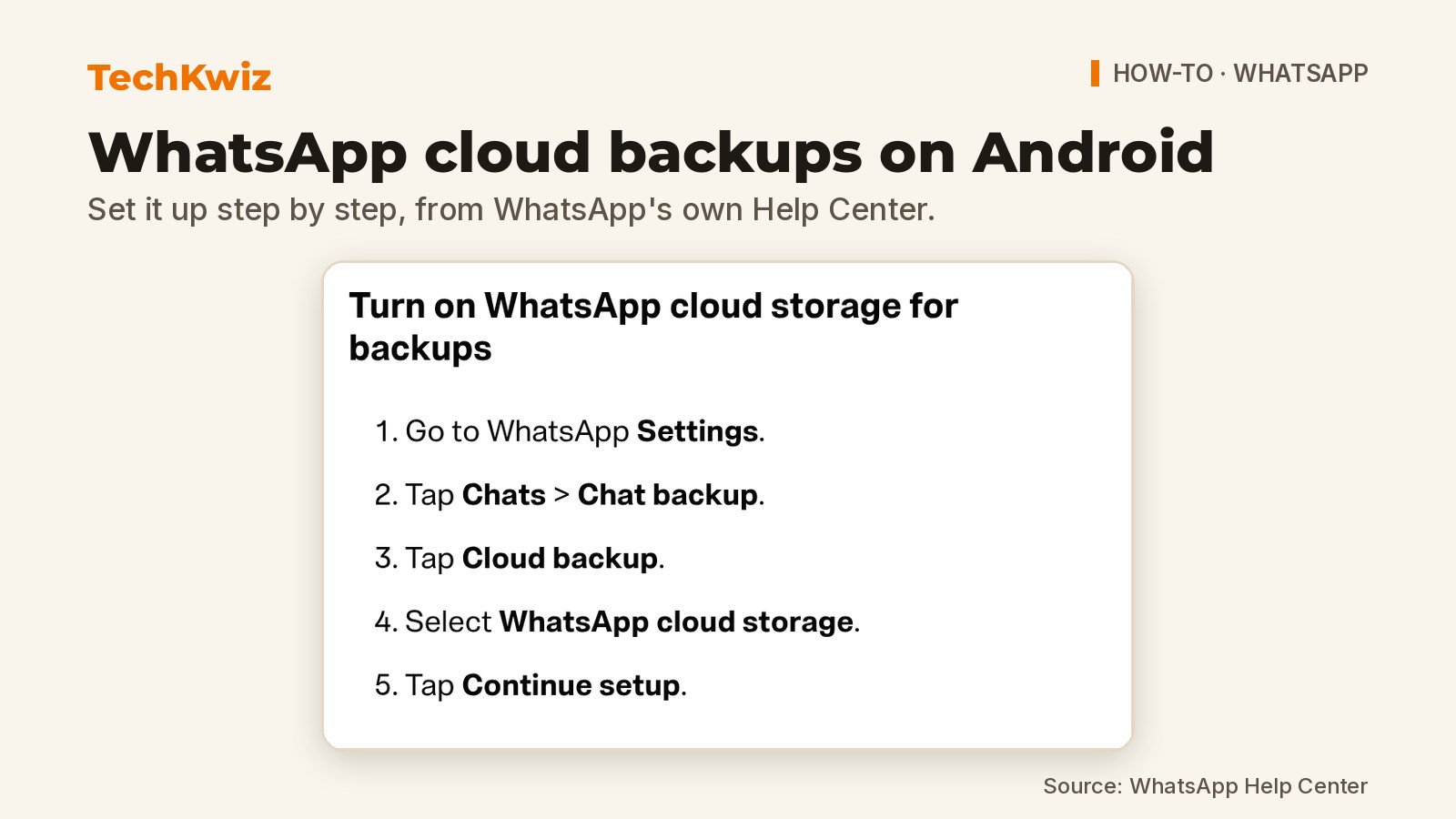
Whichever you pick, the honest rule is simple: View Once stops in-app screenshots, but no WhatsApp feature can stop someone from using another camera. If you’re also backing up the chats you keep, our guide to WhatsApp cloud backup on Android covers how that storage works. And if Telegram’s privacy controls are part of the comparison you’re making, see how to create a Telegram account quietly, or how to delete a Telegram account permanently if you decide to leave instead.
Get new guides first
Browser alerts for new TechKwiz guides.