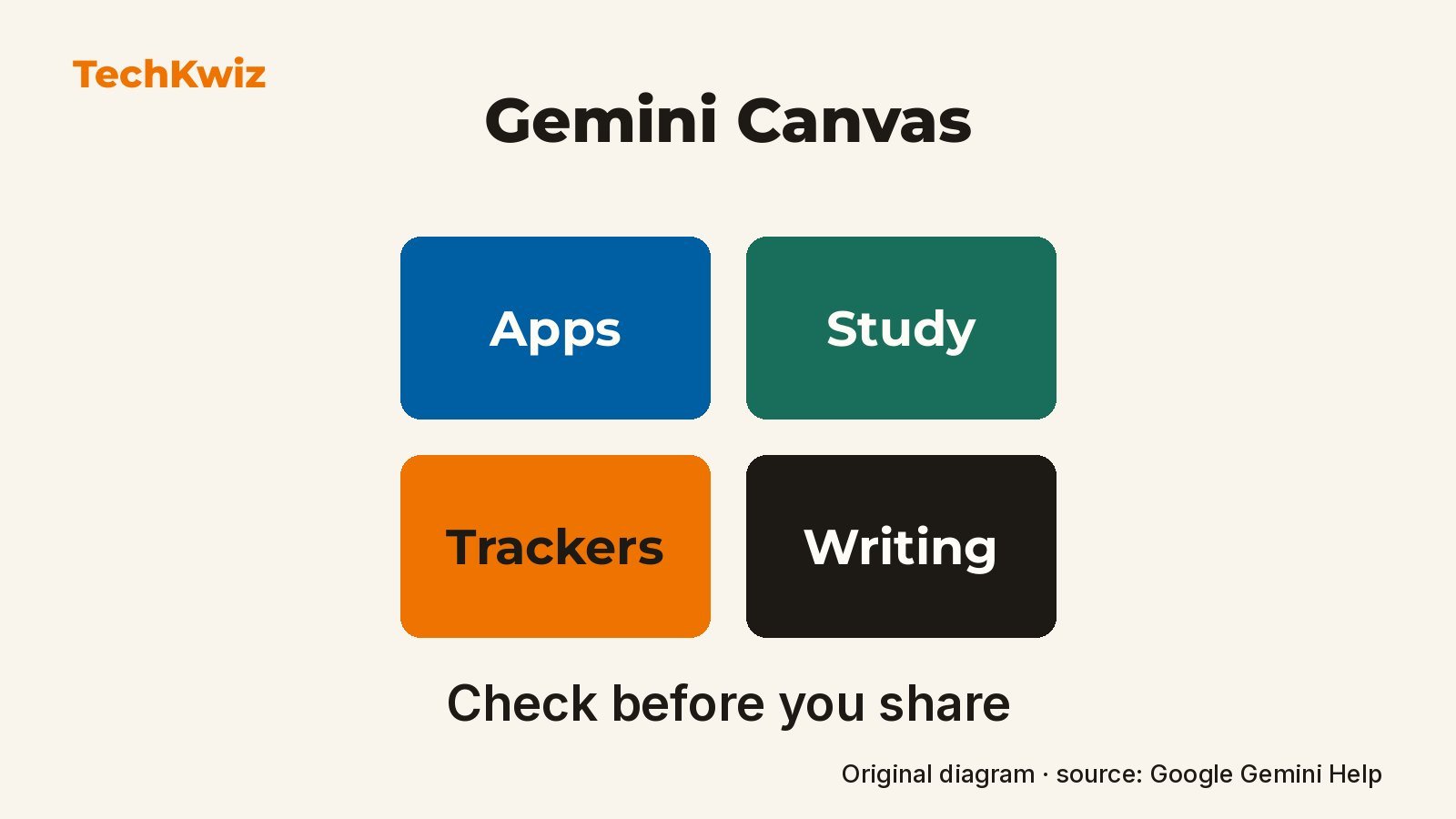
Quick answer: Use Gemini Canvas to draft apps, make study quizzes, build trackers and edit text. Check every result. Anyone with a public app link can view and edit its data.
Google’s help page and the dated tips post from 23 November 2026 describe these four jobs. The example projects below are editorial suggestions, not tested builds.
Apps and games: treat code as a first draft
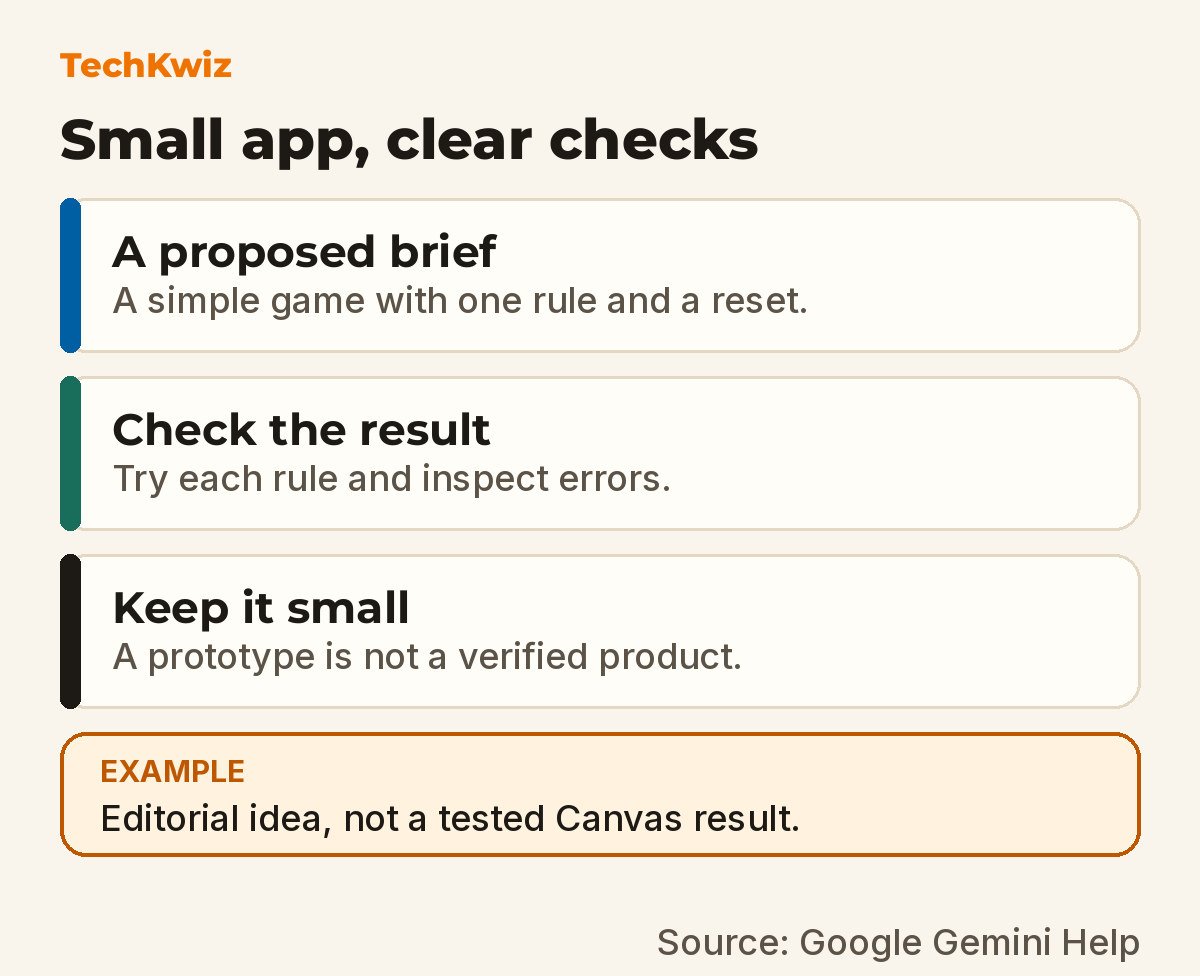
Canvas can sketch playable mini-games and simple browser tools. A preview can look finished while its code still has bugs.
The official help page says you can open the code view, check for errors and logs, and review recent changes in the Gemini Apps Help. Consider a small fictional project: a single-screen number-guessing game with a reset button.
For that game, check:
- Does a new round actually pick a fresh number?
- Does the reset button clear old feedback fully?
- Does the preview console show any errors?
Google notes that adding AI-powered features to an app requires you to be signed in and be 18 or over. That rule concerns adding AI features, rather than Canvas as a whole.
Study tools: quiz only the material you supplied
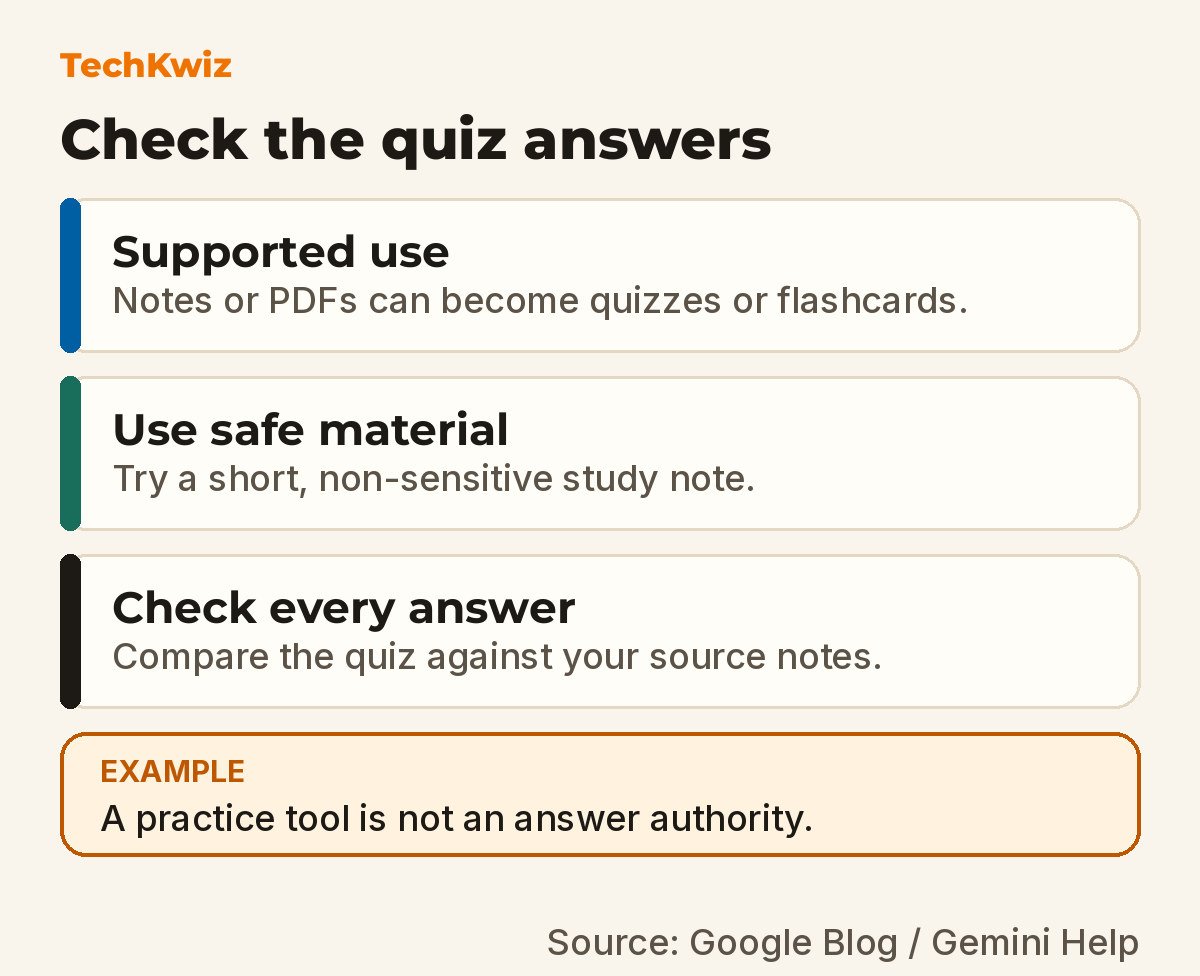
Notes or PDFs can become practice quizzes or flashcard decks. The value depends on how closely the generated questions stick to the source text.
Google’s help page confirms you can create a quiz from a Canvas doc, but that conversion path is unavailable to users under 18 “for now” in the Gemini Apps Help. One small example is five flashcards on the nitrogen cycle from a single page of class notes.
Checks worth running before you use the cards:
- Does every card match a fact actually present in your notes?
- Are any terms invented, merged, or silently corrected?
- Does the answer key introduce outside information?
A smooth quiz with a wrong answer is less useful than a rough quiz that reflects your real material.
Spreadsheet trackers: audit the edge cases
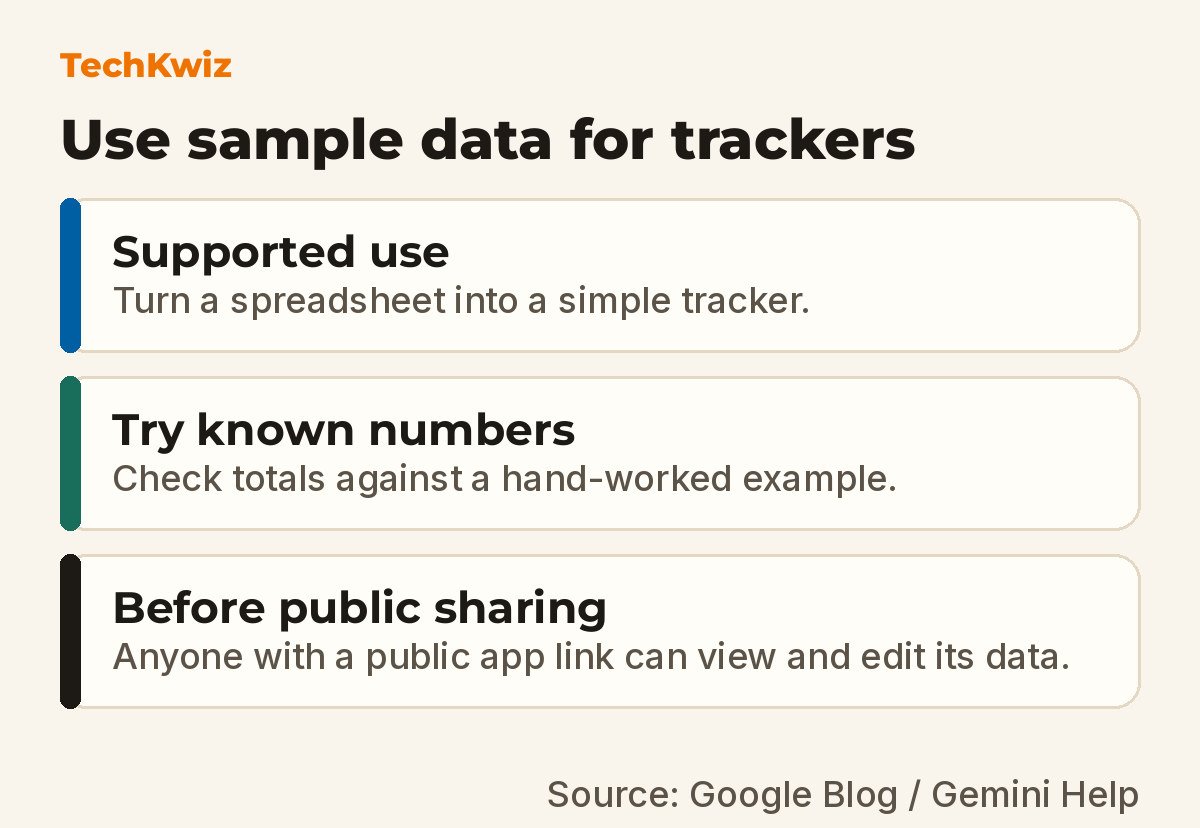
A small sales tracker, pricing calculator, or task list can live inside Canvas. Check the totals when you give the app unusual inputs.
The Google Blog tips post lists these uses. For an untested pricing calculator with cost, markup, and shipping fields, your checks could include:
- Enter zero shipping and confirm markup still applies once.
- Enter a negative cost and see whether the app rejects it or shows a clear error.
- Compare a large-number result against a sum you work out by hand.
Do not paste real customer or financial figures into a Canvas app. Google warns that anyone with a public link can view and edit data associated with that app on the help page.
Writing: refine selected sections, not full drafts
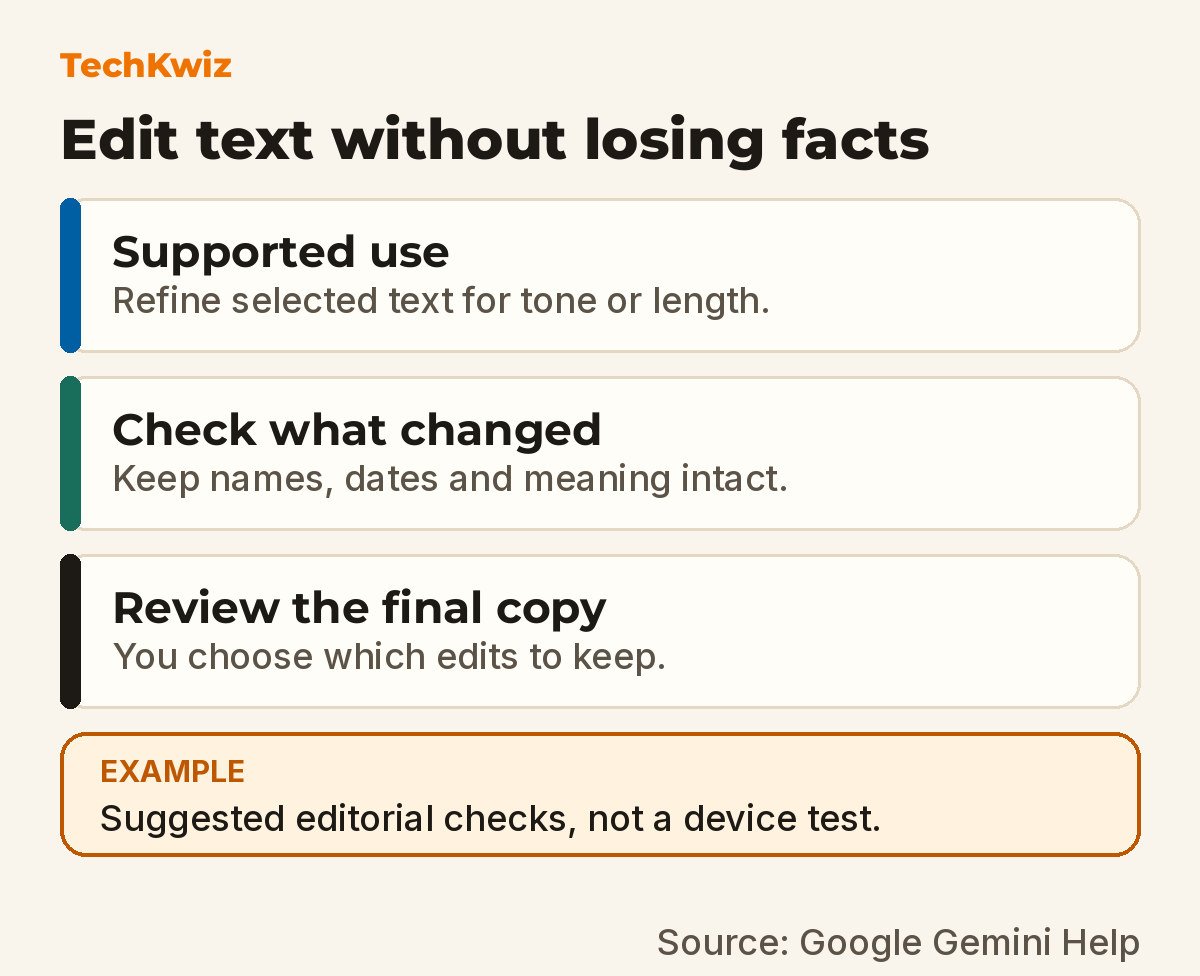
Selected-text editing suits a specific paragraph that needs a tone shift or tighter structure. The help page confirms you can highlight text and use tone, length, and formatting options in the Gemini Apps Help.
Imagine a concise project update: one paragraph on a delayed vendor shipment. The goal is a shorter version for a client email.
Before accepting the edit:
- Did the delay date, order number, and owner remain unchanged?
- Did the tone shift add any commitment you did not make?
- Is the revised paragraph shorter and still readable?
Review previous and next versions before keeping a change. To limit AI suggestions in other Google apps, see how to turn off Gemini features.
Check app sharing before sending a link
Before you share a Canvas app: Google says anyone with the public link can view and edit data associated with the app. Keep real customer, financial, or private source data out of any link you circulate.
Shared links open on gemini.google.com, not the mobile app. Copying and editing shared Canvas content is unavailable to users under 18 “for now.”
Sources cross-checked on 24 November 2026; no device or account test was performed. The Google Blog tips post is a short dated list, while the Gemini Apps Help page is fuller but undated.
Canvas is separate from desktop automation; compare our report on Gemini computer use on Mac. For video instead of app or text projects, see the AI video tools comparison.
Get new guides first
Browser alerts for new TechKwiz guides.