Quick answer: Deleting Gemini chats starts removal from Google’s systems. Human-reviewed copies can stay up to three years, and shared public links need separate removal.
TechKwiz has not tested Gemini on a device. Official sources were fetched on 24 November 2026. The facts below come from Google’s published help pages.
Which Control Matches Your Goal?
Deleting a chat starts removal of your saved conversation, but Google can keep reviewed copies for up to three years. The History setting controls what is saved, not everything that is processed.
| Goal | Documented control | Limit that remains |
|---|---|---|
| Remove existing saved chat | Manual History deletion | Reviewed copies can stay up to 3 years |
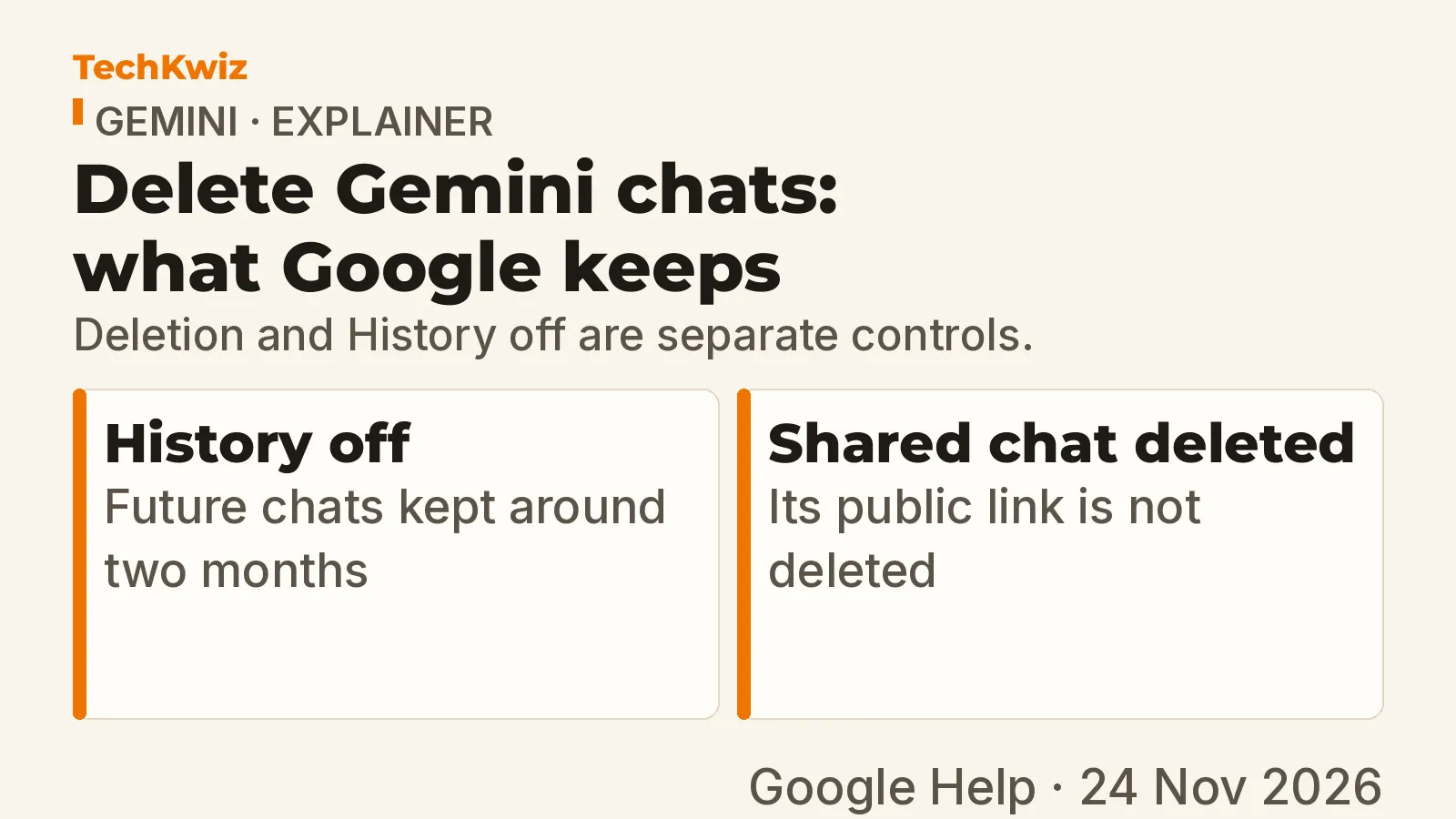
| Avoid future chats in History | History off | Future chats still kept around 2 months for service, feedback, safety |
| Routine age-based saved chat cleanup | Auto-delete 3, 18, or 36 months, or don’t auto-delete | Default is 18 months; does not delete human-reviewed copies |
| Limit AI training on future chat content | Chat-content setting off | Feedback exception and service or safety uses remain |
| Remove public shared content | Separate public-link deletion | Deleting the chat alone does not delete the link |
Google’s current official help pages use the setting name History. The controls above are documented at Google’s history controls and the Privacy Hub.
What “Delete” Means
Deleting a chat removes it from your view. Google says it will “immediately start the process of removing it” from products and systems. This is not instant erasure.
Deleting Gemini Live history also deletes related audio for that record. It removes the transcript, videos, and screenshares tied to that history. This rule covers the saved conversation data.
Google explains saved History deletion.
Deleting a Shared Chat Does Not Delete Its Link
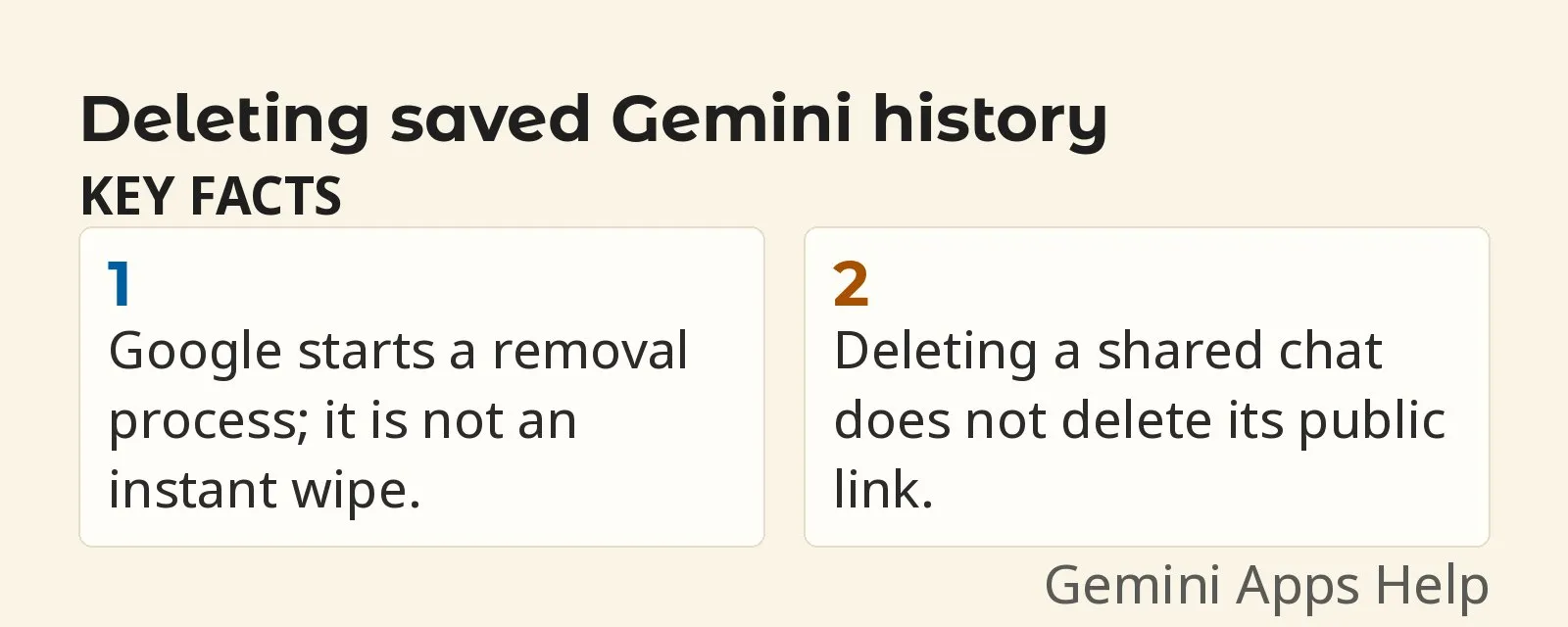
A shared chat has a public link. Deleting the chat from your History does not remove that link. The shared content may still be reachable through the link.
The public link needs separate removal. Deleting the chat does not delete its public link.
Public link rules are documented here.
When History Is Turned Off
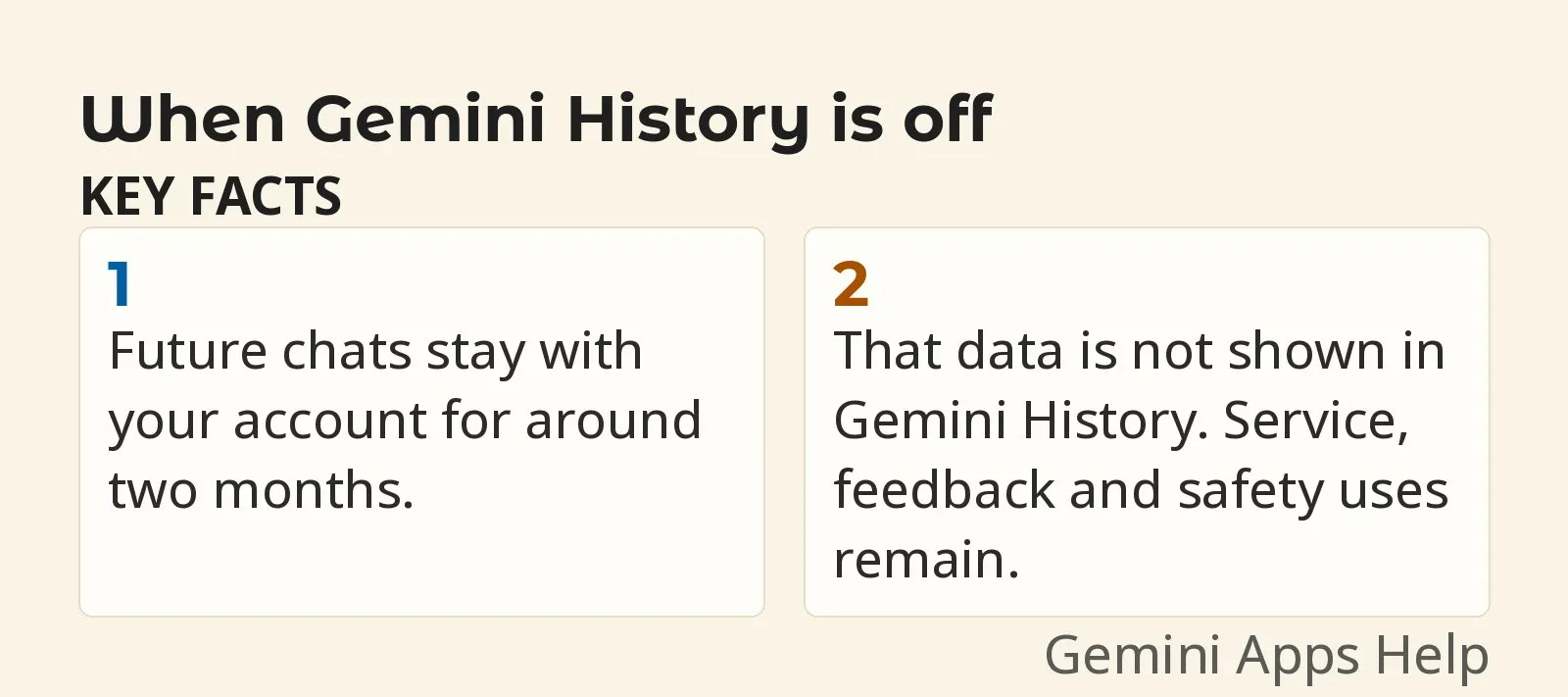
Turning History off stops future chats from appearing in Gemini History. This does not mean Google keeps nothing. Future chats are still saved with your account for around two months.
Google uses that stored copy to provide the service. It also uses it to process feedback and protect Google, users, and the public. The two-month period is specific to History-off chats.
This storage window is not a promise for all deleted history. It applies to future chats made while History is off. Old deleted chats follow a different removal process.
History-off storage is explained here.
Auto-Delete Choices
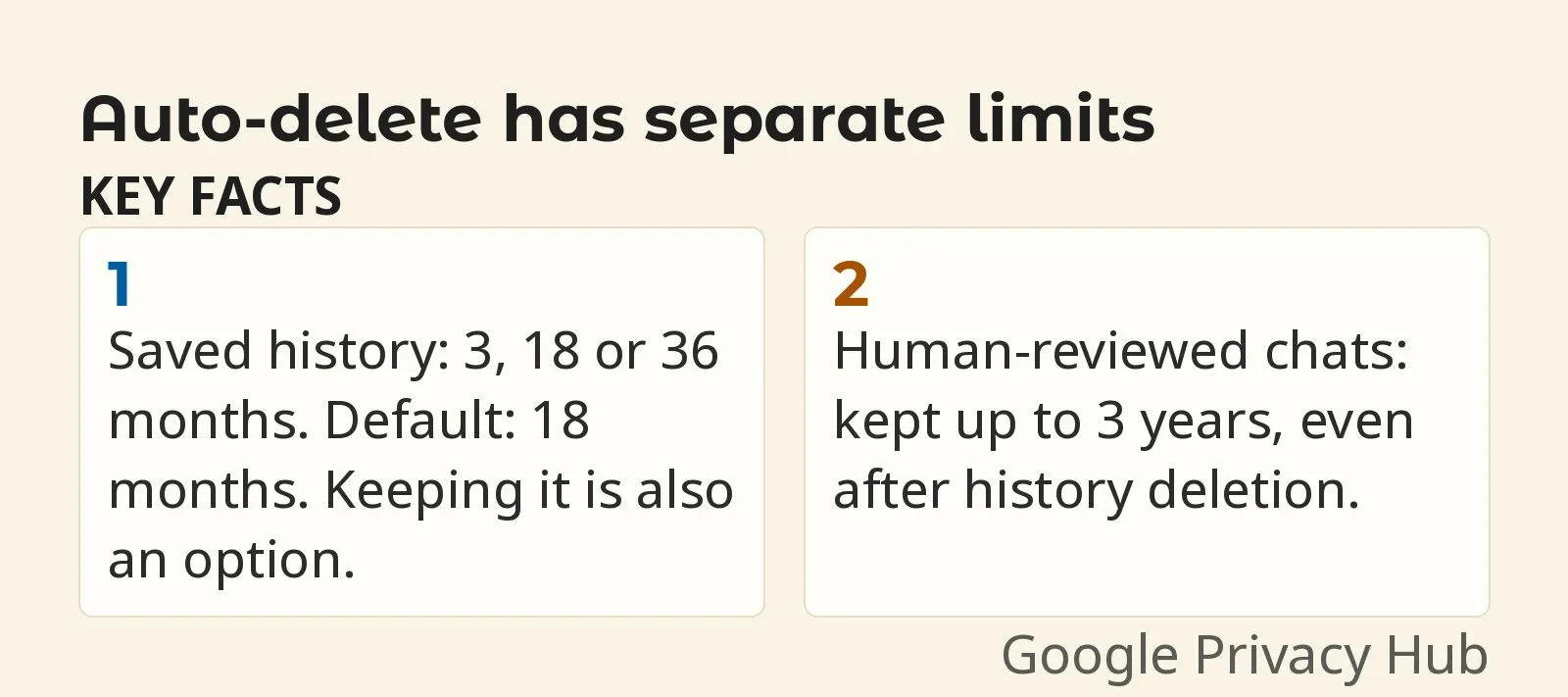
You can choose auto-delete periods for saved History. The options are 3, 18, or 36 months. You can also choose “Don’t auto-delete.”
The default setting is 18 months. Saved history older than that period is auto-deleted. This setting only applies to saved History.
Work or school accounts may not let you change this. A Workspace admin controls retention for those accounts. You may not see the same duration choices.
Auto-delete options are documented here.
Human-Reviewed Chats Are Different
Chats that humans review are not deleted when you delete History. Google keeps that reviewed data for up to 3 years. This rule applies even if you later turn off the training setting.
Chats are separated from your account before review. Google says it separates them from your account before sending them to service providers. Deleting History does not reach this stored copy.
Human review retention is described here.
AI Training and History Settings
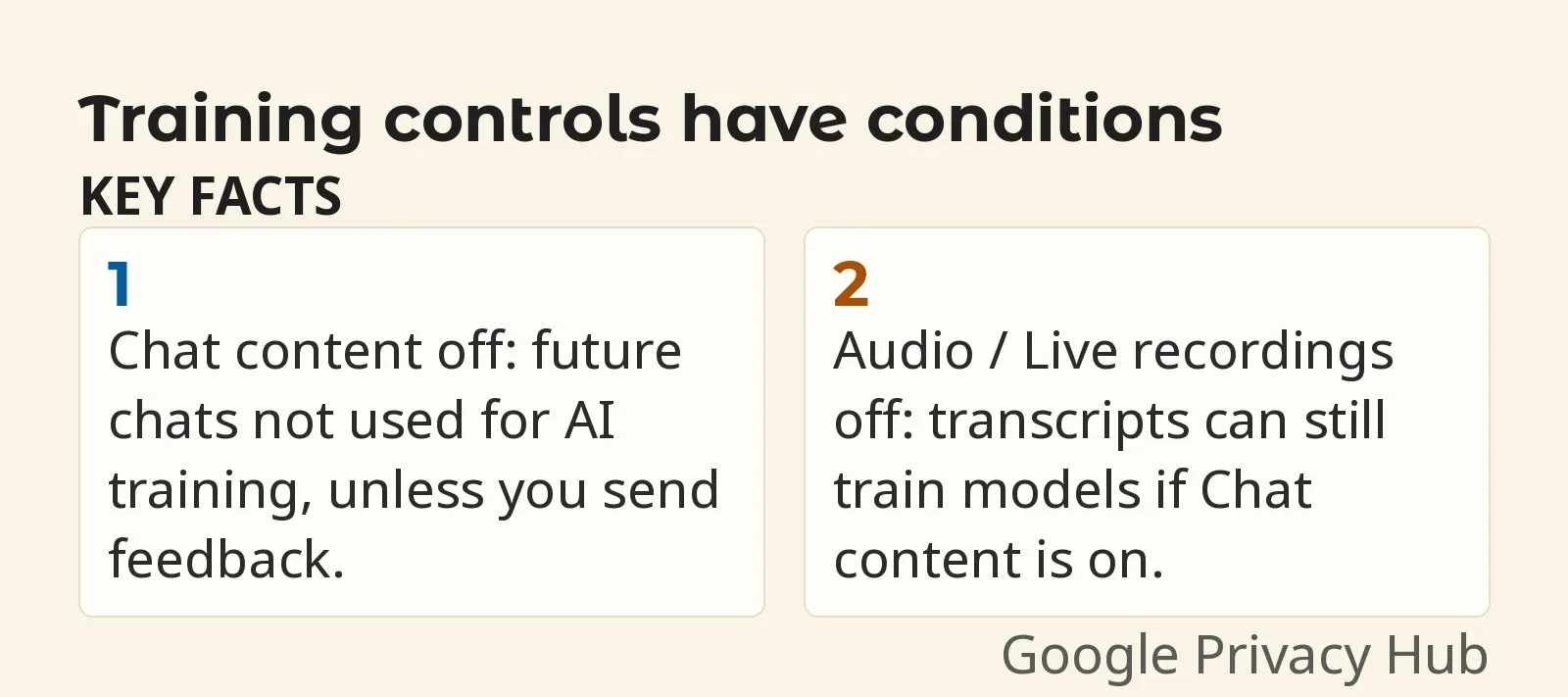
History must be on to enable these training settings. If chat content training is on, future chat text and attachments are used to train AI models. This is the default for users over 18.
The audio and Gemini Live setting is off by default. When on, it covers recordings already stored in History and those added later.
Google can then use those recordings to improve its services, including AI training. When off, recordings are not used for this purpose unless you send feedback.
Feedback can bring a chat into human review and improvement. That related data may be stored for up to 3 years. Turning off training later does not remove that reviewed copy.
If History is off and you do not send feedback, future chats are not used for AI training. Service and safety uses still remain even without feedback.
Training controls are documented here.
Audio, Transcripts, and Temporary Chats
Audio is not the same data as a transcript. Even with audio training off, transcripts and attachments can still be used to train AI models. This happens when the chat-content setting is on.
Temporary chats have the same around two-month storage period. That does not make two months a deadline for all deleted data.
Live and temporary chat details are here.
Work, School and Other Google Services
Work and school accounts may have different rules. A Workspace admin sets retention, and you may not change it. Personal Google Account settings do not override that.
Other Google services keep their own data. Deleting Gemini History does not erase data saved by other Google services. Read each service’s rules separately.
Disabling Gemini is separate from saved-data controls. Search AI Mode is a separate product context.
Get new guides first
Browser alerts for new TechKwiz guides.