Quick answer: The settings to check first are Contact Me, who can view your Story, Ghost Mode on Snap Map and two-factor authentication. Snapchat Support’s own pages explain how to change each one.
Snapchat is built around photos and videos that disappear, plus chat, calls, Stories and a short-video feed. For other apps, see our social media setup guides.
Find your way around the app
Snapchat Support’s How to Use Snapchat page describes the main areas:
- Chat: where you message friends and receive Snaps.
- Stories: where you watch friends’ Stories and other content.
- Spotlight: a feed of short videos you swipe up and down.
- Profile: where you manage your Story, add friends and open Settings.
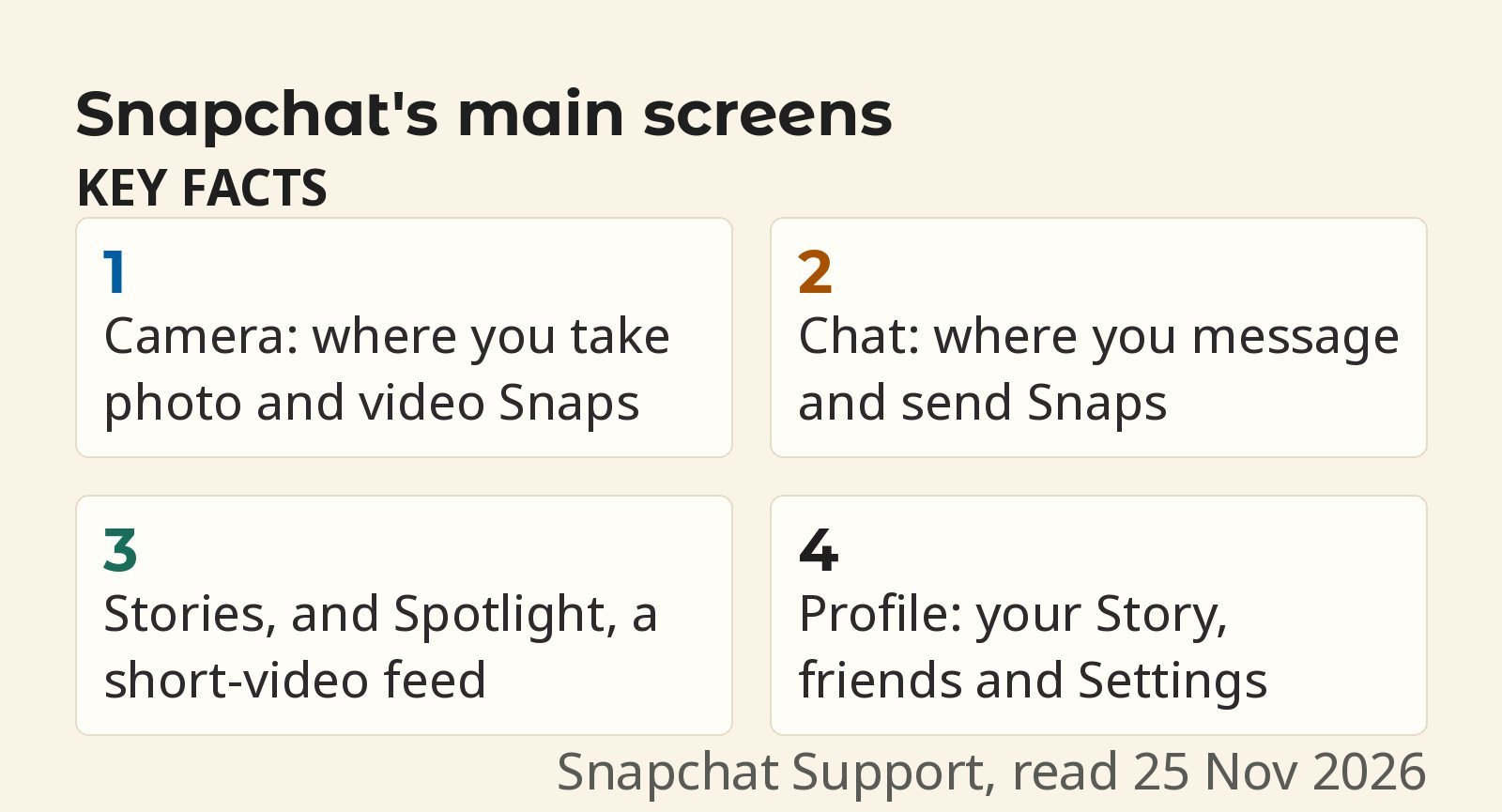
You can also chat and call from a computer at web.snapchat.com, according to the same page. The eSafety Commissioner (updated 17 November 2026) describes Spotlight the same way, as a scrolling feed of short videos.
Snaps, Chats and what disappears
A Snap is a photo or video you take with Snapchat’s camera and send to chosen friends. eSafety explains that you can set how long a Snap shows, from 1 to 10 seconds, or choose no limit. The receiver gets one replay, and the sender is told.
Chats work differently. eSafety says messages delete 24 hours after they are opened by default, and unopened messages delete after 31 days. eSafety adds that you can save a message in the chat if you want to keep it.
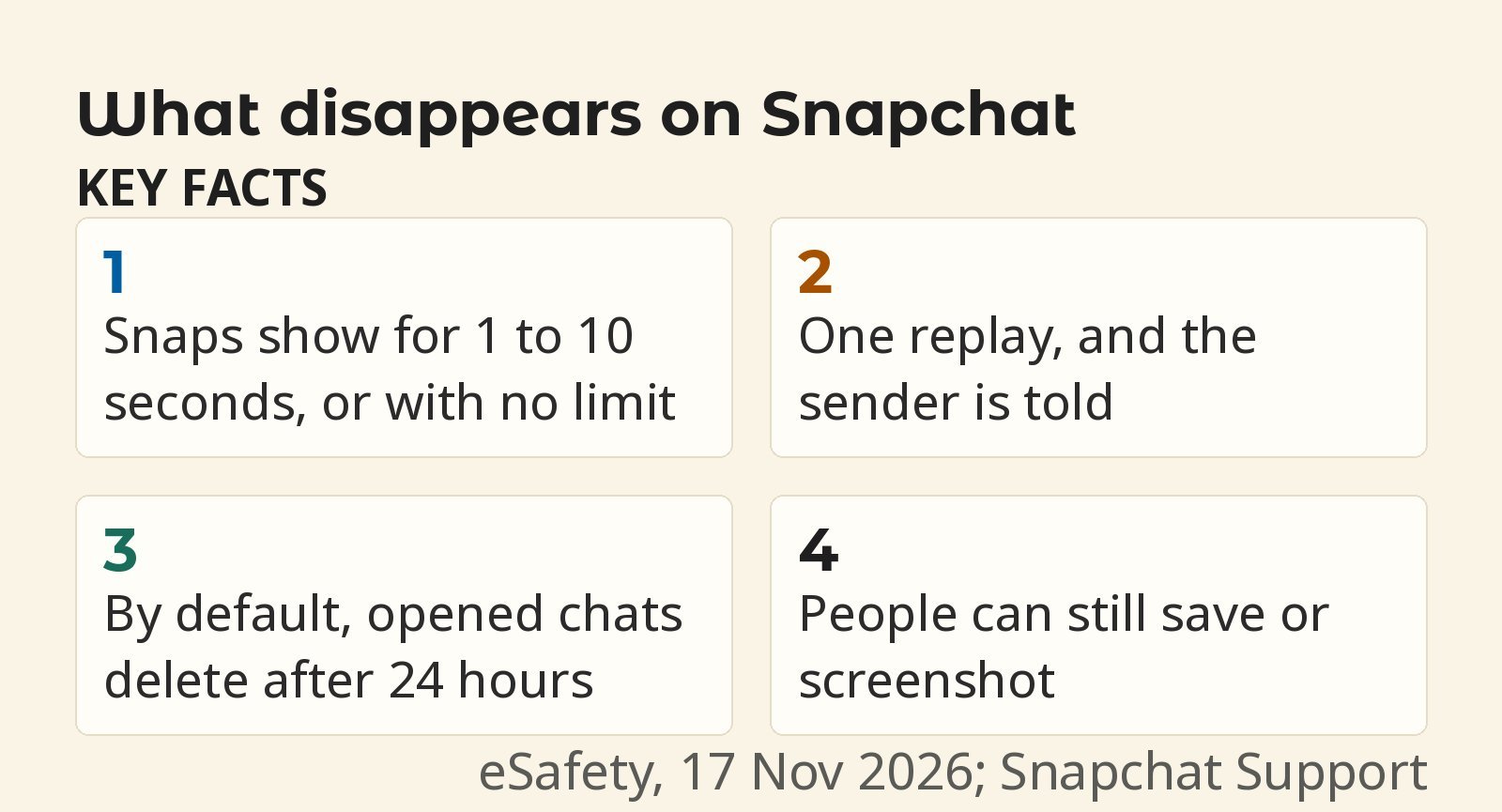
Snaps can still be saved. eSafety warns that people can save photos or chats without the sender knowing. Snapchat’s safety tips also say people can screenshot a Snap or photograph it with another device.
How Streaks work
Snapchat Support’s Streaks page sets out the rules:
- You and a friend both send photo or video Snaps at least once a day, every day.
- A fire emoji appears on the Chat screen, and the number next to it is the Streak’s age in days.
- An hourglass means the Streak is about to expire, so both of you need to Snap soon.
- In a group, most members must send a photo or video Snap, not a Chat, each day.
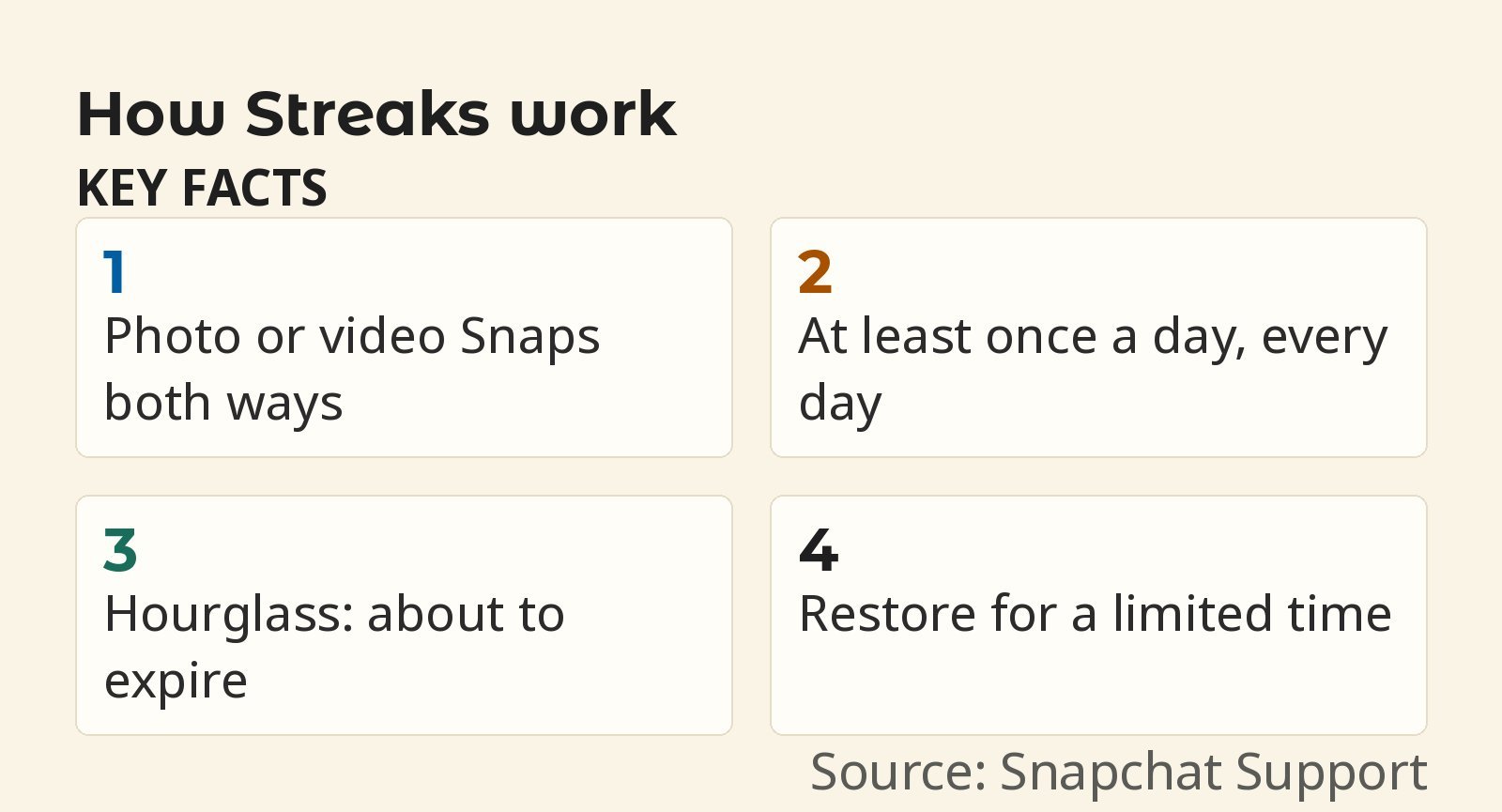
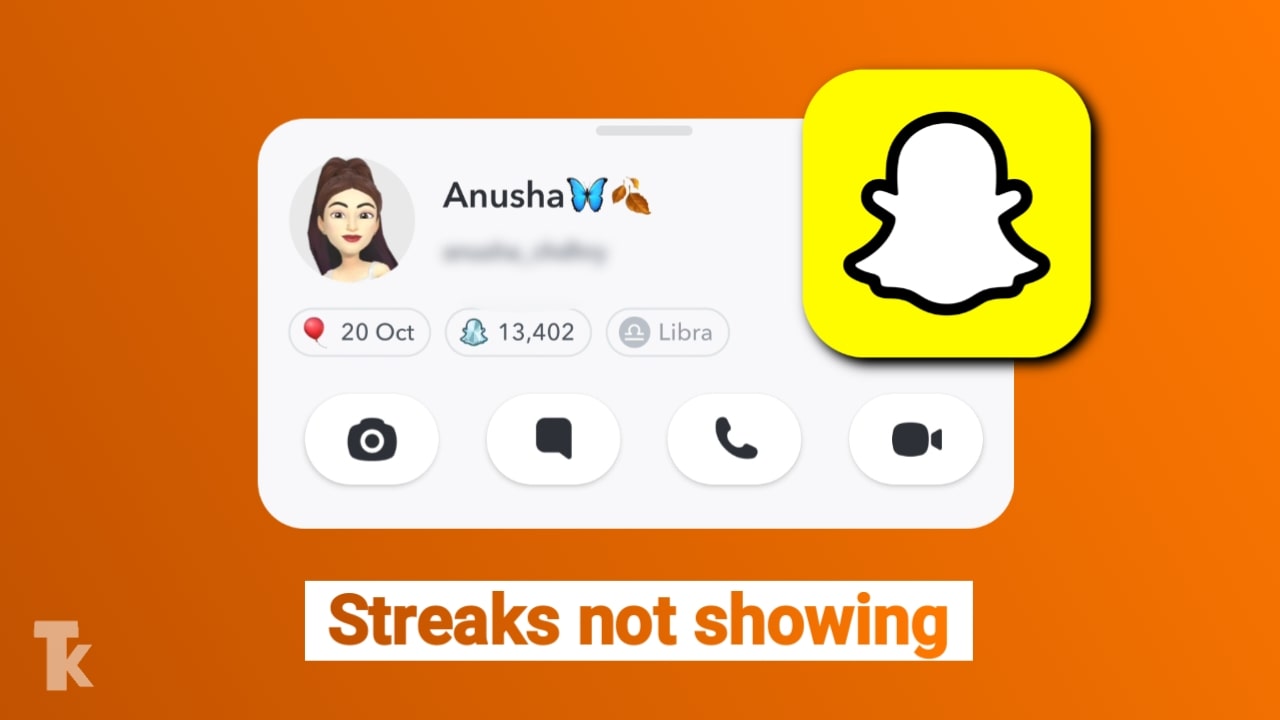
A lost Streak can be restored for a limited time only, says Snapchat Support. eSafety describes the same once-every-24-hours rule. If a Streak vanished while you were still snapping, see our guide to a Streak not showing in Snapchat.
Snap Map and Ghost Mode
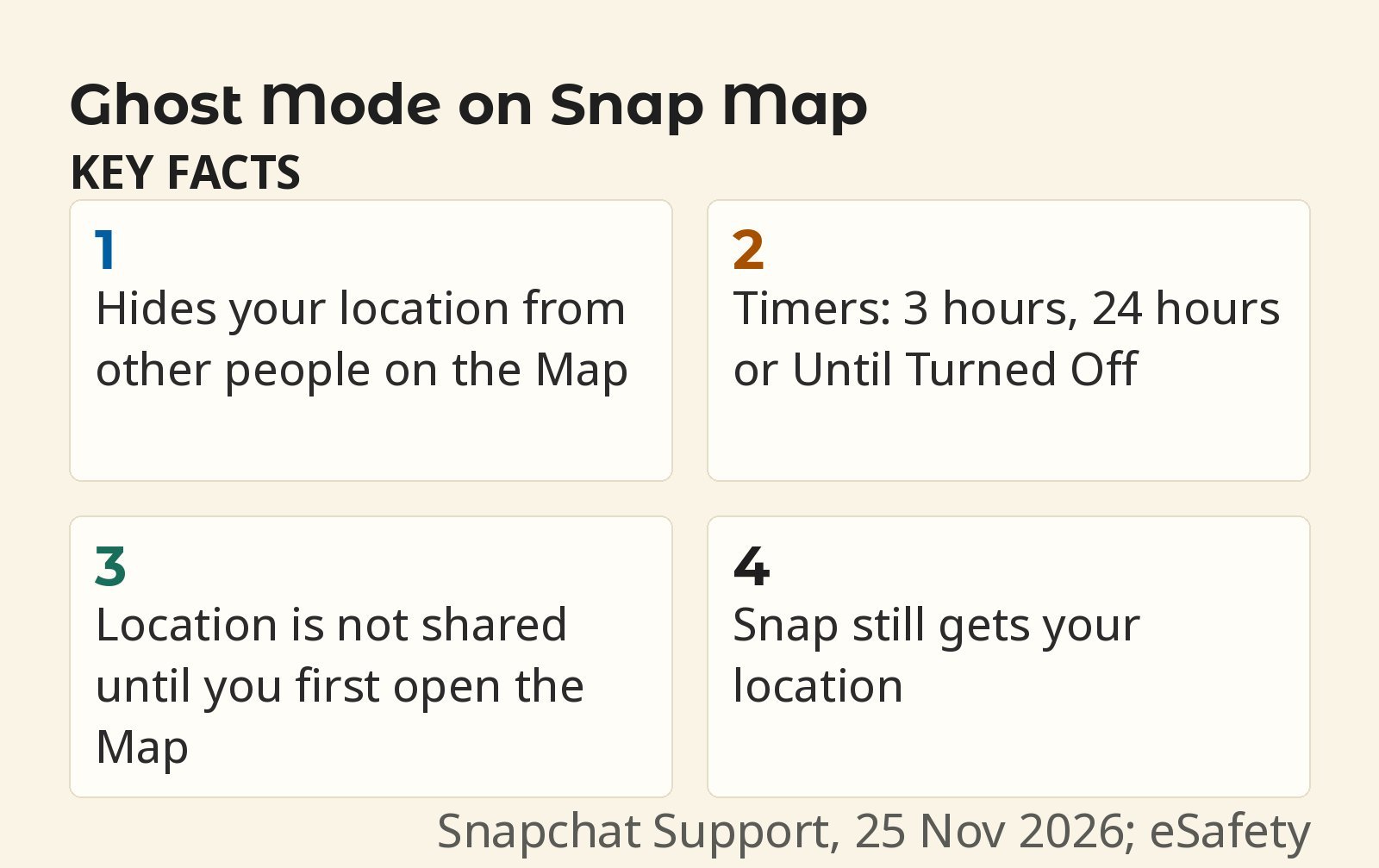
Snap Map shows friends who choose to share their location with you. Snapchat Support says your location isn’t shared on the Map until you open it for the first time. eSafety also says location sharing is off by default.
Ghost Mode hides your location from other people on the Map. Snapchat Support’s Ghost Mode page, Internet Matters and Pocket-lint all give these steps:
- Open the Map.
- Tap the gear icon to open Map Settings.
- Turn on Ghost Mode.
Internet Matters (updated 4 November 2026) and Pocket-lint (24 September 2024) match these steps; we cross-checked them against Snapchat’s page on 25 November 2026, and Pocket-lint’s 2024 guide still matches it. The gear’s position on the Map screen varies between guides. Snapchat Support adds that Ghost Mode can last 3 hours, 24 hours or until you turn it off.
Internet Matters adds that you can hide your location from specific people instead.
Ghost Mode has limits: Snapchat says your location is still shared with Snap, and Snaps you submit to Snap Map can still appear on the Map whatever setting you choose.
Privacy settings to check first
Snapchat Support’s privacy settings page groups these settings in a section it calls App & Privacy. Internet Matters calls the same section Privacy Controls. The settings worth reviewing:
- Contact Me: who can send you Snaps, Chats and calls. Friends is the default.
- View My Story: who can see your Story, including a Custom list.
- Find Friends: whether Snapchat suggests you to other people.
- Location: who can see where you are on the Map.
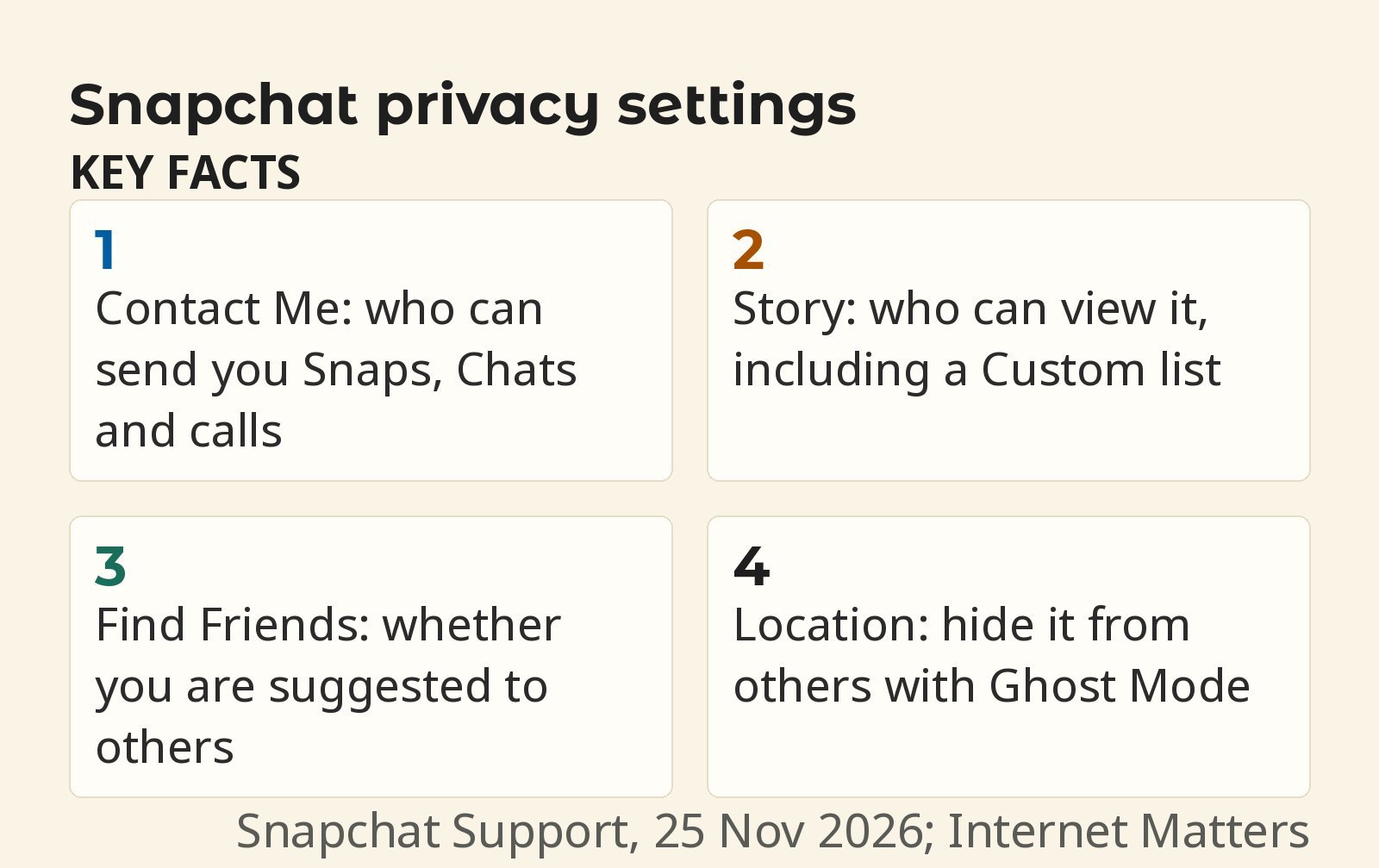
Internet Matters lists the same Contact Me and View My Story settings. Snapchat says a Custom Story list lets you block specific friends, and Find Friends changes can take up to 72 hours. eSafety notes that Find Friends suggests people based on things like age, location and contacts, which can show you to strangers. Our guide to mutual friends on Snapchat covers a related feature.
Snapchat adds two catches. People in a group you join can still message you there, even if only friends can contact you. And Snaps already on your Story may stay visible to others after you tighten the setting.
My AI
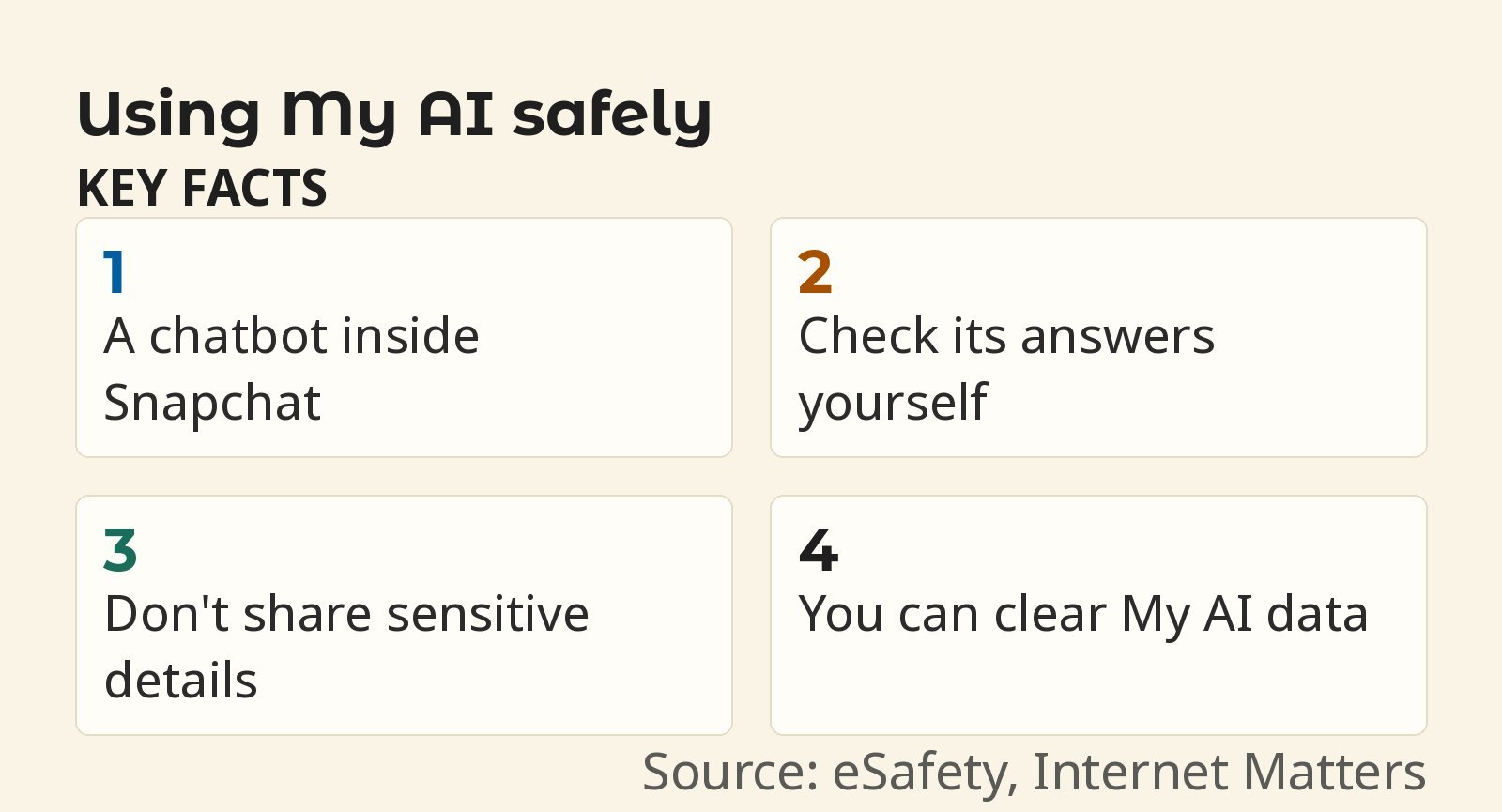
My AI is a chatbot inside Snapchat. Internet Matters says only Snapchat+ subscribers can unpin or remove it from the chat list.
Keep it general: eSafety says Snapchat recommends checking My AI’s answers yourself and not sharing confidential or sensitive information with it.
Internet Matters says you can also clear the data My AI keeps.
Secure your account
Snapchat Support’s security and safety tips recommend these steps:
- Use a long, unique password and never share it.
- Turn on two-factor authentication in the app.
- Verify your phone number and email so you can recover the account.
- Check Session Management for devices you don’t recognise.
- Only add friends you know in real life, and report or block anyone who bothers you.
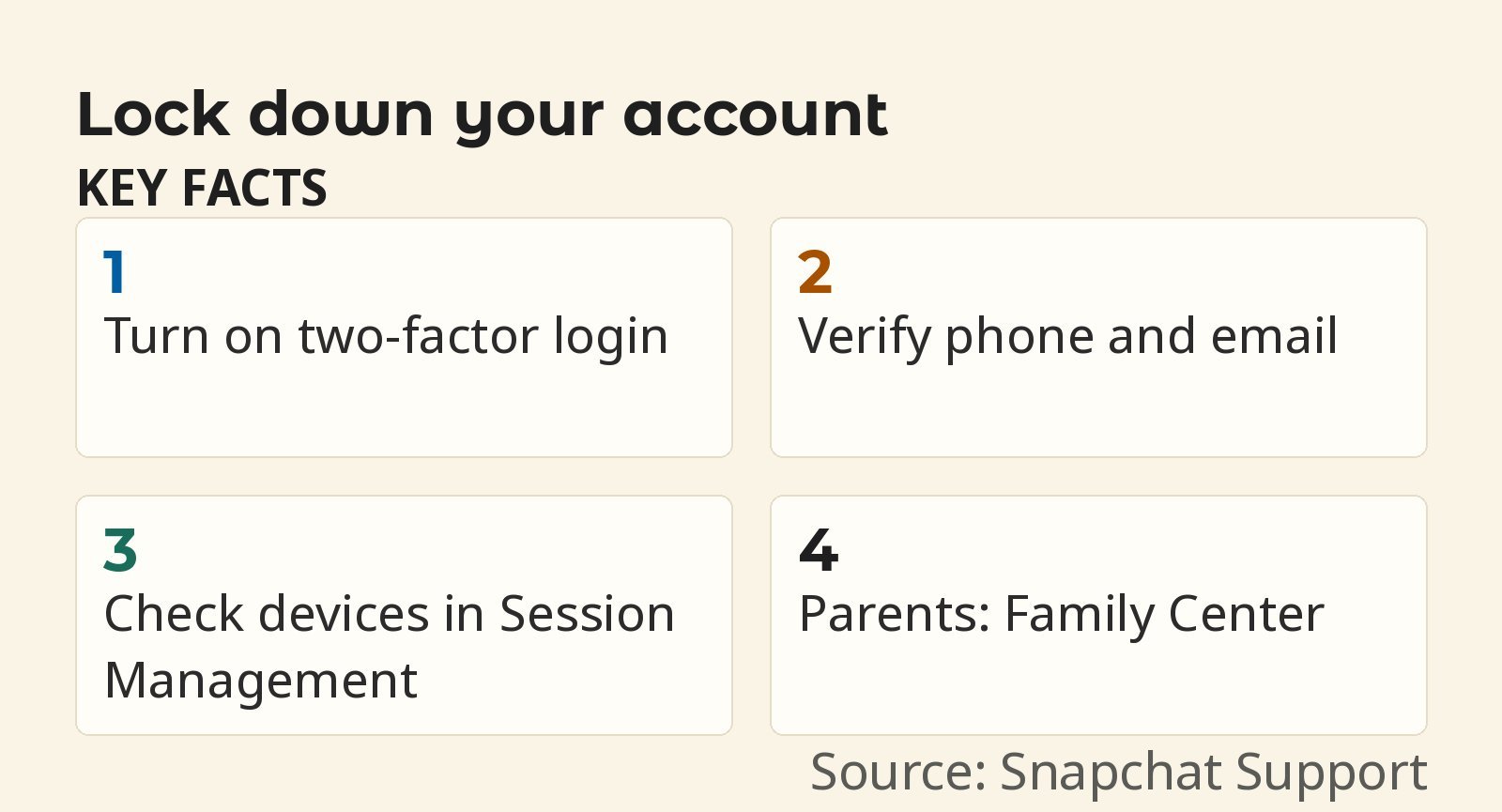
Snapchat recommends authenticator apps such as Google Authenticator or Microsoft Authenticator. Snapchat is for ages 13 and up. Its Family Center lets parents see which friends a teen has chatted with in the last seven days, limit some Stories and Spotlight content, and stop My AI replying to the teen.
In Australia: eSafety says people under 16 should no longer be able to hold Snapchat accounts since 10 December 2025.
Get new guides first
Browser alerts for new TechKwiz guides.