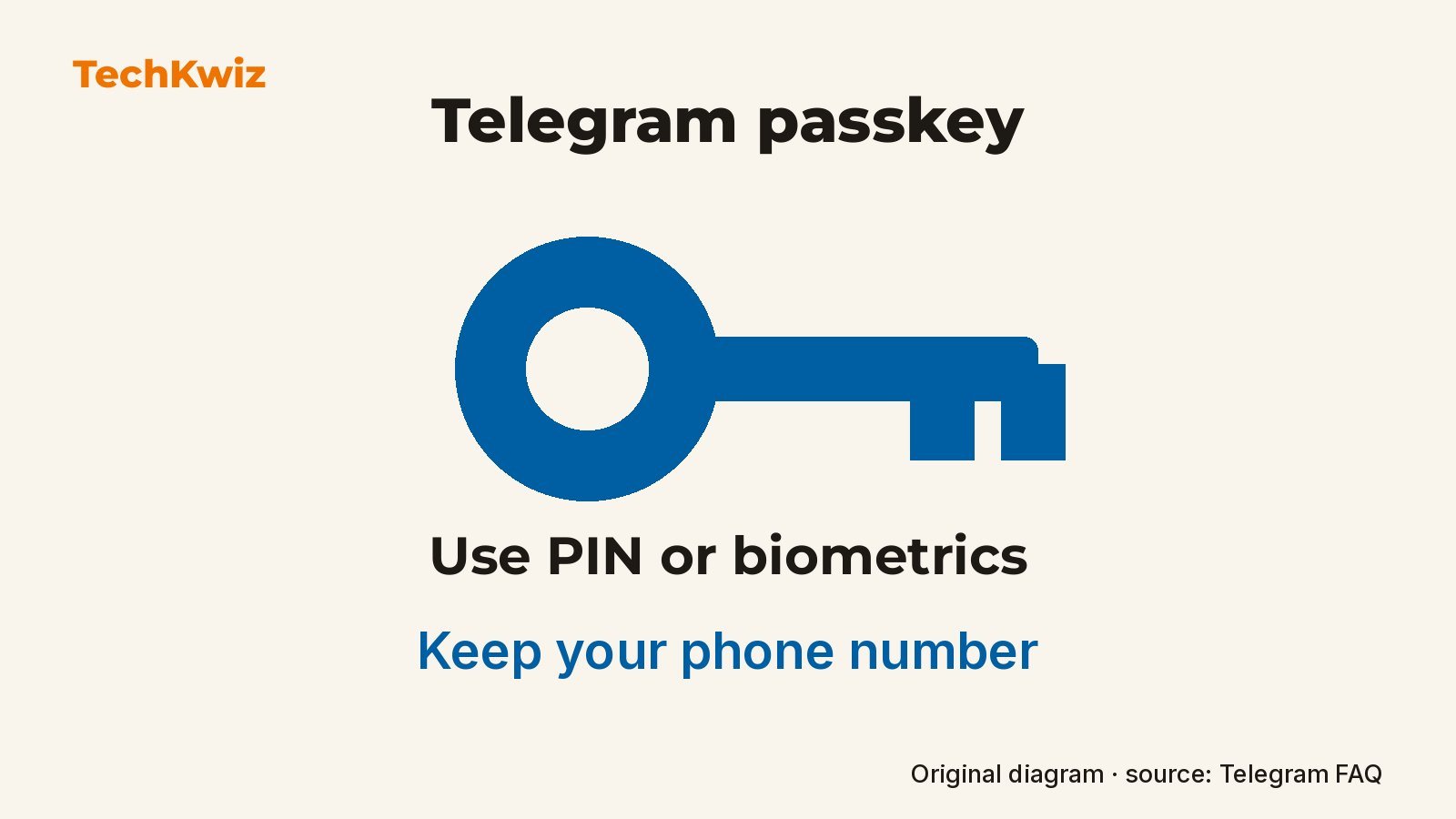
A Telegram passkey lets you log in with your device PIN, face or fingerprint. Keep an active phone number on your account. You still need internet access.
Passkeys are safer than SMS codes and keep working even when you can’t get texts, per the Telegram FAQ.
Create the passkey while you are signed in
The Telegram FAQ recommends creating the key from an account you’re already signed in to — not during a fresh login.
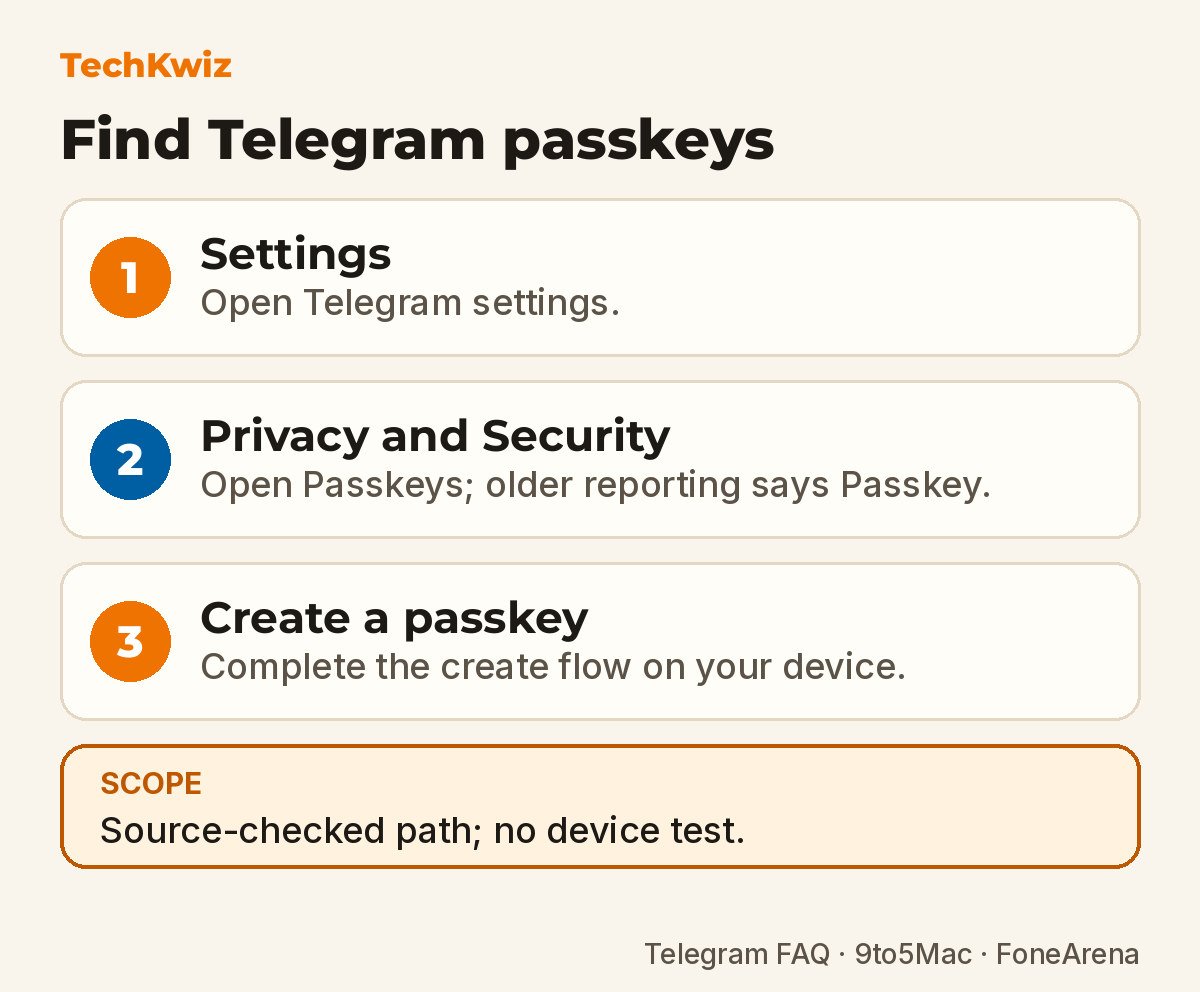
- Open Telegram, then tap Settings.
- Tap Privacy and Security.
- Tap Passkeys. Some launch reports use Passkey in the singular, but the path is the same, as 9to5Mac and FoneArena both describe it.
- Choose to create a passkey and follow the device prompt. The key is tied to your account and stored on the device, according to 9to5Mac and the Telegram blog.
What each control actually protects
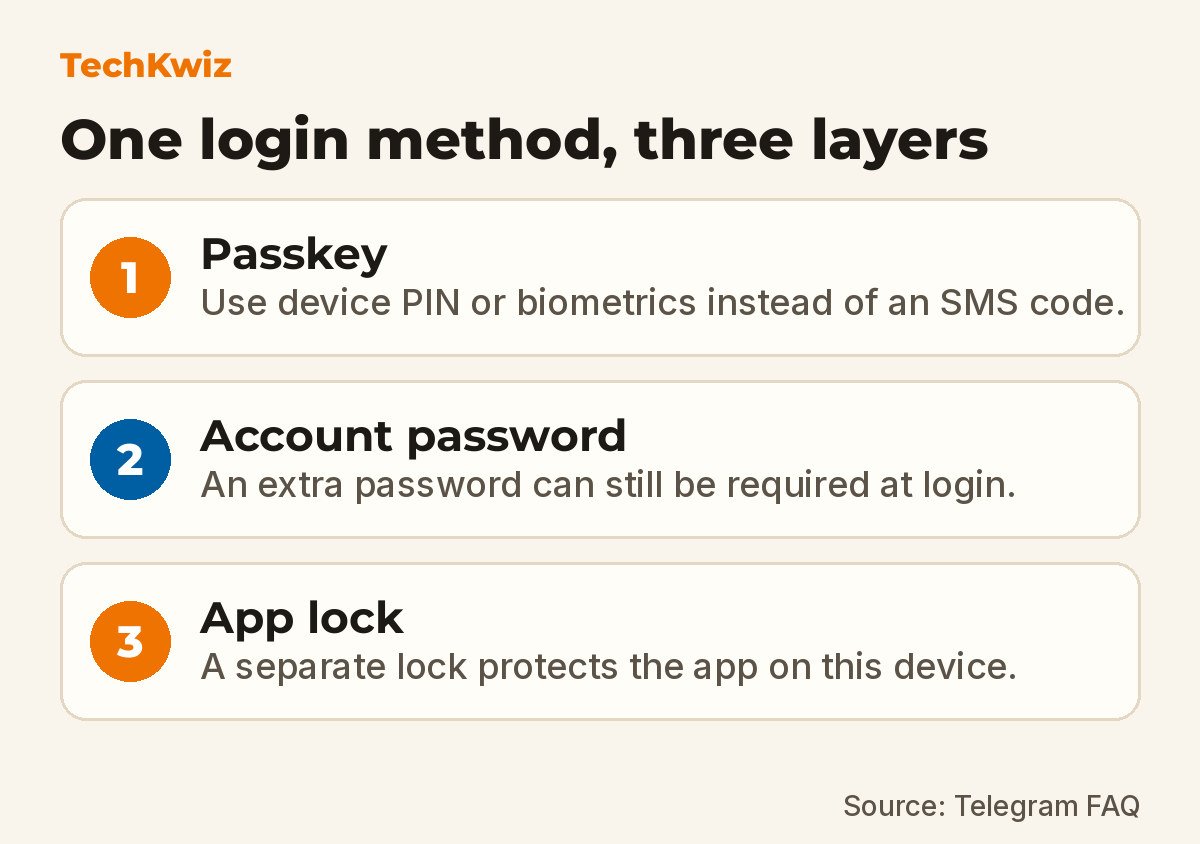
Your passkey, extra account password and app lock each do a different job.
| Control | What it controls |
|---|---|
| Passkey | Sign in with your device PIN, face or fingerprint in place of SMS |
| Extra account password | Extra step at login; can still be required even with a passkey |
| Local app lock | Limits access to Telegram on this device |
Recovery is still yours to arrange
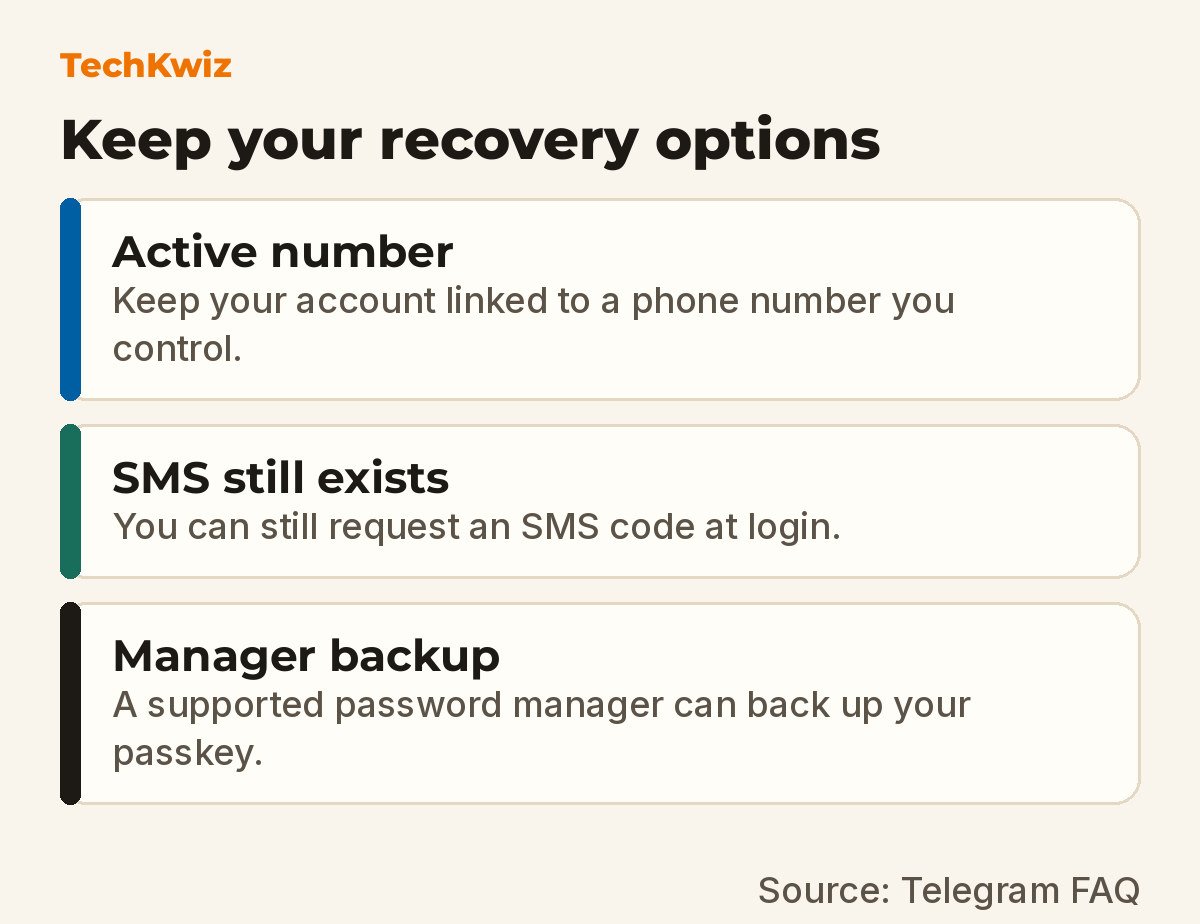
Keep your number up to date, and check where your passkey is saved. Three things matter here, per the Telegram FAQ and the Telegram blog:
- Active phone number: Telegram still identifies your account by number, so you need to control it.
- SMS fallback: you can still request a code even with a passkey enabled — another reason to keep your registered number current.
- Password-manager sync: managers like iCloud Keychain or Google Password Manager can back up your key, but not every service does. Confirm before relying on it.
Privacy controls stay separate
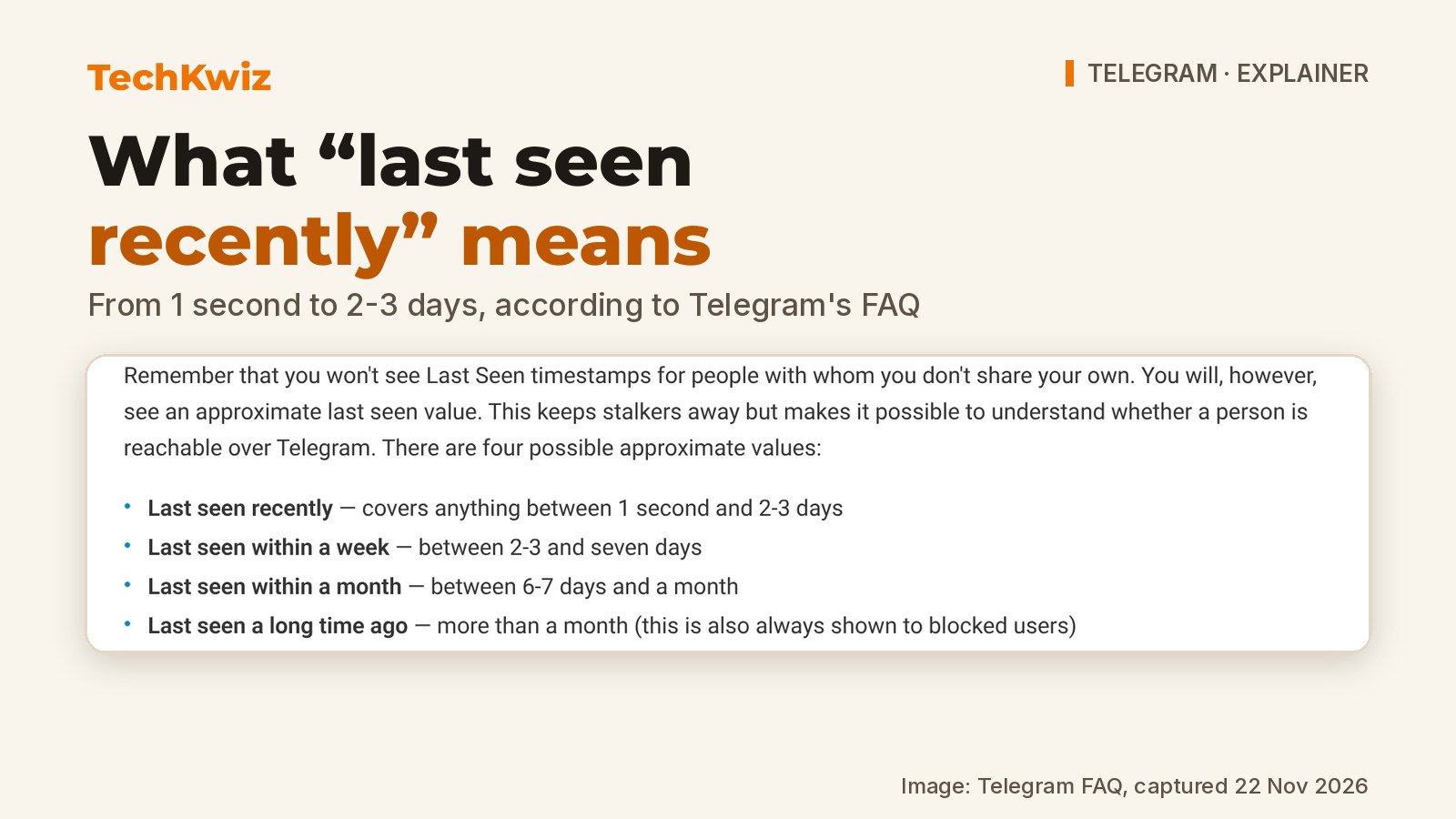
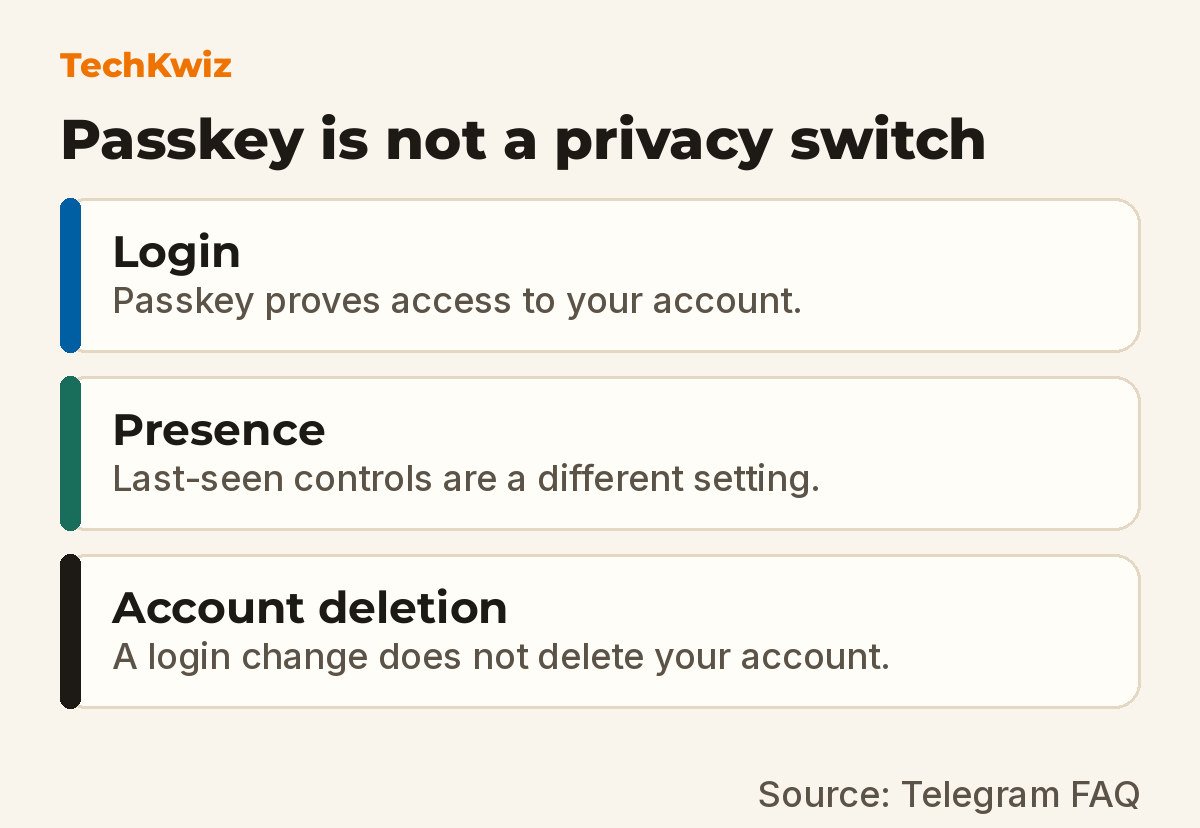
A passkey does not hide your last-seen time, stop contacts from finding you, or delete your account — those live in separate settings entirely, per the Telegram FAQ.
To choose who sees your activity, see Telegram last-seen settings. To keep a new account quiet, see signing up without alerting contacts. To leave the service, see delete your Telegram account.
Not device-tested. Sources checked 24 Nov 2026.
The 9to5Mac (15 Dec 2025) and FoneArena (13 Dec 2025) reports date from the launch. The current Telegram FAQ still confirms their shared setup path and login method.
Get new guides first
Browser alerts for new TechKwiz guides.