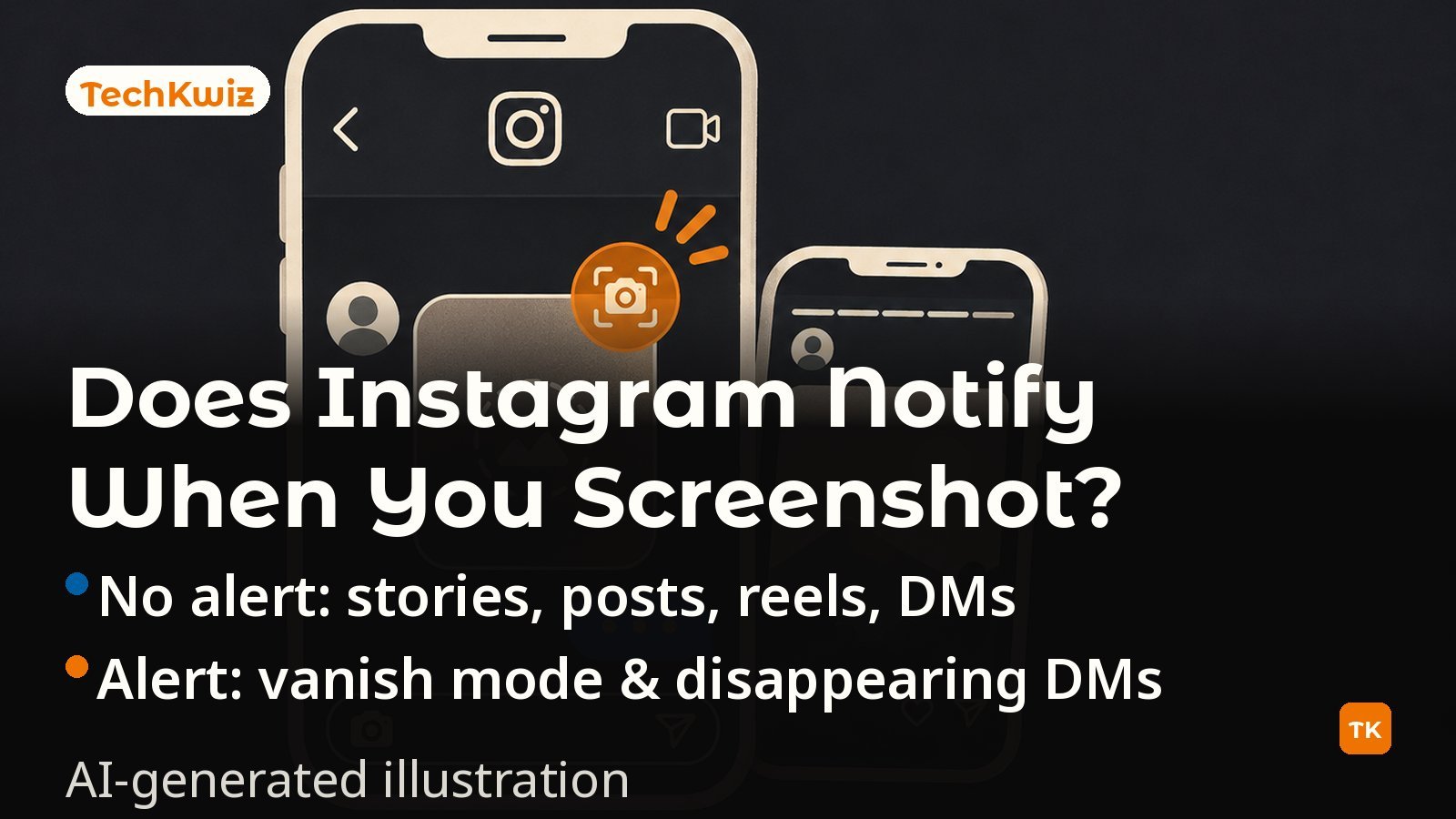
Does Instagram notify when you screenshot? It depends on what you capture. Instagram’s help pages describe different rules for stories, posts, reels, DMs, and disappearing photos. This guide gives a surface-by-surface answer based on Instagram’s official help pages and announcements, checked on 15 November 2026.
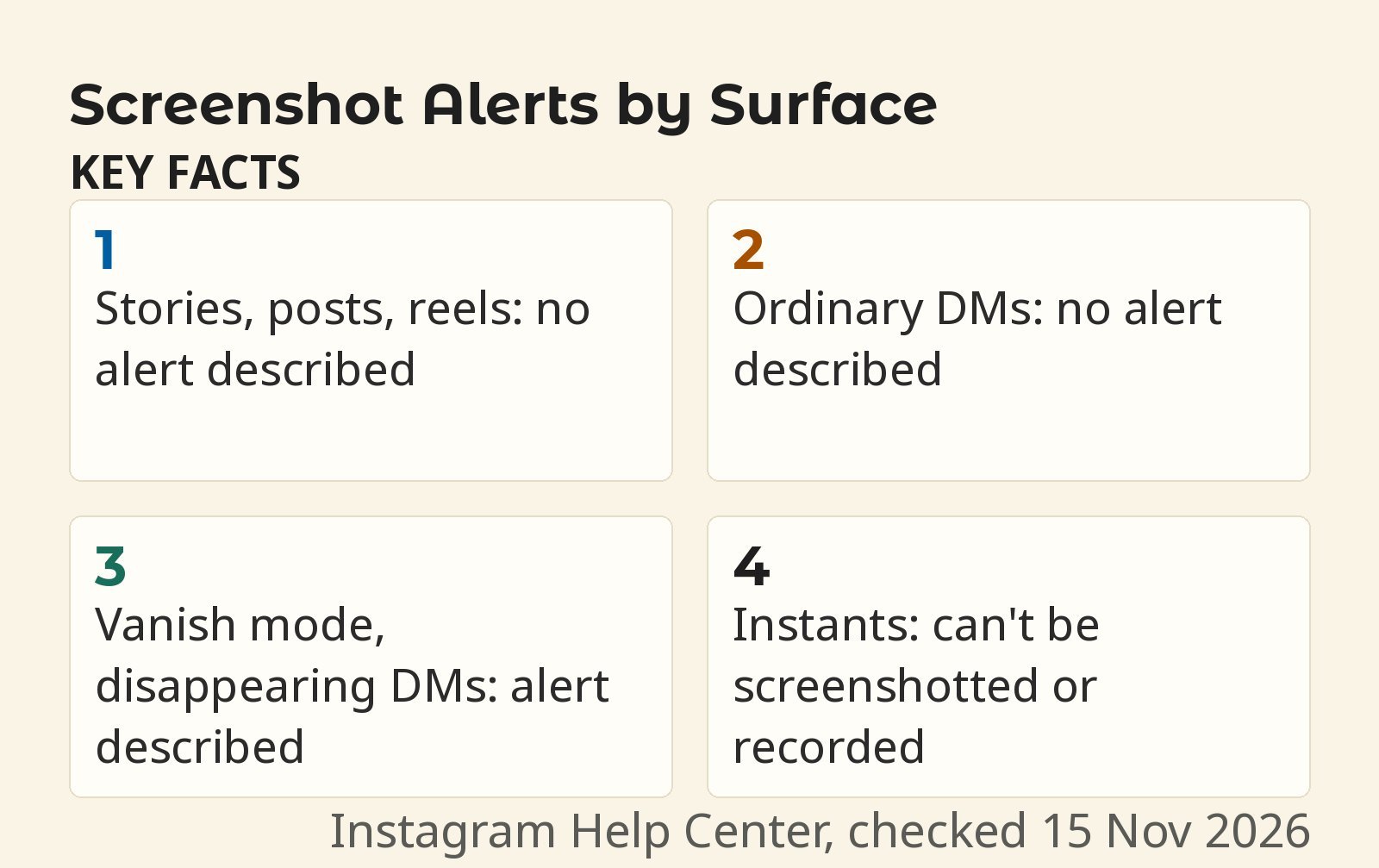
Quick answer: The Instagram help pages checked (15 November 2026) describe no screenshot alert for stories, posts, reels, profiles or ordinary DMs. Conditional alerts are described for vanish mode and disappearing-message chats. Instagram’s status page says screenshots of disappearing photos/videos are disabled, while the sending help page still mentions screenshot detection. Instants cannot be screenshot or screen recorded.
How we researched this: every fact below comes from Instagram’s official help pages and announcements, linked in each section and listed at the end. We have not run our own device tests, so where Instagram’s pages don’t describe something, we say so instead of guessing. Last checked: 15 November 2026.
What Instagram notifies you about (and what it doesn’t)
Instagram’s Help Center explains different screenshot rules for different types of content. The table below summarizes what Instagram’s official pages say about screenshot alerts.
| Surface | Does the other person get a screenshot alert? | What Instagram’s own page says | Source link |
|---|---|---|---|
| Stories | No screenshot alert described in the help pages checked | Story viewers page mentions only that you can see who viewed your story; no screenshot mention. | Story viewers |
| Posts, reels, profiles | No screenshot alert described in the help pages checked | The official pages checked describe no screenshot alerts for posts, reels or profiles. | No official page found |
| Ordinary DMs (text, photos sent normally) | No screenshot alert described in the help pages checked | The Instagram help pages checked describe no screenshot alert for ordinary text messages or photos sent without disappearing features. | No official page found |
| Disappearing photos/videos in DMs | Status page says screenshots are disabled; sending page still mentions detection | Status page: “Taking a screenshot is now disabled for a disappearing photo and video you’ve sent in a chat.” sending page: “You can’t view your disappearing photos or videos after you’ve sent them in a chat, but you can see if they were seen or if we detect someone took a screenshot.” | Disappearing photos and Disappearing photos |
| Vanish mode chats | Yes, if detected | “You’ll receive a notification if we detect they take a screenshot.” | Vanish mode |
| Disappearing-message chats | Yes, if detected (iPhone page wording also covers screen recording) | iPhone: “Take a screenshot or screen recording of your disappearing message before it’s no longer visible. You’ll receive a notification if we detect this happens.” Android: “Take a screenshot or screen recording of your disappearing message before it’s no longer visible. You’ll receive a notification if we detect they take a screenshot.” | Disappearing messages |
| Instants | Instagram says screenshots and screen recordings are blocked; attempted-capture alerts are not described | “No screenshots – instants can’t be screenshot or screenrecorded.” | Instants announcement |
Stories: can people see if you screenshot their Instagram story?
Instagram’s story-viewers page says to open your story and swipe up to see viewer counts and usernames; it describes no screenshot indicator. The page clearly states, “Only you can see who’s viewed your story,” and “You can see who’s viewed your story up to 48 hours after you post it.”
Instagram’s story-viewers page doesn’t mention screenshots at all. Instagram’s vanish mode and disappearing-message pages also warn that someone can photograph a screen with another device.
If you’re new to stories, our beginner’s guide to posting a story walks through the basics.
Posts, reels and profiles
Instagram feed posts, reels and profile pages have no screenshot alert described in the Instagram help pages we checked.
This applies to both feed posts and reels. If someone misuses your posts or stories, you can also block them; our guide explains how to block or unblock someone on Instagram.
DMs and chats: ordinary messages vs disappearing photos and videos
Instagram’s Direct messages have different rules depending on how you send a photo or video. The Instagram help pages checked describe no screenshot alert for ordinary text messages or photos sent without disappearing features. However, disappearing photos and videos have special protections.
When you send a disappearing photo or video in a chat, you can choose from three options: View once, View twice, or Unlimited views. According to Instagram’s sending help page, “You can’t view your disappearing photos or videos after you’ve sent them in a chat, but you can see if they were seen or if we detect someone took a screenshot.” A separate Instagram status help page says, “Taking a screenshot is now disabled for a disappearing photo and video you’ve sent in a chat.”
In October 2024, Meta announced that “we’ll no longer allow people to use their device to directly screenshot or screen record ephemeral images or videos sent in private messages.” This change applies to “view once” and “allow replay” media in Instagram DM and Messenger. Meta also said, “We also won’t allow people to open ‘view once’ or ‘allow replay’ images or videos on Instagram web, to avoid them circumventing this screenshot prevention.” The sending and status help pages use inconsistent wording: one mentions detection and the other says screenshots are disabled.
For other Instagram features and settings, see our complete Instagram guide.
Vanish mode and disappearing-message chats
Instagram’s vanish mode is a chat setting where messages disappear when someone leaves the chat or turns vanish mode off. According to Instagram’s help page, “Content sent in vanish mode disappears when someone leaves the chat or turns vanish mode off.” Instagram’s vanish mode page says the sender is alerted when Instagram detects a screenshot: “You’ll receive a notification if we detect they take a screenshot.” Instagram’s 2020 vanish mode announcement put it more simply: “If someone takes a screenshot of your chat while you’re using vanish mode, you’ll be notified.”
Vanish mode may not be available everywhere. The help page states, “This feature may be unavailable in Japan and for countries located in Europe.” Instagram warns that someone can photograph a disappearing message with another device; the page describes no notification for that.
Disappearing messages, a related feature, are only available in certain locations. On iPhone, Instagram’s help page says: “Take a screenshot or screen recording of your disappearing message before it’s no longer visible. You’ll receive a notification if we detect this happens.” On Android, the same page says: “Take a screenshot or screen recording of your disappearing message before it’s no longer visible. You’ll receive a notification if we detect they take a screenshot.” The feature cannot be used in group chats or with accounts from Messenger or Facebook.
Instants
Instagram Instants was introduced in May 2026 as a new way to share in the moment. Instagram’s announcement says, “No screenshots – instants can’t be screenshot or screenrecorded.” Meta says Instants can be shared with Close Friends or followers you follow back; Instagram’s announcement says recipients cannot see them after viewing or after 24 hours.
Instagram says Instants can’t be screenshot or screen recorded; it does not describe what happens if someone tries.
Does Instagram notify screen recording?
Instagram’s help pages discuss screen recording in specific disappearing-content contexts. For vanish mode, the caution list includes “Take a screenshot or screen recording of a message in vanish mode before it disappears” as a way someone might capture your message, and you’ll be notified if Instagram detects a screenshot. The wording does not explicitly say you’ll be notified for a screen recording, only for a screenshot.
For disappearing messages on iPhone, the help page says: “Take a screenshot or screen recording of your disappearing message before it’s no longer visible. You’ll receive a notification if we detect this happens.” On Android, the same page says: “Take a screenshot or screen recording of your disappearing message before it’s no longer visible. You’ll receive a notification if we detect they take a screenshot.” For view once and allow replay media, Meta’s 2024 announcement says the app will block both screenshots and screen recording. The official pages checked describe no screen-recording alert for stories, posts, reels or profiles.
How to keep your own photos and messages more private
Instagram documents viewing options and screenshot protections for specific disappearing-content features. When sending a photo or video in a DM, choose View once or View twice instead of allowing unlimited replays. View once and View twice limit repeat viewing; the help pages checked describe no setting to turn screenshot notifications on or off.
If you want extra privacy in chats, use vanish mode or disappearing messages where they are available. To protect the phone itself, see how the iPhone inactivity reboot locks data down when an iPhone sits unused. For Instants, Instagram says they can only be shared with Close Friends or mutual followers, and they can’t be screenshot or screen recorded.
The Instagram help pages checked describe no setting to turn screenshot notifications on or off. Where Instagram describes alerts (vanish mode and disappearing-message chats), they depend on Instagram detecting the screenshot. Instagram warns that someone can photograph a disappearing message with another device; the help pages checked describe no alert for that.
Frequently asked questions
Does SS show up on Instagram?
If the question is about screenshots: Instagram’s help pages checked describe no screenshot alert for stories, posts, reels, profiles or ordinary DMs. Conditional alerts are described for vanish mode and disappearing messages; the disappearing-media status page says screenshots are disabled, while the sending page still mentions detection.
Will Instagram notify screenshots in 2026?
Instagram’s pages checked in 2026 describe conditional alerts for vanish mode and disappearing messages; the disappearing-media status page says screenshots are disabled, while the sending page still mentions detection. The help pages checked describe no screenshot alerts for stories, posts, reels or regular DMs. The official pages checked describe no plans to expand screenshot notifications to other surfaces.
Can people see if you screenshot their Instagram story?
Instagram’s story-viewers help page describes viewers, but no screenshot alert or screenshot indicator. The help page says, “Only you can see who’s viewed your story,” and does not mention screenshots.
Does Instagram notify when you screenshot a DM?
Instagram’s help pages checked describe no screenshot alert for ordinary DMs. For disappearing photos or videos sent with View once or View twice, screenshots are blocked per Instagram’s status page; the sending help page still mentions screenshot detection. For vanish mode and disappearing-message chats, Instagram may notify if a screenshot is detected.
How do I turn off screenshot notifications on Instagram?
Instagram’s help pages checked describe no setting to turn screenshot notifications on or off. Where Instagram describes alerts, they are limited to vanish mode and disappearing-message chats, and they depend on Instagram detecting the capture.
Sources and date checked
- Instagram Help: View disappearing photos and videos – States that taking a screenshot is now disabled for disappearing photos/videos you send.
- Instagram Help: Send disappearing photos and videos – Explains View once/View twice/Unlimited views and screenshot detection.
- Instagram Help: Vanish mode – Describes screenshot notifications and regional availability.
- Instagram Help: Disappearing messages – Details screenshot alerts on Android and screenshot/screen-recording alerts on iPhone.
- Instagram Help: Story viewers – Shows who viewed your story; no screenshot mention.
- Meta news: Protect teens from sextortion scams – Announces screenshot/screen recording prevention for view once/allow replay media.
- Instagram blog: Introducing Instants – States Instants cannot be screenshot or screenrecorded.
- Meta news: Instants share in the moment – Provides Instants privacy details.
- Instagram blog: New messaging features – Confirms vanish mode screenshot notification.
Last checked: 15 November 2026.
Get new guides first
Browser alerts for new TechKwiz guides.